Python Print and Browser Request Layers
Rendering engine in Chrome
Inside the Rendering Engine
When you visit a website, your browser has to do something amazing: it turns raw code into the interactive, visual page you see on your screen. In Google Chrome, this complex job is handled by a rendering engine called Blink. Think of Blink as the engine in a car. It's the core component that takes the fuel—HTML, CSS, and JavaScript—and converts it into motion, or in this case, a fully rendered webpage.
Blink's first task is to read and understand the files it receives from the server. This process is called parsing.
- HTML Parsing: Blink reads the HTML code and builds a tree-like structure called the Document Object Model, or DOM. This DOM represents all the elements on the page and their relationships, like a family tree for your website.
- CSS Parsing: At the same time, Blink processes the CSS files to create the CSS Object Model, or CSSOM. This tree holds all the styling information for the corresponding elements in the DOM.
These two trees contain the content and the styles, but they don't yet know how the page should look. They are just blueprints.
Arranging the Page
With the DOM and CSSOM trees built, Blink combines them into a single structure called the Render Tree. This tree is a bit different because it only includes the elements that will actually be visible on the page. For instance, tags like <head> or any element styled with display: none; are left out because they don't take up any space on the screen.
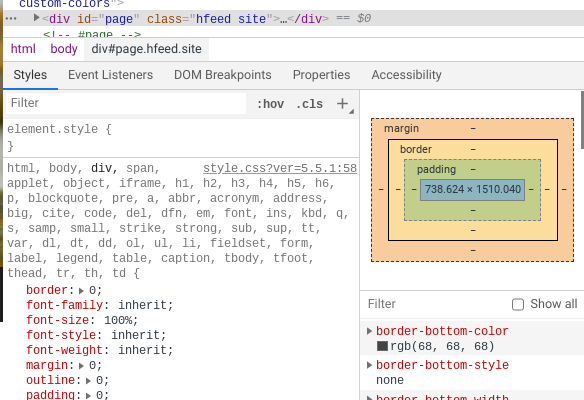
Once the Render Tree is ready, the Layout process begins. This is where the browser calculates the exact size and position of every single element. It walks through the Render Tree and determines the geometry of each node—where it should be, how wide it is, how tall it is. If you change the width of one element, the browser might have to recalculate the layout for the entire page. This is also known as "reflow."
Painting and Compositing
Now that Blink knows the structure, style, and geometry of every element, it’s time to draw them. The Painting stage is where the browser finally converts the calculated information into actual pixels on the screen. It's like a painter filling in a canvas, box by box, with colors, text, and images.
However, Blink doesn't just paint everything onto a single flat surface. For efficiency, it often separates the page into different layers. Think of them as transparent sheets stacked on top of one another. An element that moves or animates, like a pop-up menu, might get its own layer.
This leads to the final step: Compositing. The browser takes all the separate, freshly painted layers and assembles them in the correct order to create the final image you see. By using layers, Chrome can be very efficient. If only one small animation changes, Blink just has to repaint that single layer and composite it back with the others, instead of repainting the entire page. This pipeline—from parsing to compositing—is how code becomes a website.
Let's review these concepts.
What is the primary role of the Blink rendering engine in Google Chrome?
Which of the following elements would be EXCLUDED from the Render Tree?
That's a look at how Chrome's rendering engine brings webpages to life.