Mastering Your Nintendo Switch OLED
Operating Modes
Three Ways to Play
The Nintendo Switch OLED Model is designed for flexibility. Depending on where you are or who you're playing with, you can seamlessly shift between three distinct modes. Each one offers a different way to experience your games, turning one console into three.
TV Mode
For a traditional home console experience, TV mode is your go-to. It lets you play your games on a big screen, perfect for seeing all the fine details or for local multiplayer sessions with friends and family.
To enter TV mode, simply place the Switch console into the Nintendo Switch Dock. The dock connects to your television via an HDMI cable. Once docked, the game automatically displays on your TV screen. You can play using the detached Joy-Con controllers, either separately in each hand or slotted into the Joy-Con grip for a more conventional feel.
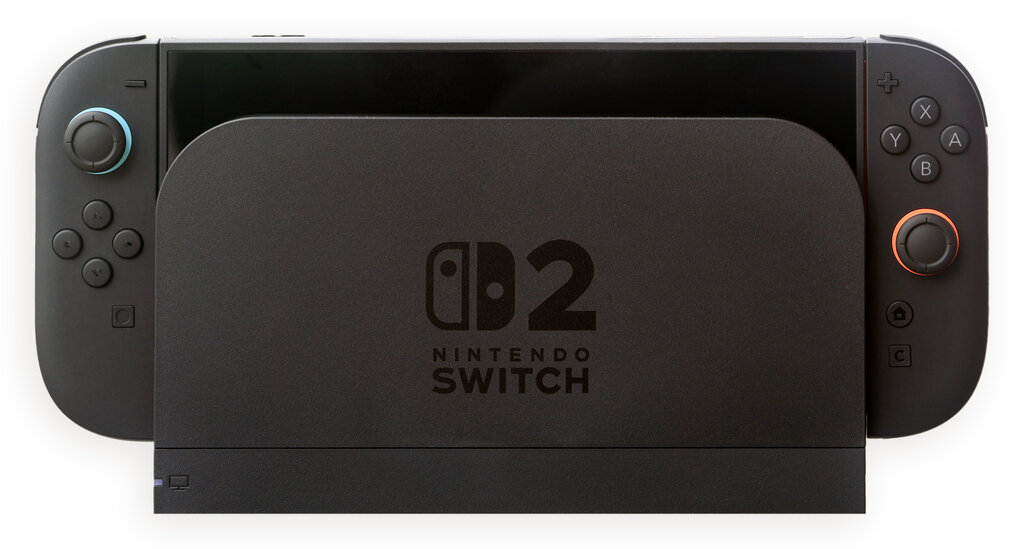
TV mode is ideal for cinematic games or party games where a shared screen makes the experience more fun for everyone.
Handheld Mode
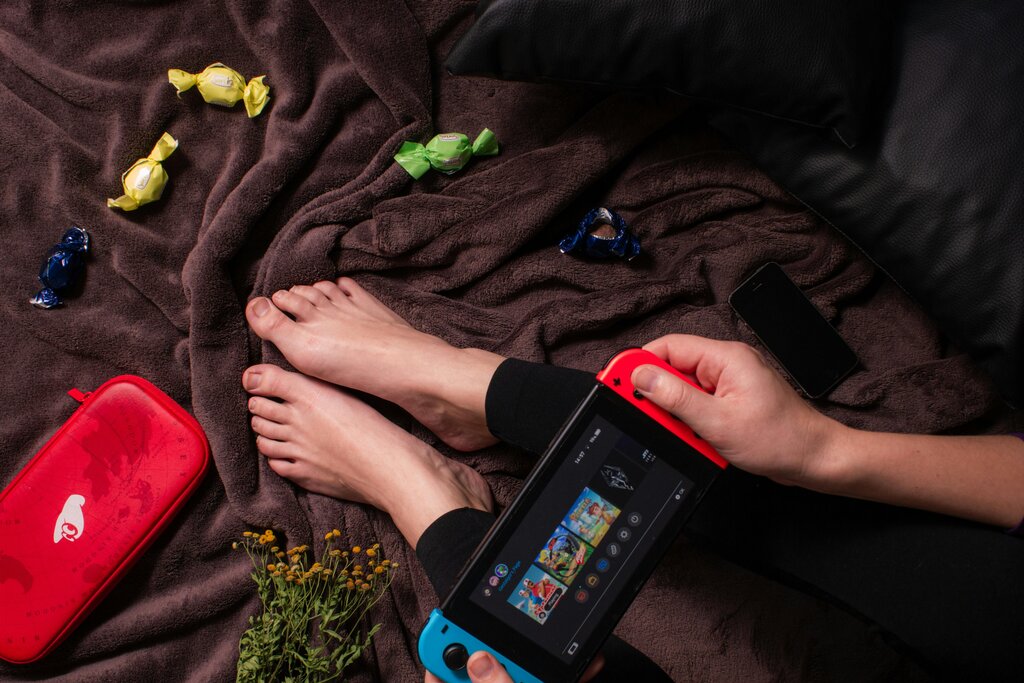
When you want to take your games with you, Handheld mode is the answer. This is where the 7-inch OLED screen truly shines, making colors pop with deep contrast for an incredibly immersive personal gaming session.
Switching to this mode is as simple as attaching the Joy-Con controllers to the sides of the console and lifting it out of the dock. Your game will instantly transition from the TV to the console's screen, letting you continue playing without interruption. This mode is perfect for commuting, traveling, or just relaxing on the couch.
Tabletop Mode
Tabletop mode offers a clever hybrid experience. It's like having a portable mini-television, allowing you to set up a multiplayer match anywhere you have a flat surface. This mode is significantly improved on the OLED Model thanks to its wide, adjustable stand that provides greater stability and more viewing angles than the original Switch.
To use it, just flip out the stand on the back of the console and detach the Joy-Cons. Hand a Joy-Con to a friend, and you're ready for a two-player game on the spot. It combines the portability of Handheld mode with the shared-screen fun of TV mode, making it great for spontaneous gaming sessions with others.
Time for a quick check on what you've learned about the Switch's different modes.
How do you activate TV mode on the Nintendo Switch?
What is the primary benefit of Handheld mode, especially on the OLED Model?
By understanding these three modes, you can get the most out of your Nintendo Switch OLED Model, adapting your play style to any situation.