Mastering Your Nintendo Switch OLED
Getting Started
A Brighter Way to Play
The Nintendo Switch OLED Model is a premium version of the popular hybrid console. The first thing you'll notice is its screen. It’s a vibrant 7-inch OLED display that makes colors pop and blacks look truly black. Games feel more immersive because the contrast is so much deeper than on the original model. The screen is also physically larger, with a much thinner bezel around the edge, giving you more screen space without making the console itself much bigger.
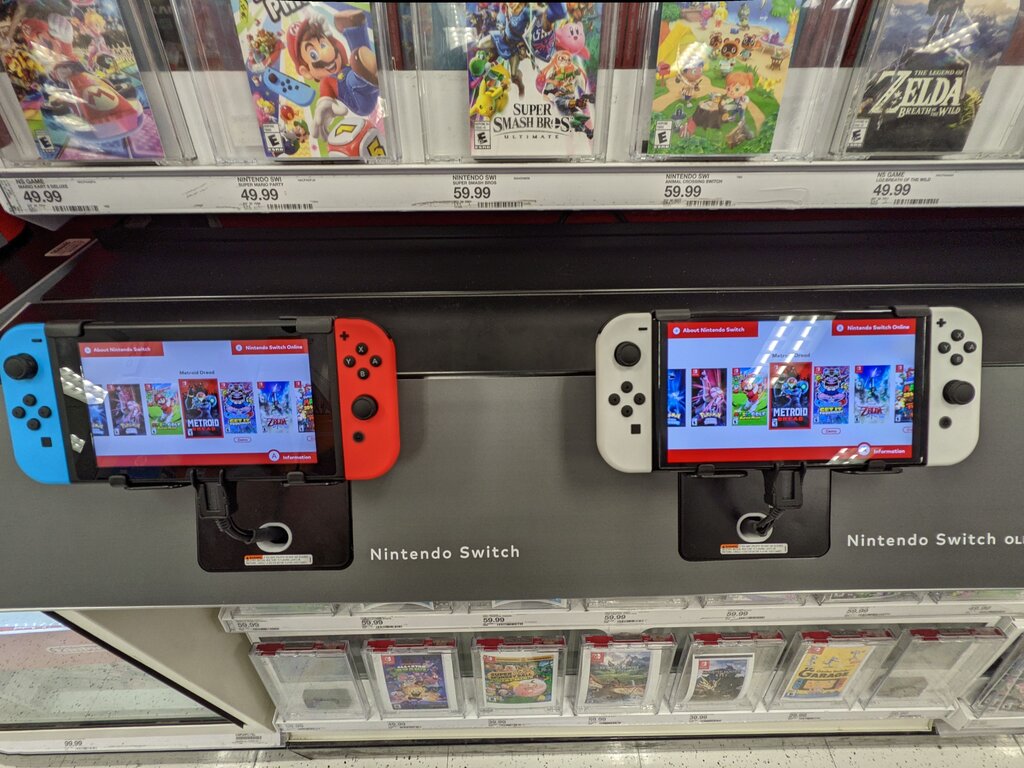
Nintendo also upgraded a few other key features. The speakers are enhanced, providing clearer and richer audio whether you're playing in handheld mode or with the console resting on a table. Speaking of which, the flimsy kickstand from the original is gone. In its place is a wide, sturdy, adjustable stand that runs the full width of the console. You can set it to multiple angles, making it much more comfortable for tabletop gaming.
What's in the Box
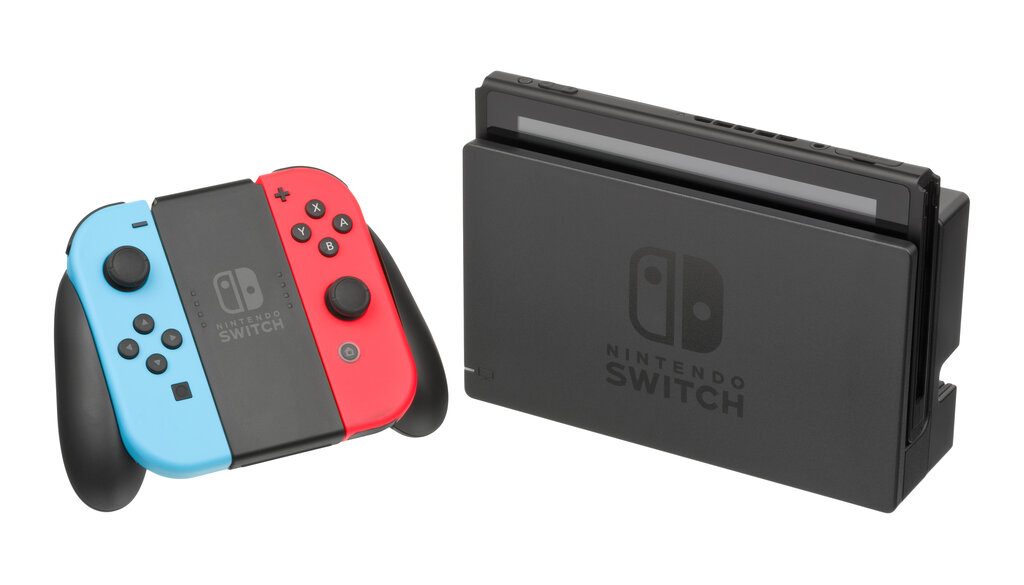
When you open the box, you’ll find everything you need to get started. The main components are the console itself, the two detachable Joy-Con controllers, and the dock.
| Component | Purpose |
|---|---|
| Nintendo Switch Console (OLED Model) | The main unit with the 7-inch screen. |
| Joy-Con (L) and (R) Controllers | Attach to the console or use separately. |
| Nintendo Switch Dock | Charges the console and connects it to a TV. |
| Joy-Con Grip | Combines the Joy-Cons into a single traditional controller. |
| Joy-Con Straps | Attach to the Joy-Cons for motion control games. |
| High Speed HDMI Cable | Connects the dock to your TV or monitor. |
| AC Adapter | Powers the console and dock. |
The new dock also includes a built-in wired LAN port, which is great for anyone who wants a more stable internet connection for online multiplayer games. The original Switch dock required a separate adapter for this.
First-Time Setup
Getting your new Switch up and running is straightforward. First, slide the left and right Joy-Con controllers onto the sides of the console until they click. You can't mix them up, as they only fit on their correct sides.
Press and hold the power button on the top edge of the console to turn it on. The Nintendo Switch logo will appear, followed by a setup screen.
The system will guide you through the initial setup, but here's what to expect: selecting your language, choosing your region, and agreeing to the user agreement.
Next, you'll connect to the internet. Find your Wi-Fi network and enter the password. Connecting online is important because the console will likely need to download a system update right away. After that, you'll choose your time zone.
The final major step is creating or linking a user profile. This profile will save your game data. You can add an icon and a nickname. If you have an existing Nintendo Account, you can link it here to access your friends list and the eShop to buy digital games.
What is the most significant visual improvement of the Nintendo Switch OLED Model's screen compared to the original model?
Which feature of the dock was upgraded for the OLED Model to provide a more stable online gaming experience?