CMS Setup and Configuration
Theme Selection and Customization
Themes Define the Look and Feel
Once you've installed your CMS, you have a functional website, but it's a blank canvas. This is where themes come in. A theme is a collection of files that control the visual design of your site. Think of your website's content—the text, images, and pages—as the structural frame of a house. The theme is the paint, flooring, and furniture. It dictates the layout, colors, fonts, and overall style without changing the underlying structure.
In WordPress, themes are what control the basic design.
This separation is powerful. It means you can completely change your website's appearance by switching themes, and all your content will remain intact. You could go from a minimalist, text-focused blog to a vibrant, image-heavy portfolio with just a few clicks. The theme handles the presentation, letting the CMS focus on managing the content.
Choosing the Right Theme
With thousands of themes available, choosing one can feel overwhelming. The key is to focus on your website's purpose and audience. A theme designed for an online store will have different features than one built for a news site or a personal blog.
| Consideration | Why It Matters | What to Look For |
|---|---|---|
| Purpose | The theme should support your site's goals. | E-commerce features, portfolio galleries, blog layouts. |
| Simplicity | A cluttered theme can confuse visitors. | Clean layouts, clear navigation, and an uncluttered design. |
| Reviews | User feedback reveals quality and support. | High ratings and positive comments about usability and developer help. |
| Updates | Outdated themes can be security risks. | A history of recent updates from the developer. |
Above all, the theme needs to be responsive. A responsive design automatically adjusts its layout to fit any screen size, from a large desktop monitor to a small smartphone. In today's mobile-first world, this isn't just a nice feature—it's essential.
A non-responsive website is like a store with a door that’s too small for half its customers. A responsive theme ensures everyone gets a good experience, no matter what device they use.
Customizing Your Theme
After selecting a theme, the next step is to make it your own. Most modern CMS platforms have a built-in customizer that lets you see your changes in real-time. This is a user-friendly way to tweak the design without touching any code.
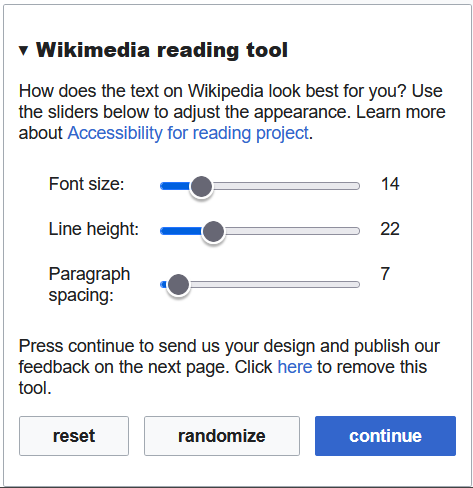
Common customization options include:
- Colors: Change the color scheme to match your brand's palette. You can often set colors for backgrounds, text, links, and headers.
- Typography: Select fonts that are readable and reflect your site's tone. Many themes offer a curated list of web-safe fonts.
- Logo and Header: Upload your own logo and arrange the header layout, which might include the site title, tagline, and navigation menu.
- Layout: Adjust the width of the main content area and sidebars, or choose from different page templates (e.g., full-width or with a sidebar).
Go to Appearance > Customize to tweak your theme’s settings, including colors, fonts, and layout.
The goal of customization is to align the theme with your brand and improve the user experience. You don’t need to change every single element. Often, a few thoughtful tweaks to the colors and typography can make a big impact.
Now, let's test your understanding of how themes shape a website.
If a website's content is the structural frame of a house, what does the theme represent?
Switching your CMS theme will cause you to lose all your existing pages and blog posts.
With a customized theme, your site starts to truly reflect your vision. It has a structure, a design, and a unique personality.