Invoice 2 Go on iPhone
Getting Started
Getting Started on iPhone
Before you can create invoices and manage your business on the go, you'll need to install the Invoice2go app and set up your account. This guide will walk you through the first few steps on your iPhone.
Download from the App Store
First, you need to download the app from the Apple App Store. It's a quick and straightforward process.
- Open the App Store app on your iPhone. It's the blue icon with a white 'A'.
- Tap on the Search icon in the bottom right corner of the screen.
- In the search bar at the top, type "Invoice2go" and tap the search button.
- Find the official Invoice2go app in the search results. It should have the Invoice2go logo.
- Tap the Get button. You might need to confirm the download with your Apple ID password, Face ID, or Touch ID.
Create Your Account
Once the app is installed, find it on your home screen and tap to open it. The first time you launch the app, you'll be prompted to create an account.
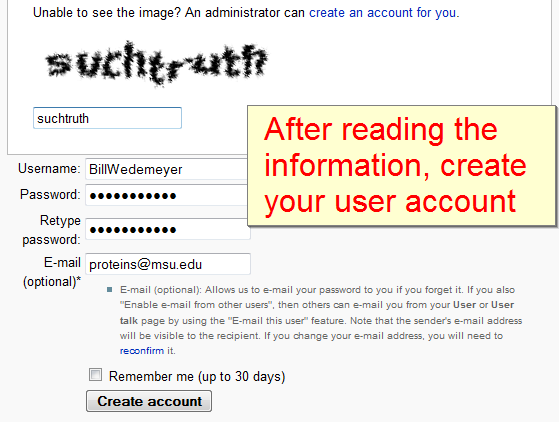
You’ll need an email address to sign up. It’s best to use your primary business email, as this is where receipts and notifications will be sent.
Follow the on-screen instructions to register. You'll typically be asked for:
- Your email address
- A secure password
- Your name and business name
After filling in your details, agree to the terms of service and tap the button to create your account. You might receive a verification email to confirm your address.
After creating your account, the app may ask you to log in for the first time. Sometimes it will log you in automatically.
Log In to Your Account
If you are logged out or need to sign in on a different device, you'll use the email and password you just created. Open the app and select the 'Log In' option.
Enter your credentials and tap the button to sign in. Once you're in, you’re ready to start exploring the app's features.
Let's check your understanding of these first steps.
Where can you download the official Invoice2go app for your iPhone?
Which of the following pieces of information is typically required when you first create your Invoice2go account?
Now that you have the app installed and an account created, you're all set to begin managing your business.