Zebra MC94x Configuration with SOTI MobiControl
Introduction to SOTI MobiControl
What is SOTI MobiControl?
SOTI MobiControl is an Enterprise Mobility Management (EMM) solution. Think of it as a central command center for all the mobile devices a company uses, from smartphones to specialized hardware like the Zebra MC94x computers.
Essentially, EMM software helps a company's IT department manage, secure, and deploy applications and data to all its mobile devices from one place.
Without a tool like MobiControl, managing hundreds or thousands of devices would be a chaotic, manual process. IT teams would have to handle each device individually to install apps, configure settings, and fix problems. MobiControl automates this work, ensuring that every device is set up correctly and securely, no matter where it is.
Getting Devices on Board
Before a device can be managed, it needs to be enrolled. Enrollment is the process of registering a device with the MobiControl system, establishing a secure connection that allows the IT department to manage it. It’s like a new employee getting a security badge; enrollment gives the device the credentials it needs to access company resources safely.
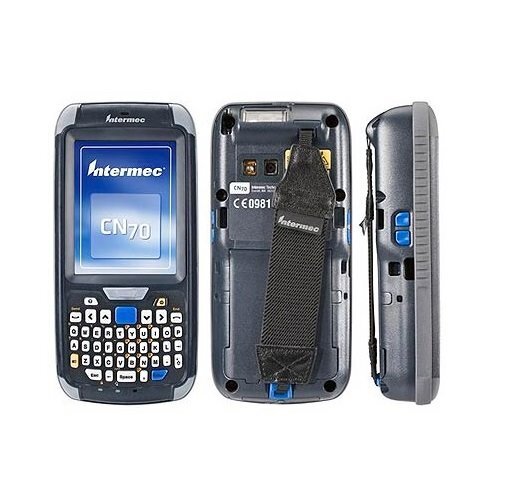
There are several ways to enroll devices. For a large batch of new devices, IT can use rapid enrollment methods that automatically configure the devices as soon as they're turned on and connected to the internet. This is called "zero-touch" deployment. Alternatively, an employee might enroll their device themselves by scanning a QR code or entering a code into a setup wizard. The method used depends on the company's needs and the type of device.
Setting the Rules
Once a device is enrolled, the company can apply policies to it. Policies are simply the rules and configurations that a device must follow. They are a core part of ensuring security and consistency across all devices.
Device management is an important part of a larger security strategy, so we’ve collected resources to help you get started or improve with MDM.
Through MobiControl, an administrator can create and assign different sets of policies to different groups of devices. For example:
- Security Policies: Require a complex password, encrypt device data, and automatically wipe the device if it's lost or stolen.
- Network Policies: Automatically configure Wi-Fi and VPN settings so employees can connect to the company network securely without manual setup.
- Restriction Policies: Disable the camera in secure locations, prevent users from installing unauthorized apps, or block access to certain websites.
These policies help standardize how devices are used and protect sensitive company information.
Apps, Content, and Security
A major function of MobiControl is managing the software on each device. Companies can build their own private app store, giving employees easy access to the approved tools they need for their jobs. Administrators can push new apps, update existing ones, or remove outdated software on all enrolled devices at once. This ensures everyone is using the correct version of an application and saves countless hours of manual work.
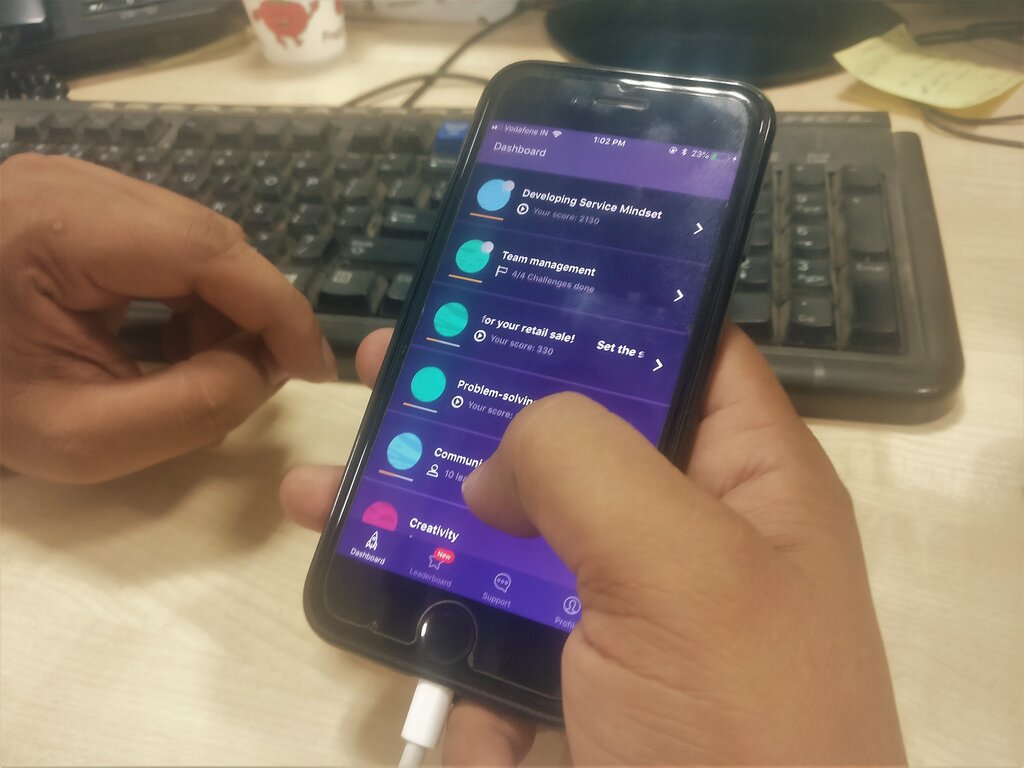
Beyond apps, MobiControl can also deliver important content like training manuals, safety protocols, or updated price lists directly to devices. This keeps the field workforce synchronized with the home office.
Security is woven into all of these features. MobiControl can monitor devices for compliance with company policies. If a device falls out of compliance (for example, if a user uninstalls a required security app), the system can automatically take action, like restricting access to company data until the issue is resolved. It can also remotely lock or wipe a device if it is lost or stolen, protecting sensitive information from falling into the wrong hands.
What is the primary function of SOTI MobiControl in a business environment?
The process of registering a device with the MobiControl system so that it can be managed by an IT administrator is called __________.
SOTI MobiControl provides a powerful, centralized way to manage an entire fleet of mobile devices. By handling enrollment, policies, app deployment, and security, it allows companies to use mobile technology efficiently and safely.