YouTube Automation Mastery for Newcomers
Introduction to YouTube Automation
What is YouTube Automation?
YouTube automation is a method for running a channel by creating systems to handle the bulk of the work. Instead of one person doing everything, tasks are either delegated to other people or handled by specialized software.
YouTube automation is the use of tools and methods to manage and grow a YouTube channel with minimal manual work.
Think of it like a production line. A successful video requires several steps: generating an idea, writing a script, recording a voiceover, editing the footage, creating a thumbnail, and writing a title and description. In a typical channel, the creator handles all of this. With automation, you break this process down and assign each part to a person or a tool that specializes in it.
This doesn't mean the channel runs entirely on its own. The creator's role shifts from being a hands-on producer to a manager or strategist, overseeing the entire operation and ensuring the content quality remains high.
YouTube automation is the process of running a YouTube channel by outsourcing or automating most of the tasks—like scripting, voiceovers, video editing, and even publishing.
The goal isn't to create spam or low-effort videos. It's to build an efficient, scalable system for producing quality content consistently.
The Benefits of an Automated System
Automating a YouTube channel offers several key advantages. The most obvious is saving time. By delegating the repetitive and time-consuming parts of video production, creators can focus on big-picture strategy, like exploring new content ideas or analyzing channel performance.
This efficiency leads directly to another major benefit: consistency. The YouTube algorithm tends to favour channels that upload content on a regular, predictable schedule. An automated system makes it much easier to maintain that pace.
Consistency is key to YouTube success, and automation tools allow you to upload videos on a regular schedule without manual intervention.
Automation also makes a channel more scalable. A single person can only produce so much content. With an automated workflow, you can increase your video output without burning out. It’s possible to manage multiple channels or expand into new niches because the system, not your personal time, is doing the heavy lifting.
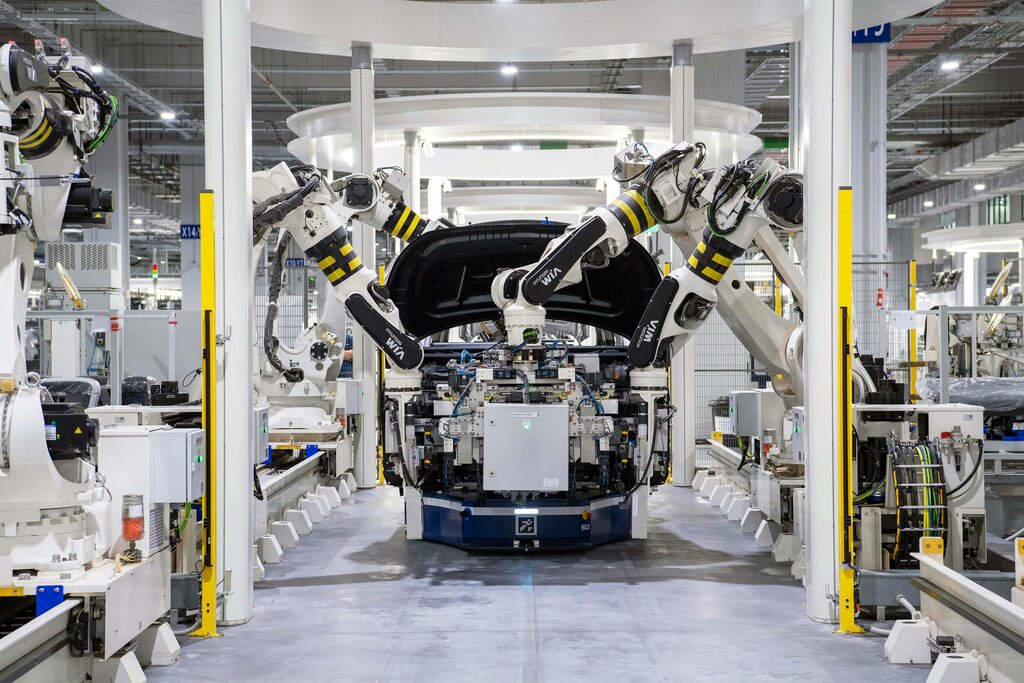
Automation allows for the production and management of more content in less time, making it easier to expand the channel's reach without increasing workload.
Tools and Strategies
YouTube automation isn't about a single piece of software. It's a strategy that combines different tools and approaches. These generally fall into a few categories.
One common strategy is outsourcing. This involves hiring freelancers for specific roles like scriptwriting, video editing, voice acting, and thumbnail design. The creator acts as a project manager, coordinating the team to produce the final video.
Another major component is the use of AI and software tools. Artificial intelligence has become powerful enough to handle many creative tasks. There are AI tools that can help generate video ideas, write scripts, create realistic voiceovers, and even edit video clips together. These tools can dramatically speed up the production process.
AI-powered tools are revolutionizing content creation, optimization, and distribution on YouTube.
Finally, there are management and scheduling tools. These help automate the backend of running a channel. You can schedule videos to be published weeks in advance, automatically moderate comments to filter out spam, and use analytics tools to track video performance without needing to manually check stats every day.
Here’s a simple breakdown of which tasks are typically automated versus those that require a human touch.
| Task Type | Examples |
|---|---|
| Often Automated | Scriptwriting (AI-assisted), Voiceovers (AI), Video Editing (templates, AI tools), Thumbnail creation (templates), Scheduling uploads, Comment filtering |
| Often Human-Led | Niche selection, Content strategy, Quality control, Final script approval, Community engagement, Performance analysis |
By combining these strategies, creators can build a system that works for their specific goals, whether it's scaling a single channel or building a media company with a portfolio of different channels.
In a YouTube automation model, what is the creator's primary role?
What is the ultimate goal of implementing a YouTube automation system?