Your First Website Unveiled
Introduction to the Internet
The Internet Isn't a Cloud
It's easy to think of the internet as some magical, floating entity. In reality, it's a massive, physical network connecting billions of computers around the world. Think of it like a global road system, but instead of cars, it transports information through vast networks of cables, some running under our oceans.
This network began in the 1960s as a United States military project called ARPANET. The goal was to create a communication system that could survive a nuclear attack. It was designed to be decentralized, meaning there's no single point of failure. If one part of the network goes down, information can simply find another route. This core principle is what makes the modern internet so resilient.
How Information Travels
So, how does a website from a computer in another country appear on your screen in seconds? It comes down to a relationship between two types of computers: clients and servers.
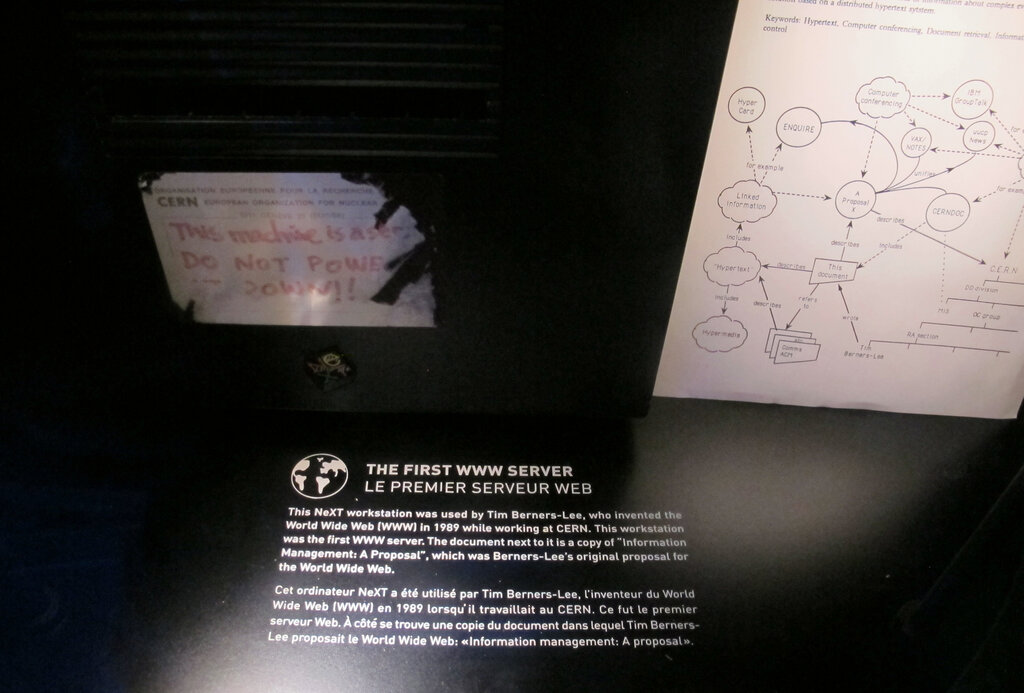
A client is your device, like a laptop or phone. A server is a powerful computer that stores website files and data. When you want to visit a site, your client sends a request to the server, and the server sends the website's data back to you.
To make this work, every device connected to the internet has a unique label called an IP address. It's like a postal address for your computer. But since numbers like 172.217.16.142 are hard to remember, we use domain names like google.com instead.
The Domain Name System (DNS) acts as the internet's phonebook. When you type a domain name into your browser, the DNS looks up the corresponding IP address so your request can be sent to the correct server.
Your Window to the Web
The main tool you use to interact with the internet is a web browser. Applications like Chrome, Safari, Firefox, and Edge act as interpreters. Their job is to manage the request-and-response cycle we just described.
When you enter a web address (URL), the browser finds the server's IP address through DNS and sends a request for the site's contents. The server then sends back a collection of files. The browser's most important job is to read these files and render them into the visually organized, interactive webpage you see on your screen. It assembles text, images, and layouts according to the code it receives, turning a bunch of files into a coherent experience.

Essentially, the browser is your translator, turning the language of the web into something we can all understand and interact with.
What is the internet, fundamentally?
What is the primary role of the Domain Name System (DNS)?