Your First iPhone Steps
Unboxing and Initial Setup
What's in the Box
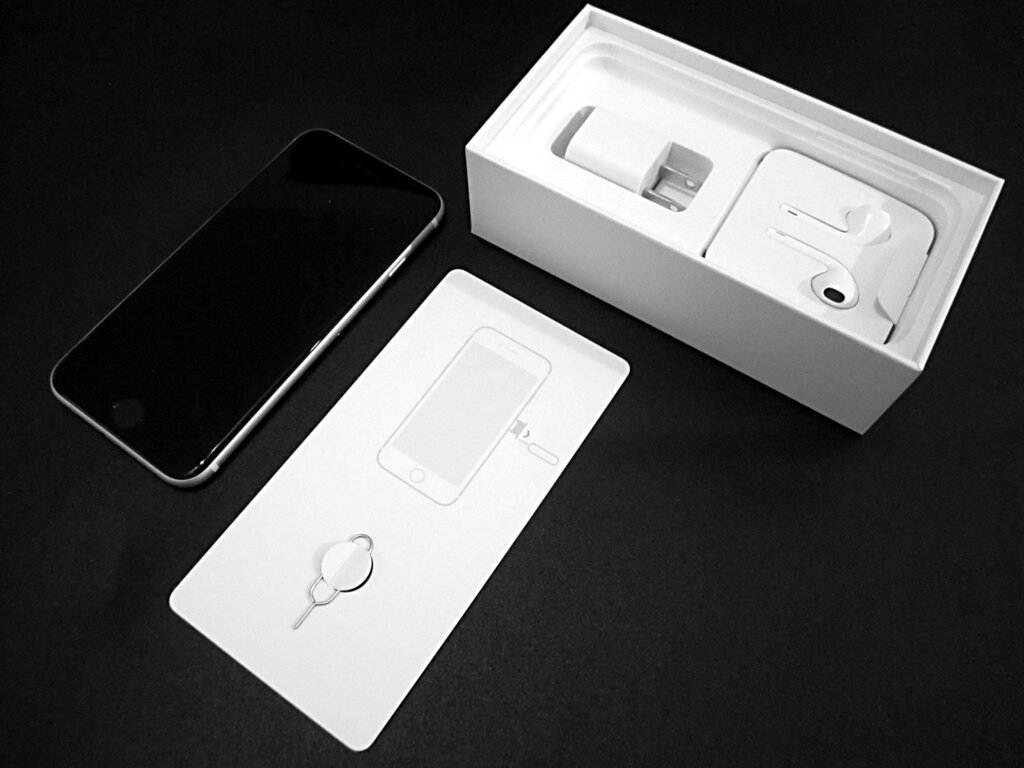
Opening a new iPhone box is part of the fun. Inside, you'll find the iPhone itself, usually with a protective film on the screen. Beneath it, there's a small packet with a SIM ejector tool and some basic documentation. You'll also find a USB-C charging cable. Note that a power adapter is typically sold separately now.
Power Up and First Steps
To turn on your iPhone for the first time, press and hold the side button on the right edge of the device. Keep holding it until the Apple logo appears.
After a moment, you'll see a "Hello" screen that cycles through different languages. This is your cue to begin the setup process.
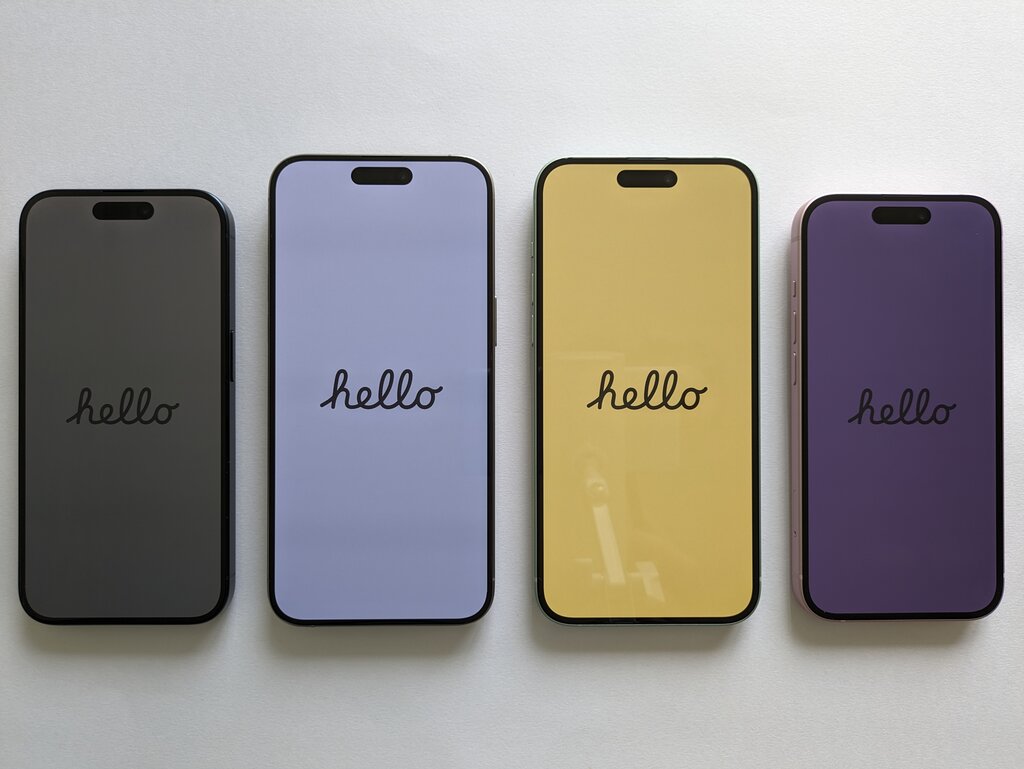
Swipe up from the bottom of the screen to get started. The first thing you'll do is select your preferred language and then your country or region. This sets the language for all text on your phone and formats things like the date, time, and currency correctly.
Getting Connected and Secure
Next, you'll be prompted to connect to a Wi-Fi network. Choose your home network from the list and enter the password. Connecting to Wi-Fi is essential for activating your iPhone and completing the setup.
Once connected, it's time to secure your device. You'll be asked to set up either Face ID or Touch ID, depending on your iPhone model.
Face ID uses facial recognition to unlock your phone, while Touch ID uses your fingerprint. Both are secure and convenient ways to protect your information.
Follow the on-screen instructions to set up your chosen biometric security. For Face ID, you'll move your head in a circle to let the camera map your face. For Touch ID, you'll repeatedly place and lift your finger on the Home button or top button.
As a backup, you must create a passcode. You'll be prompted for a six-digit code, but you can tap "Passcode Options" to choose a simpler four-digit numeric code or a more complex custom alphanumeric password. This passcode will be used when Face ID or Touch ID isn't available or after you restart the device.
When you open a new iPhone box, which of these items is typically NOT included and must be purchased separately?
After powering on your new iPhone for the first time, you'll see a 'Hello' screen. What is the first action you must take to start the setup process?
With your passcode set, the initial setup is complete. Your iPhone is now active, connected, and secure.