Yamaha MG15XU Soundboard Mastery
Introduction to the Yamaha MG15XU
Meet Your Mixer
Think of a mixing console as the central hub for all your audio. It's where you take signals from microphones, instruments, and other sources, and blend them into a cohesive final mix. For our purposes, we'll be exploring the Yamaha MG10XU, a compact but powerful mixer that's perfect for learning the ropes.
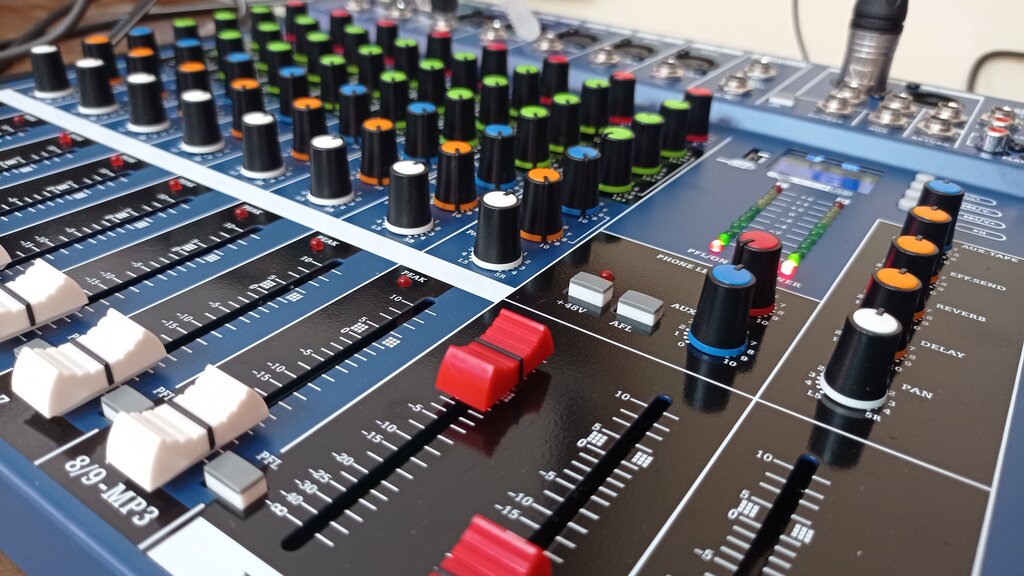
At first glance, all the knobs and faders can look intimidating. But once you understand the logic, it's quite simple. The console is organized into a few key sections, each with a specific job to do.
The Input Channels
Most of the mixer's surface is taken up by input channels. Each channel is a vertical strip of controls dedicated to one single audio source, like a vocalist's microphone or an acoustic guitar. The MG10XU has 10 input channels. This layout is standard across almost all mixers, big or small.
At the very top of each channel strip, you'll find the physical inputs. These are typically XLR jacks for microphones and 1/4-inch jacks for instruments or line-level sources. This is where you plug everything in.
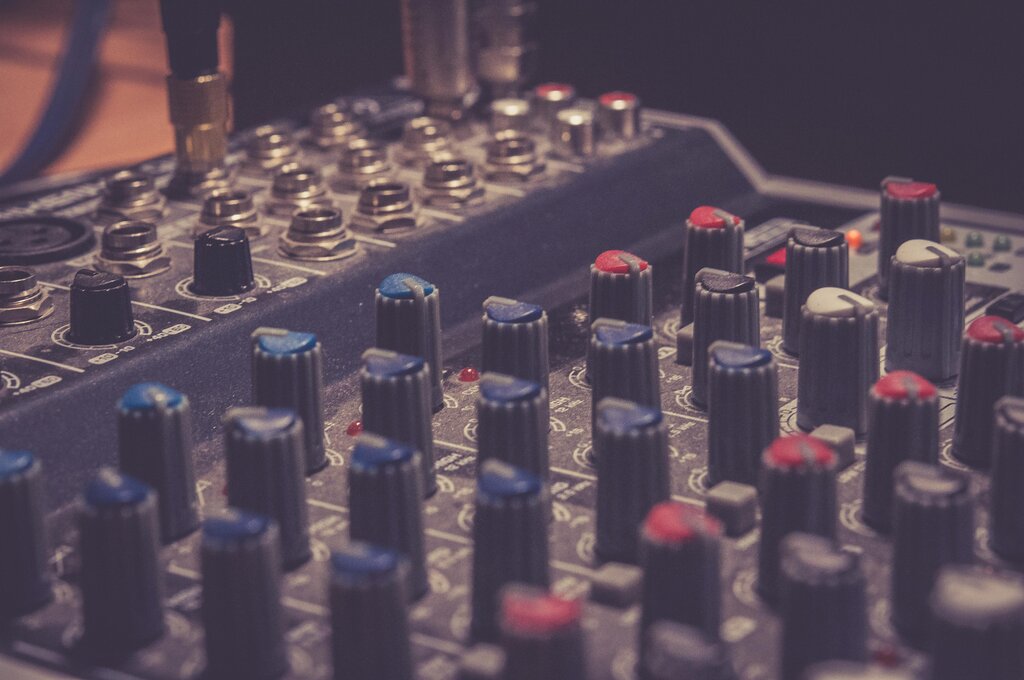
Below the inputs, you'll see a series of knobs. Let's walk through the most important ones on a typical mono channel (like channels 1-4 on this mixer).
Gain
noun
The first control, and arguably the most important. Gain sets the initial input level for a signal. Setting it correctly is crucial for a clean, noise-free mix.
Working your way down the channel strip, you'll find the equalizer, or EQ. On this mixer, it's a set of three knobs: HIGH, MID, and LOW. These let you boost or cut specific frequencies to shape the tone of your sound, much like the treble and bass controls on a home stereo.
The PAN knob comes next. This stands for panorama, and it controls where the sound is placed in the stereo field, from left to right. Finally, at the bottom of the strip is the channel fader. This slider sets the volume of that specific channel in the overall mix.
The Master Section
After you've adjusted each individual channel, all those signals are sent to the master section. This is usually located on the right-hand side of the mixer. Here, you control the final, combined output.
The most prominent feature here is the main stereo fader, often colored red. This controls the overall volume of the mix that's sent to the main speakers. You'll also find outputs and level controls for headphones and monitor speakers, allowing you to listen to your mix without affecting the main output.
The 'XU' in MG10XU means this mixer also has built-in digital effects, like reverb and delay. The FX knob on each channel determines how much of that channel's signal is sent to the effects processor. In the master section, another knob lets you choose the effect type, and a dedicated fader controls the overall level of the effects in the final mix.
Now that you're familiar with the basic layout, let's test your knowledge.
What is the primary function of an audio mixing console?
On a channel strip, the ___ knob is used to position a sound in the stereo field from left to right.
Understanding this basic structure is the key to operating any mixer. It's all about managing individual inputs on the channel strips and blending them together in the master section.