X-Plane Aircraft Design and Creation
Introduction to X-Plane
Welcome to X-Plane
X-Plane is more than just a game; it's a powerful flight simulator that models the forces of flight with impressive accuracy. It calculates the aerodynamic forces on every part of an aircraft in real-time, creating a realistic and dynamic flying experience. This is why it’s used not just by hobbyists, but also by pilots and engineers for training and design.
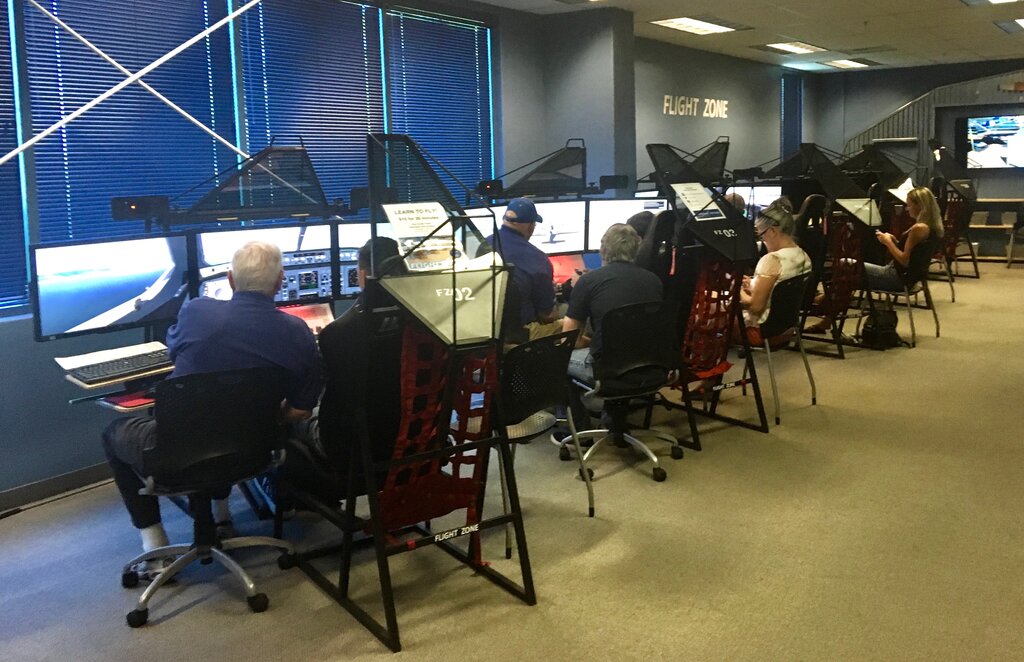
At its heart, X-Plane simulates how an aircraft will fly based on its shape and weight. If it looks like it will fly, it probably will. If it looks like a brick, it will fly like one. This principle is what makes X-Plane a versatile platform for both flying existing aircraft and experimenting with new designs.
Installation and Setup
Getting started with X-Plane is straightforward. You'll begin by downloading the installer from the official website. The installer will download the core simulator and a small portion of the global scenery. You can then select which parts of the world you want to install in high detail. Be prepared for a large download, as detailed scenery takes up a lot of space.
Once installed, the first thing you should do is configure your controls. Whether you're using a joystick, a yoke, or just your mouse, it's crucial to calibrate it in the settings menu. This ensures your inputs are translated accurately in the simulator.
You should also take a moment to adjust the graphics settings. X-Plane can be very demanding on your computer. Finding a good balance between visual quality and smooth performance is key to a good experience. Start with a lower setting and gradually increase the details until you find what works best for your system.
Navigating the Interface
When you launch X-Plane, you're greeted with a simple main menu. This is your starting point for every flight.
| Menu Option | Purpose |
|---|---|
| New Flight | Configure and start a new flight session. |
| Load Flight | Resume a previously saved flight. |
| Flight School | Access tutorials to learn basic and advanced flying skills. |
| Settings | Adjust graphics, sound, controls, and other options. |
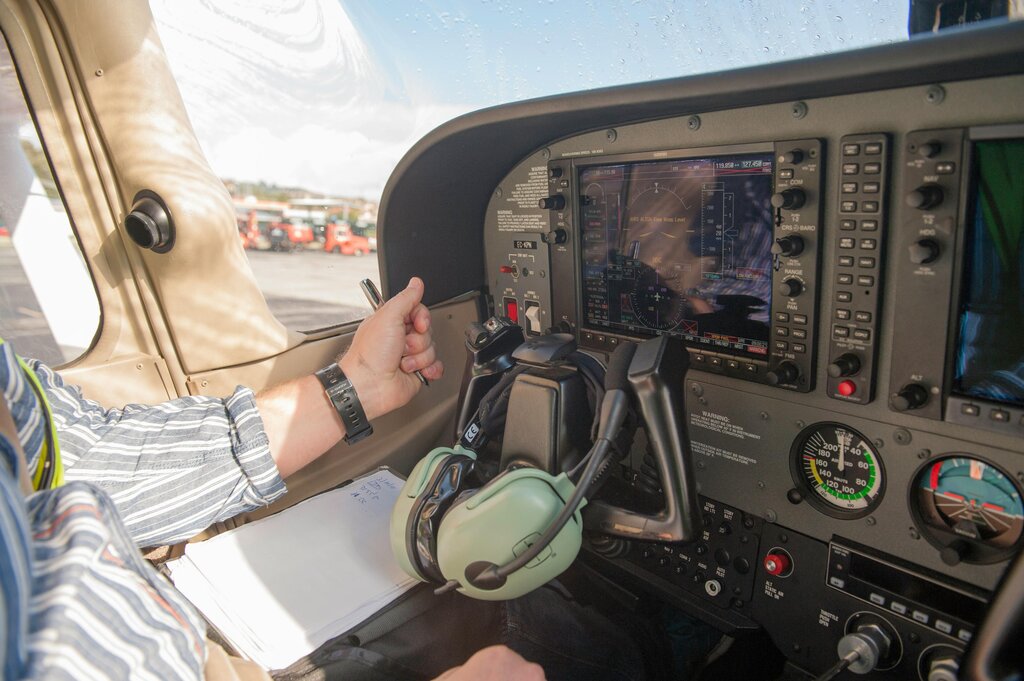
To begin, select "New Flight." Here, you'll choose your aircraft, your starting location (an airport, an aircraft carrier, or even in mid-air), and the weather conditions. For your first time, try picking a simple aircraft like the Cessna 172 and a familiar airport. Once you click "Start Flight," you'll be placed directly in the cockpit, ready to go.
The Workshop: Plane Maker
One of the most unique features of X-Plane is a separate application that comes with it: Plane Maker. This is the virtual workshop where every aircraft in the simulator is built. It's a powerful tool that lets you design, build, and modify aircraft from the ground up.
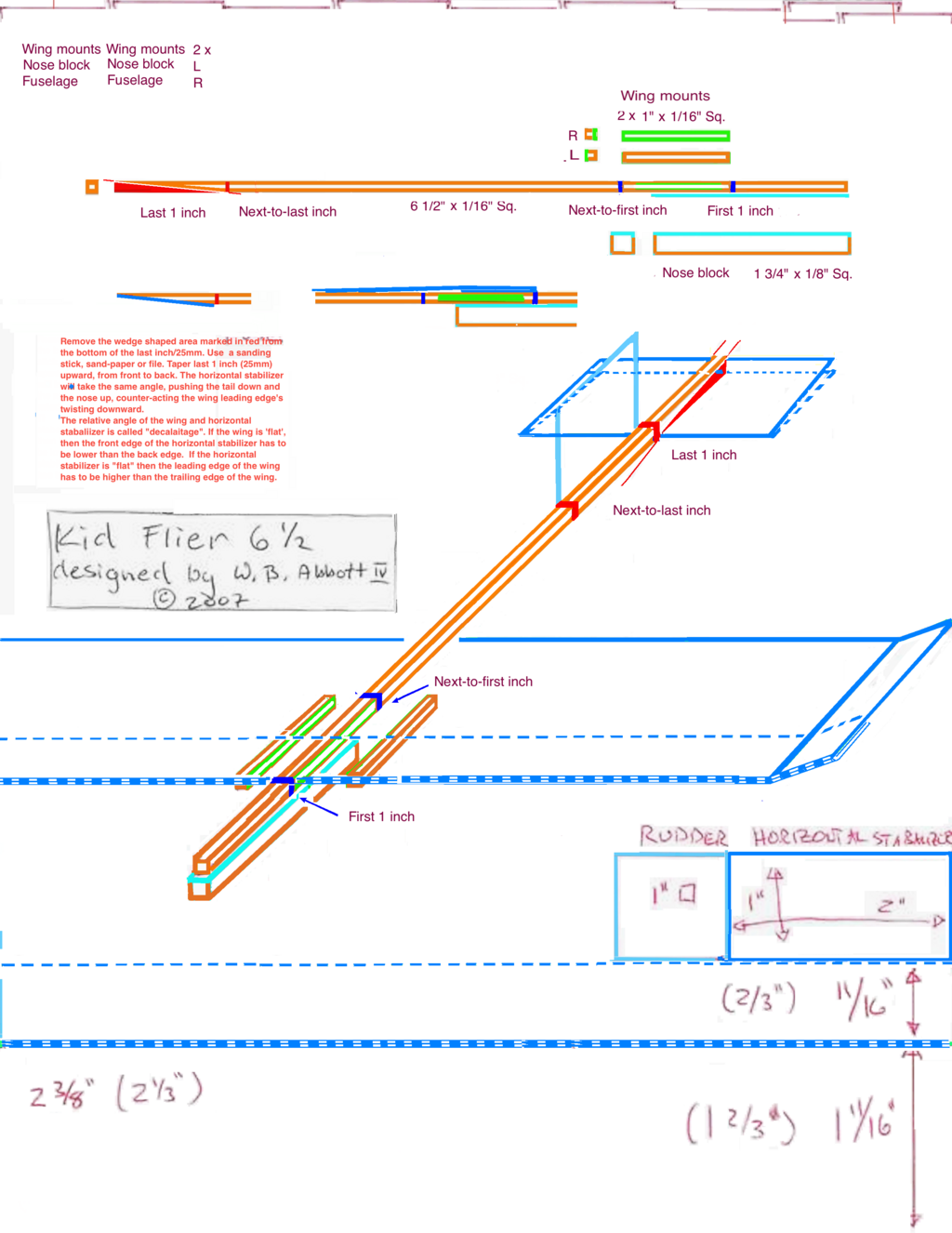
Inside Plane Maker, you don't paint textures or create 3D models in the traditional sense. Instead, you define the physical properties of the aircraft. You'll shape the fuselage, design the wings by defining their airfoil, place engines, and configure control surfaces. X-Plane's physics engine then uses this information to determine how the aircraft performs in the air.
You don't need to be an aeronautical engineer to use Plane Maker. You can start by opening an existing aircraft and making small changes, like increasing engine power or changing the wing shape, to see how it affects flight. It's a fantastic way to learn hands-on about aircraft design.
What is the primary principle X-Plane uses to determine an aircraft's flight characteristics?
The separate application used for designing and modifying aircraft in X-Plane is called __________.
With X-Plane, you have both a highly realistic flight simulator and a complete aircraft design workshop at your fingertips. Now you're ready to start exploring the skies or building the plane of your dreams.