WordPress Essentials
Introduction to WordPress
What is WordPress?
At its heart, WordPress is a tool for creating and managing websites. It's what's known as a Content Management System, or CMS. Think of a CMS as a framework that handles all the complicated, behind-the-scenes work of a website, like storing your text, handling user comments, and structuring your pages. This lets you focus on what's important: your content.
Content Management System
noun
Software that helps users create, manage, and modify content on a website without the need for specialized technical knowledge.
WordPress is by far the most popular CMS in the world, powering over 40% of all websites on the internet. From small personal blogs to the websites of major corporations, its reach is massive. It started in 2003 as a simple platform for bloggers but has since evolved into a powerful and flexible tool capable of building almost any type of site.
Two Flavors of WordPress
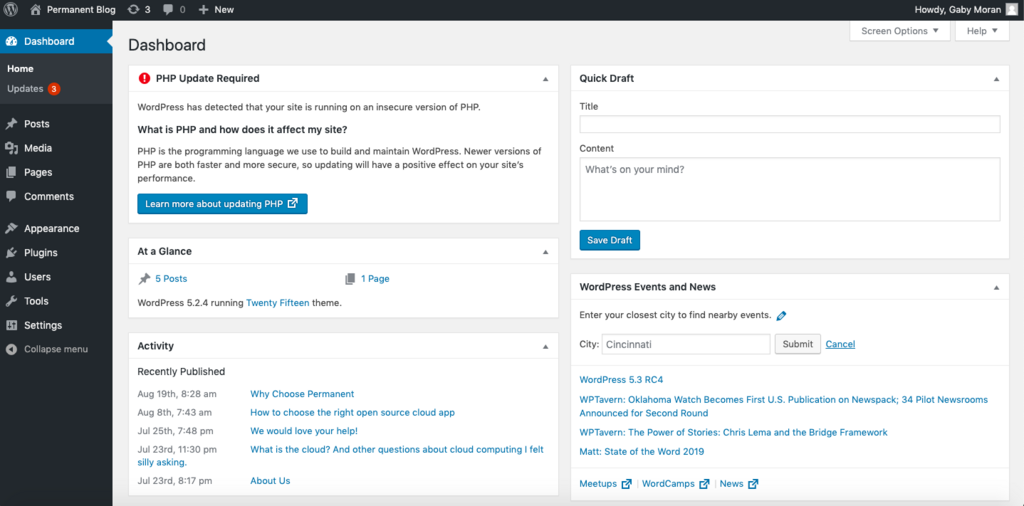
One of the first points of confusion for newcomers is that there are two versions of WordPress: WordPress.com and WordPress.org. They share the same name and underlying technology, but they are very different in how they work.
Think of it like this: WordPress.org is like buying a full set of professional chef's knives to cook whatever you want, however you want. WordPress.com is like signing up for a meal-kit delivery service—convenient and easy, but with fewer choices.
WordPress.org is the self-hosted version. This means you download the software for free and then install it on your own web hosting account. You have complete control over every aspect of your site, from the design to the functionality. This is the version most people mean when they talk about the power and flexibility of WordPress.
WordPress.com, on the other hand, is a for-profit service that uses the WordPress software. It handles the hosting and maintenance for you. You can get started for free, but you'll have limitations. Paid plans offer more features, but you'll never have the full control that comes with the self-hosted version.
| Feature | WordPress.org (Self-Hosted) | WordPress.com (Hosted) |
|---|---|---|
| Hosting | You choose your own provider. | Included in the service. |
| Cost | Software is free, but you pay for hosting and a domain. | Free plan with ads; paid plans vary. |
| Customization | Unlimited. Use any theme or plugin. | Limited to approved themes/plugins. |
| Maintenance | Your responsibility (updates, security). | Handled for you by the service. |
Benefits and Use Cases
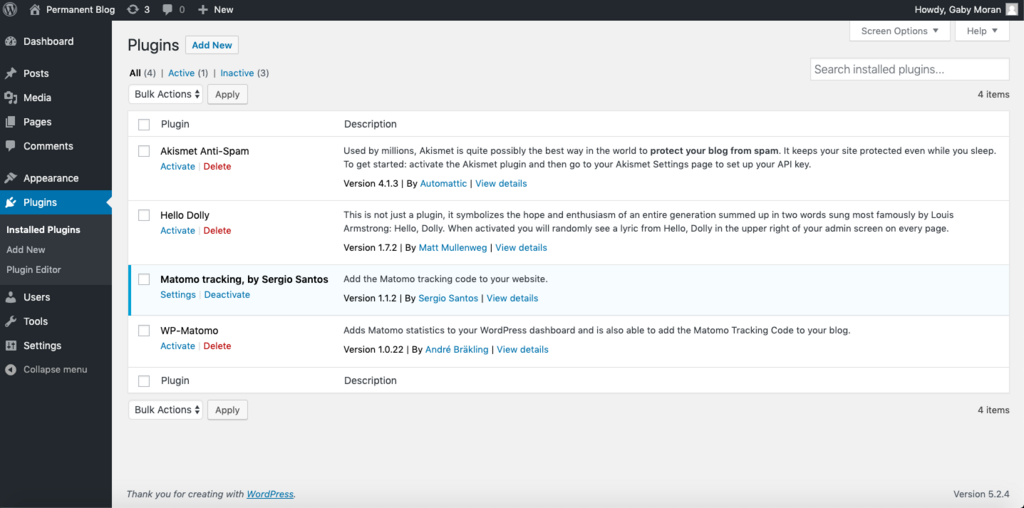
So why is WordPress so dominant? The biggest reason is its incredible flexibility. Thanks to a massive ecosystem of themes (for design) and plugins (for functionality), you can build just about anything.
This flexibility leads to a wide range of uses:
- Blogs: This is where WordPress started. It remains one of the best platforms for bloggers, with powerful tools for writing, editing, and managing posts.
- Business Websites: Companies of all sizes use WordPress to create professional sites with pages for services, contact information, and company news.
- Portfolios: Artists, designers, and photographers can showcase their work using themes designed to be highly visual.
- E-commerce Sites: With plugins like WooCommerce, WordPress transforms into a full-featured online store, capable of managing products, payments, and shipping.
Another key benefit is the community. Because so many people use WordPress, there's a vast amount of free help and documentation available. If you run into a problem, chances are someone has already solved it and shared the solution online.
This combination of power, flexibility, and community support makes WordPress an excellent choice for anyone looking to build a presence on the web.