WhatsApp Explained
Introduction to WhatsApp
What Is WhatsApp?
WhatsApp is a popular app that lets you send messages and make calls to friends and family using the internet. It's an instant messaging and Voice over IP (VoIP) service, which is just a technical way of saying you can chat and talk over a Wi-Fi or cellular data connection. It is owned by Meta Platforms, the same company that runs Facebook and Instagram.

More Than Just Texting
The app's main purpose is communication, but it offers many ways to connect with people. You aren't limited to just sending simple texts.
You can send text messages, record and send short voice messages, or even send video clips. It also supports sharing images, documents, and your current location.
Beyond messaging, WhatsApp allows for real-time conversations. You can make voice calls, similar to a regular phone call, and video calls to see the person you're talking to. All of these features work over the internet, which can be useful when you have Wi-Fi but poor cellular service.
Getting Started
To use WhatsApp, you need a cellular mobile telephone number. This is a key requirement for registration. The app uses your phone number to create your account and identify you to your contacts. When you first open the app, it will ask for your number and send a verification code to confirm you own it.
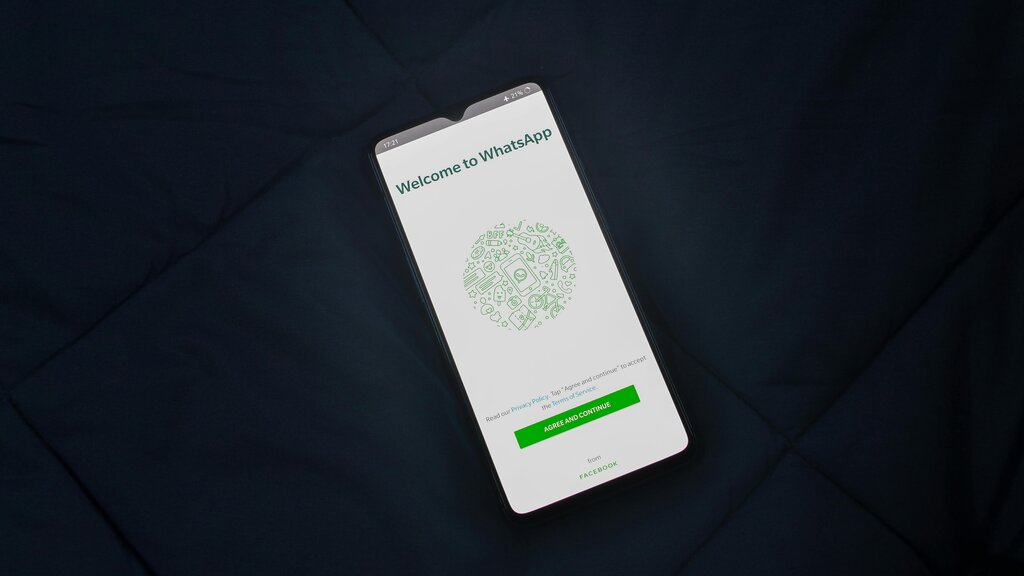
Once you're set up, the app can scan your phone's contacts to find other people who are also using WhatsApp, making it easy to start chatting.
WhatsApp is designed to be accessible on almost any device you own. It's available on smartphones (Android, iOS), tablets (iPadOS), and computers (macOS, Windows). There are even versions for smartwatches (Wear OS) and virtual reality headsets (Meta Quest), so you can stay connected across different platforms.