WhatsApp Automation Essentials
WhatsApp Business Overview
More Than Just Messaging
You probably use WhatsApp to chat with friends and family. It’s simple, fast, and reliable. But what if you could use that same familiar platform to connect with your customers? That's where WhatsApp Business comes in.
It’s a version of the app built specifically for businesses. It looks and feels just like the WhatsApp you already know but is packed with extra tools to help you communicate professionally, answer customer questions, and showcase your products or services.

What Makes It Different
While the core messaging function is the same, WhatsApp Business adds a layer of professionalism and efficiency. One of the biggest additions is the Business Profile. This isn't just a name and a picture; it’s a storefront for your business. You can list your business address, email, website, and a description of what you do, giving customers all your key information in one place.
It also has special messaging tools designed to save you time. You can set up automated "away messages" to let customers know you're not available, or greeting messages to welcome new inquiries. Another handy feature is "quick replies," which lets you save and reuse answers to frequently asked questions. Instead of typing the same response over and over, you can just press a slash key to select and send a pre-written message.
Think of it this way: the regular WhatsApp is for your personal conversations, while WhatsApp Business is for your professional ones.
To help you stay organized, the app includes a labeling feature. You can categorize your chats with labels like "New Customer," "Order Complete," or "Follow-up." This makes it easy to track your conversations and manage your customer pipeline right from your phone.
| Feature | Standard WhatsApp | WhatsApp Business |
|---|---|---|
| Profile | Basic (Name, Photo) | Detailed (Address, Hours, Website) |
| Automated Messages | No | Yes (Away, Greeting) |
| Quick Replies | No | Yes |
| Labels | No | Yes (For organizing chats) |
| Product Catalog | No | Yes |
| Audience | Personal contacts | Customers |
Why It Works
The main benefit of using WhatsApp Business is that it meets customers where they already are. With over two billion users worldwide, WhatsApp is a communication channel most people are comfortable with. Messaging a business feels more personal and immediate than sending an email or waiting on hold.
This direct line of communication helps build trust and stronger relationships. You can answer questions, offer support, and even send updates directly to a customer's phone, making the entire experience more convenient for them.
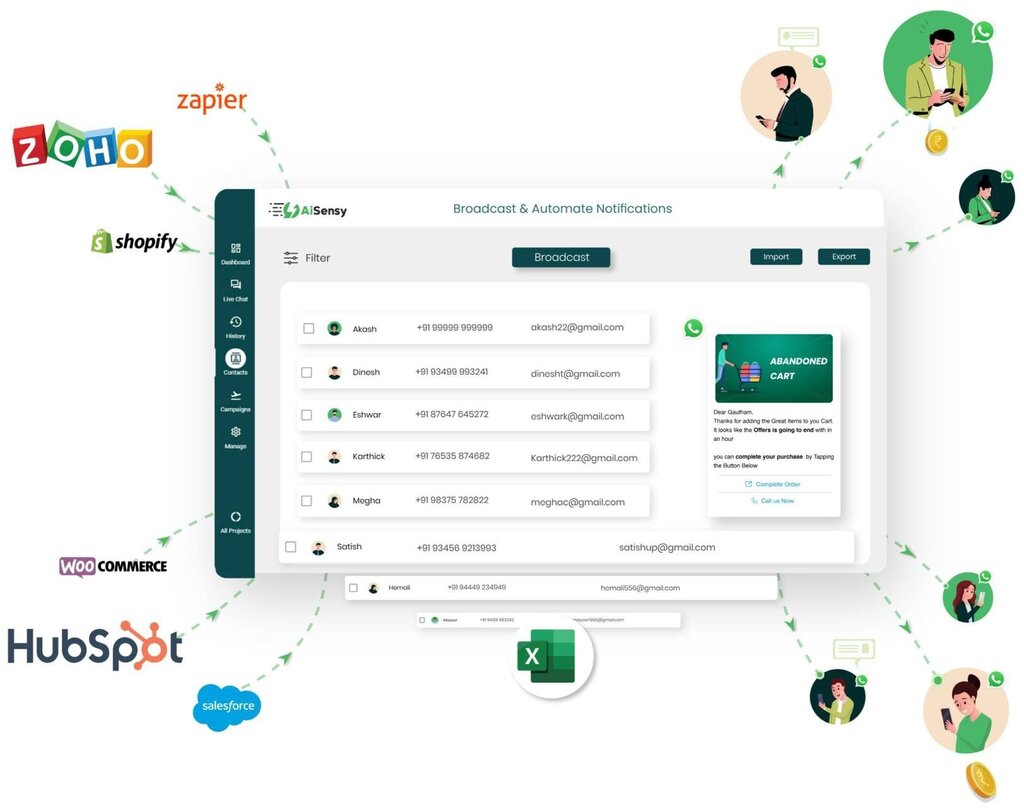
The platform's features are designed to make business communication smoother. By automating simple responses and organizing conversations, you can provide faster, more consistent service. This efficiency not only saves you time but also improves the customer's experience, which is crucial for building loyalty.
WhatsApp is the perfect ally for re-engaging and building great relationships with customers.
Now let's check your understanding of these core concepts.
What is the main purpose of the 'quick replies' feature in WhatsApp Business?
A Business Profile on WhatsApp is more than just a name and picture; it acts as a digital storefront.
Using a dedicated business account helps separate your personal life from your work and gives your company a more professional presence on a platform customers already know and trust.