Web Browser Security Certificates Explained
Introduction to Web Security
Your Digital Conversations
Every time you visit a website, your browser has a conversation with a server somewhere in the world. This conversation happens using a set of rules, or a protocol. The most basic protocol for the web is called HTTP, which stands for Hypertext Transfer Protocol.
Think of using HTTP as sending a postcard. Anyone who handles it along the way can read the message. It's fine for non-sensitive information, like reading a public blog post, but you wouldn't want to send your bank details on a postcard.
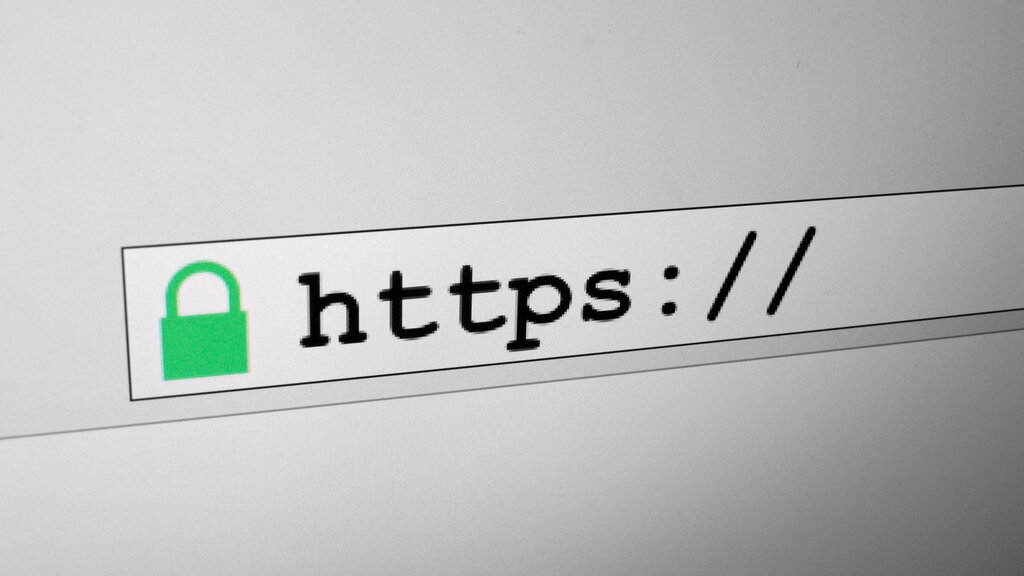
This is where HTTPS comes in. The 'S' stands for 'Secure'. If HTTP is a postcard, HTTPS is like a sealed, tamper-proof envelope. It ensures that the conversation between your browser and the website's server is private and secure. You'll know a site is using HTTPS if you see a padlock icon in your browser's address bar.
The Power of Encryption
HTTPS creates that secure envelope through a process called encryption. In simple terms, encryption scrambles your data into a secret code. Only your browser and the website's server have the special key to unscramble it.
Imagine writing a message in a secret language that only you and your friend understand. Even if someone intercepts the note, it will look like gibberish to them. That's how encryption protects your information online. It ensures that even if someone manages to eavesdrop on your connection, they won't be able to understand the data being sent.
Encryption is essential for protecting sensitive information like passwords, credit card numbers, and private messages from being stolen.
Verifying Identity Online
Encryption ensures your conversation is private, but how do you know you're talking to the right server? How can you be sure you're giving your password to your actual bank and not an imposter? This is where SSL/TLS certificates come into play.
An SSL/TLS certificate is like a website's official ID card. It proves that the website is who it claims to be. Before your browser starts a secure conversation, it asks the website to show this ID.
These certificates are issued by trusted, independent third parties called Certificate Authorities (CAs). Your browser has a built-in list of trusted CAs. When a website presents its certificate, your browser checks if it was issued by a CA on its trusted list and if it's still valid. If everything checks out, the padlock appears, and the secure connection is made.
Ready to check your understanding of these core security concepts?