VPNs Explained Home Network Integration
Introduction to VPNs
Your Private Tunnel Online
The internet is a public space. When you browse, you're essentially sending postcards of data back and forth. Your Internet Service Provider (ISP), website owners, and potentially others can see where you're going and what you're doing. A Virtual Private Network, or VPN, changes that.
A VPN (virtual private network) creates an encrypted tunnel for your internet traffic, preventing third parties from intercepting or tampering with your data.
Think of a VPN as creating a secure, private tunnel for your internet connection. Instead of your data traveling in the open, it's sent through this encrypted passage. This tunnel stretches from your device (like your computer or phone) to a server operated by the VPN provider. From there, it connects to the public internet. This simple rerouting has powerful effects on your privacy and security.
How a VPN Protects You
A VPN provides two main layers of protection: encryption and IP address masking.
First, encryption. A VPN scrambles your internet traffic into an unreadable code. If anyone—like your ISP or a hacker on a public Wi-Fi network—intercepts your data, all they'll see is gibberish. Only your device and the VPN server have the key to decode it. This keeps your browsing history, passwords, and other sensitive information private.
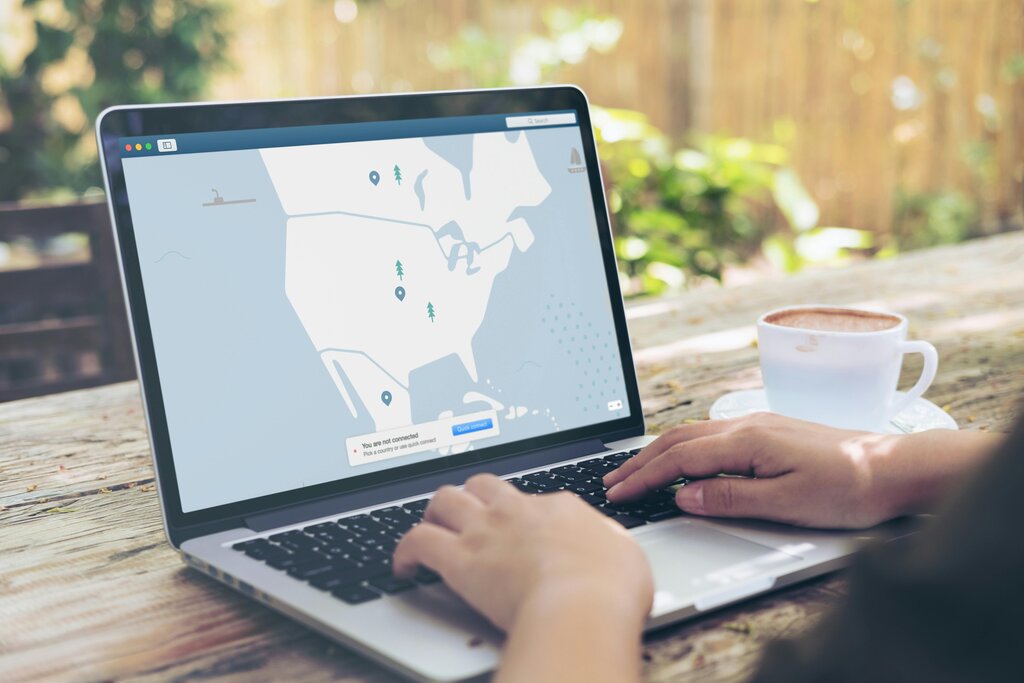
Second, IP address masking. Your IP address is a unique number that identifies your device on the internet, much like a mailing address for your house. It reveals your general location. When you use a VPN, you adopt the IP address of the VPN server you're connected to. If you connect to a server in another country, websites and online services will think you are browsing from that country. This hides your true location and helps you maintain your anonymity.
By combining encryption and IP masking, a VPN shields your online activity from prying eyes and protects your identity.
Common VPN Uses
So, when would you actually use a VPN? There are several everyday situations where it comes in handy.
One of the primary use cases for VPNs is safeguarding data transmitted over public networks, such as those found in coffee shops, airports, or other public spaces.
Public Wi-Fi networks are notoriously insecure. Without a VPN, anyone on the same network could potentially snoop on your activity. By encrypting your connection, a VPN makes it safe to check your email, log into your bank account, or do anything else online, even on an open network.
VPNs are also used to bypass geo-restrictions. Have you ever tried to watch a video or access a website only to be told it's not available in your country? This is because services use your IP address to determine your location. By connecting to a VPN server in a different country, you can make it appear as though you're there, unlocking access to that region's content.

Finally, many people use VPNs for general privacy. At home, your ISP can track the websites you visit. This data can be collected, analyzed, or even sold. A VPN encrypts your traffic, preventing your ISP from seeing the details of what you do online.
Let's check your understanding of how VPNs work and why they're useful.
What is the primary function of a Virtual Private Network (VPN)?
When you connect to a VPN, your device's true IP address is hidden. What is it replaced with?
Using a VPN is a straightforward way to add a significant layer of privacy and security to your online life, whether you're at home or on the go.