VPN Setup for Private Browsing
Introduction to VPNs
What is a VPN?
Think of your internet connection as a busy public highway. As your data travels from your device to websites and back, anyone with the right tools can peek at where you're going and what you're doing. Your Internet Service Provider (ISP), for example, can see every site you visit.
A Virtual Private Network, or VPN, creates a private, secure tunnel for your data to travel through. Instead of being out in the open, your internet traffic is shielded inside an encrypted passage, hiding it from prying eyes.
A VPN creates a secure, encrypted tunnel between your device and the internet, shielding your online activities from hackers, trackers, and surveillance.
The main goal is to boost your online privacy and security. By routing your connection through a private server, a VPN makes it much harder for others to track your digital footprint.
How it Works
Without a VPN, your device connects directly to the internet. Your ISP assigns you an IP address, which is like a digital street address for your device. Websites you visit can see this IP address, and your ISP can log your activity.
When you turn on a VPN, it changes this flow. Your device first connects to a server operated by the VPN provider. All your internet traffic then goes through this server.
This process does two key things:
-
It encrypts your data. Encryption scrambles your data, making it unreadable to anyone who might intercept it. Even your ISP can't see what you're doing online—they can only see that you're connected to a VPN server.
-
It masks your IP address. Websites and online services will see the IP address of the VPN server, not your actual IP address. This hides your physical location and makes it harder to tie your online activity back to you.
Why Use a VPN?
The most common reason to use a VPN is for security on public Wi-Fi. When you're at a coffee shop, airport, or hotel, you're often sharing a network with strangers. This makes it easier for hackers to snoop on your connection and potentially steal passwords or credit card information.
A VPN encrypts your connection, making your data useless to anyone trying to spy on you over that shared network.
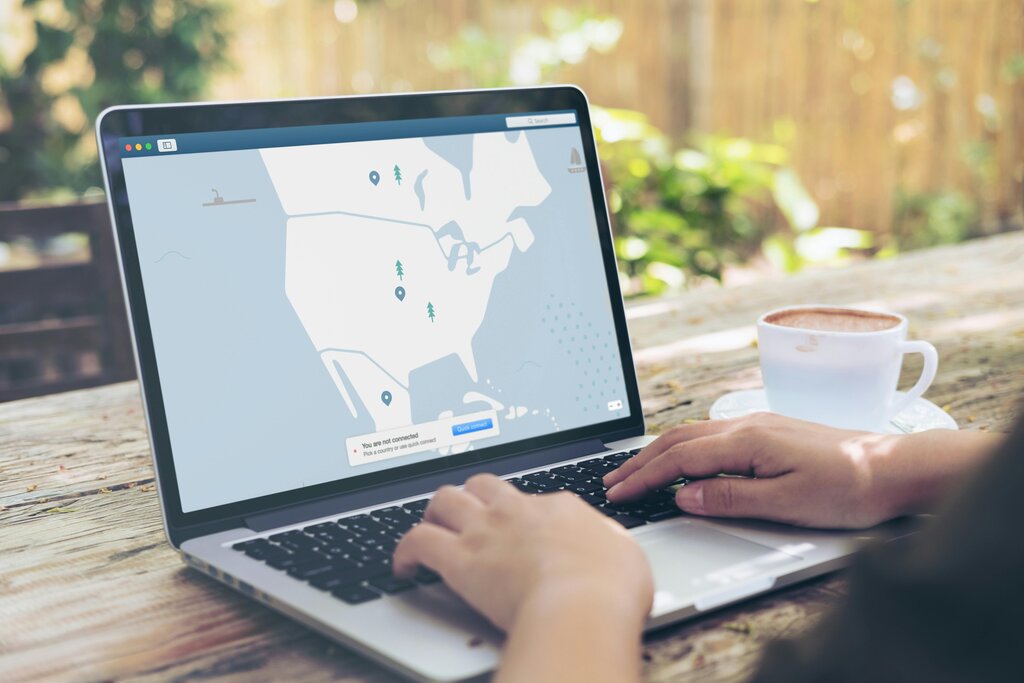
Another major benefit is enhanced privacy from your ISP. In many countries, ISPs are allowed to collect and even sell user browsing data. Since a VPN encrypts your traffic before it leaves your device, your ISP can't see the websites you visit or the services you use.
Finally, because a VPN masks your location, it can help you access websites and content that might be blocked in your geographic area. By connecting to a VPN server in a different country, you can appear as if you're browsing from that location.
What a VPN Can't Do
While VPNs are powerful privacy tools, they are not a magic bullet for complete anonymity. It's a common misconception that a VPN makes you invisible online.
A VPN hides your IP address and encrypts your traffic, but it doesn't make you anonymous. Websites can still track you using cookies, and you're still vulnerable to malware and phishing attacks.
Your VPN provider can also potentially see your traffic, which is why choosing a reputable provider with a strict "no-logs" policy is crucial. A no-logs policy means the company does not store any records of your online activity.
Ultimately, a VPN is one important layer of a broader online security strategy, not a complete solution on its own.
Time to check what you've learned.
What are the two primary functions of a VPN?
When connected to a VPN, your Internet Service Provider (ISP) can no longer see the specific websites you visit.
Now you know the basics of what a VPN is, how it works, and what it can—and can't—do to protect your privacy online.