VPN for Private Browsing
Introduction to VPNs
What is a VPN?
Imagine you want to send a sensitive package. You could use the regular postal service, where your package goes through many hands and sorting centers. Or, you could hire a private, armored car that takes your package directly to its destination inside a locked box. No one can see what's inside or where it's truly from.
A Virtual Private Network, or VPN, acts like that armored car for your internet activity. It creates a secure, private connection over the public internet.
A VPN establishes a secure, encrypted tunnel between your device and the internet. It shields your online activities from prying eyes.
Normally, when you visit a website, your device connects directly to that site's server. Your Internet Service Provider (ISP) can see this connection, and the website knows your location from your device's IP address, which is like a digital return address. With a VPN, your connection is first routed through a special server run by the VPN provider. This process changes everything.
How a VPN Protects You
A VPN provides security in two main ways: by encrypting your data and by masking your IP address.
Encryption
noun
The process of converting information or data into a code, especially to prevent unauthorized access.
Encryption scrambles your internet traffic, turning it into unreadable gibberish for anyone who might try to intercept it. Think of it as writing a letter in a secret code that only you and your intended recipient know how to decipher. Even if someone steals the letter, they won't be able to read it.
This is crucial when you're using public Wi-Fi, like at an airport or coffee shop. These networks are often unsecured, making it easy for hackers on the same network to spy on your activity. With a VPN, all your data is encrypted, keeping your passwords, bank details, and private messages safe.
The second protective layer is IP address masking. Your IP address is a unique number assigned to your device that reveals your approximate physical location. Websites, advertisers, and even your ISP use it to track your online behavior.
A VPN hides your real IP address and replaces it with one from its own network. If you connect to a VPN server in another country, it will look like you're browsing from that location. This simple switch makes it much harder for websites and third parties to track you across the internet.
Common VPN Uses
Beyond basic privacy, VPNs have several practical, everyday uses. One of the most common is securing your connection on public networks.
By connecting to a VPN before accessing public Wi-Fi, you can encrypt your internet traffic and create a secure tunnel that protects sensitive information from potential cyber-attacks.
Another popular use is to bypass geographic restrictions. Many streaming services and websites offer different content libraries in different countries due to licensing agreements. A VPN allows you to connect to a server in another country, making it appear as if you are browsing from there. This can unlock a whole new world of shows, movies, and websites that would otherwise be unavailable.
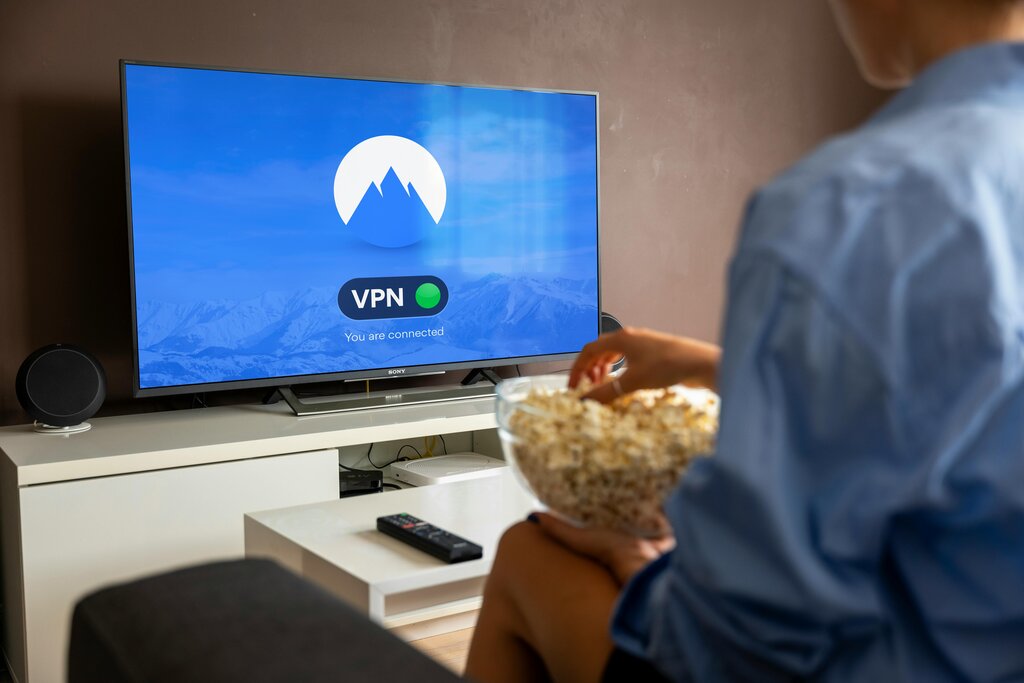
A VPN can also prevent your ISP from monitoring your browsing habits. While most ISPs don't actively spy on you, they often collect anonymized data for marketing. Some may even slow down, or
throttle
, certain types of traffic, like video streaming or online gaming. Since a VPN encrypts your traffic, your ISP can't see what you're doing, which can help you avoid this kind of throttling.
| Use Case | Why Use a VPN? |
|---|---|
| Public Wi-Fi | To encrypt your connection and protect data from hackers. |
| Geo-Restrictions | To access content (like streaming services) from other countries. |
| ISP Privacy | To prevent your ISP from tracking your browsing or throttling your speed. |
| Remote Work | To securely connect to a company's internal network from home. |
By creating a private and secure tunnel for your internet activity, a VPN is a powerful tool for taking control of your online privacy and security.