VMware Migration Strategy for the Dell Partner
Nutanix AHV Parity Audit
Management and High Availability Parity
When transitioning from a VMware vSphere stack on Dell PowerEdge to Nutanix AHV on Dell XC Series hardware, the primary operational shift occurs in the management plane. VMware administrators accustomed to vCenter Server will find its analogue in Nutanix Prism Central. While vCenter manages ESXi hosts, clusters, and datastores as distinct entities, Prism Central provides a unified interface for the entire hyper-converged infrastructure, managing VMs, storage, networking, and hypervisor lifecycle from a single point.
The core high availability and resource scheduling features map directly, though their underlying mechanisms differ. This table provides a direct translation of key VMware concepts to their Nutanix AHV counterparts.
| VMware vSphere Feature | Nutanix AHV Equivalent | Functionality Mapping |
|---|---|---|
| vCenter Server | Prism Central | Centralized multi-cluster management, analytics, and control plane. |
| vSphere High Availability (HA) | Acropolis HA | VM restart on host failure. Nutanix HA is enabled by default and requires no complex configuration like admission control. |
| Distributed Resource Scheduler (DRS) | Acropolis Dynamic Scheduling (ADS) | Automated initial VM placement and live migration for load balancing based on CPU/memory utilization. |
| Content Library | Image Service | Centralized repository for OS images, ISOs, and virtual disks. |
Nutanix's Acropolis HA handles host failure by restarting impacted VMs on other nodes within the cluster. The process is fully automated, leveraging the Nutanix Cluster File System (NCFS) to monitor host health. Unlike vSphere HA, there is no need to manually configure admission control; the system inherently reserves capacity to ensure restart availability. Production clusters mandate a minimum of three nodes to maintain quorum and provide N+1 redundancy.
Acropolis Dynamic Scheduling (ADS) is enabled by default on AHV clusters. It evaluates node utilization every 15 minutes, triggering VM migrations if a node's CPU or memory usage exceeds a configurable threshold (typically 85%) for a sustained period.
Storage Fabric and Data Locality
The most significant architectural departure is the move from traditional SANs, vVols, or even VMware vSAN to the Nutanix Distributed Storage Fabric (DSF). DSF is a software-defined storage layer that aggregates local storage (SSD, NVMe, HDD) from all nodes into a single, resilient pool. This eliminates the need for a separate storage network and dedicated storage hardware.
The key performance advantage of DSF is data locality. The Controller VM (CVM) running on each AHV host ensures that a VM's read I/O is served from local storage on the same node whenever possible. This minimizes network latency for read operations, a significant contrast to vSAN's architecture where data blocks for a VM are distributed across the cluster, often requiring network traversal for reads.
For write operations, data is written locally to the host CVM and simultaneously replicated to one or two other CVMs in the cluster to ensure data redundancy before the write is acknowledged. This process is transparent to the VM and managed entirely by the DSF.
Hardware Integration and Migration
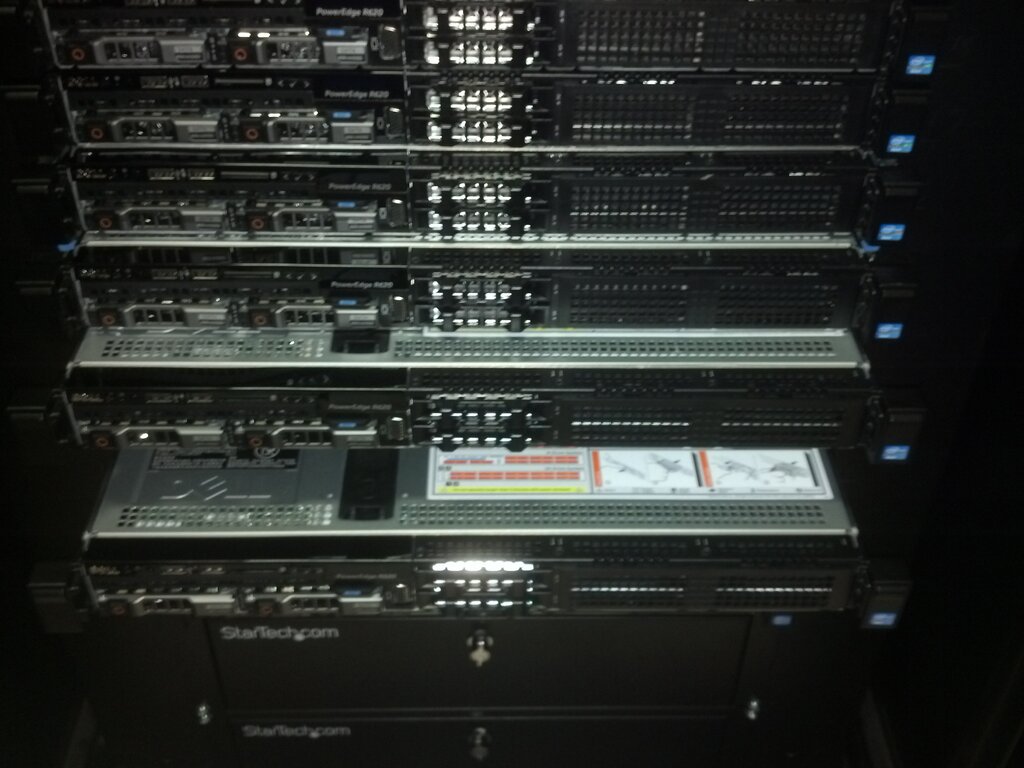
Nutanix maintains tight integration with Dell PowerEdge platforms, specifically the 15G and 16G servers available in the XC Series family. Nutanix Life Cycle Manager (LCM) is a critical component of this integration. LCM provides one-click, non-disruptive upgrades for the entire software stack, including AHV, AOS (the core software), and Prism Central. Critically, it also manages firmware updates for the underlying Dell hardware, including BIOS, NICs, and storage controllers (HBAs), simplifying what is often a complex, multi-step process in traditional environments.
For migrating existing VMware VMs to the new AHV cluster, Nutanix Move is the prescribed tool. Move is a standalone appliance that automates the replication of VM data from an ESXi source to a target AHV cluster. It can perform bulk migrations and orchestrate the cutover with minimal downtime, handling the conversion of virtual disk formats (VMDK to the AHV native format) and installing necessary drivers automatically.
Decouple Storage and Compute
This quote highlights a philosophical difference. While Nutanix decouples storage and compute at a software level within its HCI nodes, it fundamentally couples them at the hardware level. This leads to a critical constraint for organizations with existing storage investments. Nutanix AHV clusters, including the Dell XC Series, do not support connecting to external block storage arrays like Dell PowerVault or ME5 via iSCSI or Fibre Channel. All storage for AHV-based VMs must reside within the Nutanix cluster's Distributed Storage Fabric. This is a non-negotiable architectural limitation that must be factored into any migration plan.
Ready to test your understanding of these direct feature comparisons and architectural constraints?
When migrating from a VMware vSphere environment, what is the Nutanix equivalent of VMware's vCenter Server for centralized management?
A key performance advantage of the Nutanix Distributed Storage Fabric (DSF) is 'data locality.' How does this feature benefit VM read I/O?
Understanding these parallels and differences is key to a successful migration strategy from vSphere to AHV on Dell hardware. The shift is less about losing capability and more about embracing a different, more integrated operational model.