VMware Horizon VDI Fundamentals
Introduction to VDI
Your Desktop, Anywhere
Traditionally, your desktop—your operating system, files, and applications—lives on the physical computer sitting on your desk. A Virtual Desktop Infrastructure, or VDI, flips this model. It hosts your entire desktop environment on a central server in a data center and streams it to you over a network.
Think of it like streaming a movie. The movie file isn't stored on your TV; it's on a server far away. You just use your screen to watch it. VDI does the same thing, but for your entire computer desktop.
This setup allows you to access your personal desktop from almost any device—a laptop, a tablet, or even a simple, low-cost machine called a thin client. All the heavy lifting and data storage happens on the powerful central server, not on your local device.
How It Works
The magic behind VDI involves a few key components working together. The foundation is a server running special software called a hypervisor. The hypervisor carves up the physical server's resources (like processing power, memory, and storage) to create and run multiple virtual machines, or VMs. Each VM acts as an independent computer, hosting a complete desktop for a single user.
When you want to log in, you use your device to send a request. A connection broker acts as a traffic controller. It verifies your identity and directs you to your assigned virtual desktop. Once connected, your keyboard strokes and mouse movements are sent to the VM, and the server streams the desktop's display back to your screen. The experience feels just like using a local computer, but the actual work is happening somewhere else.
Persistent vs. Non-Persistent
VDI desktops come in two main flavors: persistent and non-persistent. The choice between them depends entirely on the user's needs.
A persistent desktop is like your personal, assigned office cubicle. It's yours and yours alone. Every time you log in, you return to the exact same virtual machine. You can customize it, install applications, and save files directly to it. All your changes are there the next time you connect.
This is ideal for knowledge workers, developers, and designers who need a consistent, personalized environment to do their work.
A non-persistent desktop is like a shared hot-desk or a library computer. You get a clean, generic desktop from a pool every time you log in. When you log out, the desktop is wiped clean, reverting to its original state. Nothing you did is saved on that specific virtual machine.
This model is perfect for environments where users perform limited, repetitive tasks, such as in a call center, a computer lab, or a hospital kiosk. It's simpler to manage and more secure because each session starts with a fresh, uncompromised desktop.
| Feature | Persistent VDI | Non-Persistent VDI |
|---|---|---|
| Personalization | Fully customizable by the user | Generic; resets after each session |
| User Assignment | 1-to-1 (User gets the same VM) | Many-to-1 (User gets any available VM) |
| Data Storage | User data saved on the VM | User data saved on network drives |
| Best For | Developers, dedicated staff | Task workers, call centers, labs |
| Management | More complex (individual updates) | Simple (update one master image) |
The Benefits of VDI
Organizations adopt VDI for several powerful reasons. A primary driver is centralized management. Instead of managing hundreds or thousands of individual physical desktops, IT teams manage a set of master desktop images in one central location. Patching, updating, and deploying applications becomes vastly more efficient.
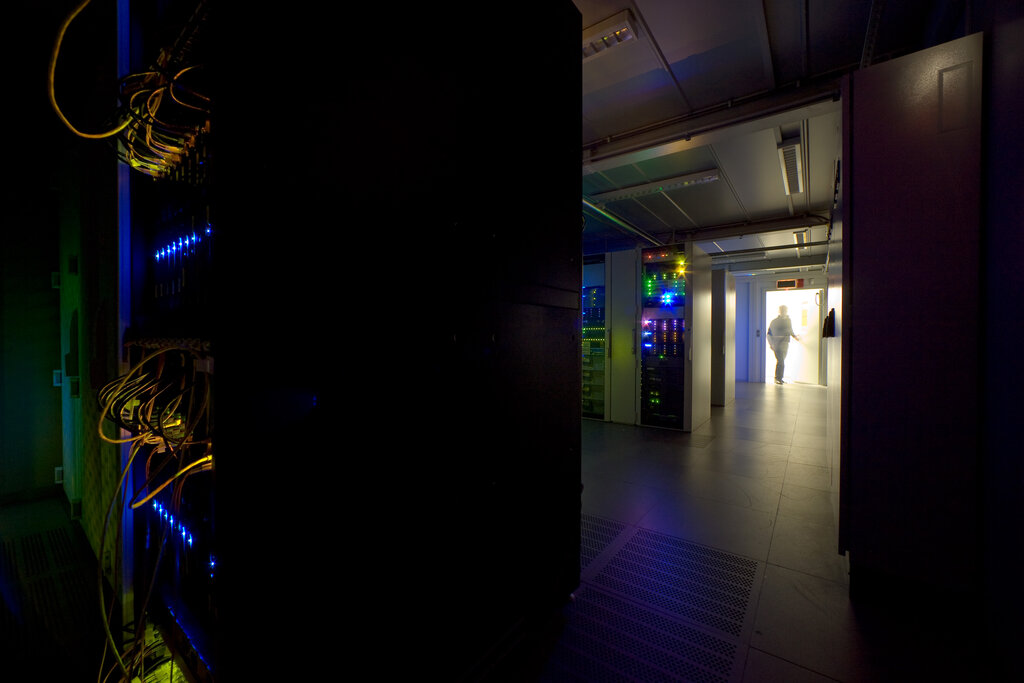
Security is another major advantage. Because all data is stored on the central server and not the user's device, the risk of data loss from a stolen or damaged laptop is eliminated. If a device is compromised, access can be revoked instantly without affecting the data itself.
Finally, VDI is a key enabler of remote work and flexibility. It allows employees to securely access their full work desktop from home, a hotel, or a coffee shop, using any compatible device. This gives organizations the ability to support a mobile workforce and bring-your-own-device (BYOD) policies without sacrificing security or control.
What is the primary function of a hypervisor in a Virtual Desktop Infrastructure (VDI) setup?
A software developer who needs to install specific tools and maintain a personalized coding environment would be best suited for which type of VDI desktop?
VDI technology decouples the desktop environment from the physical machine, offering a flexible, secure, and manageable way to deliver desktops to users wherever they are.