VLAN Fundamentals Explained
Introduction to VLANs
Beyond the Physical LAN
In a traditional Local Area Network (LAN), all devices are connected to the same physical network hardware, like switches and cables. Think of it as an open-plan office. Everyone is in the same large room, connected to the same infrastructure. They can all hear each other's conversations, which can get noisy and isn't very private. If you want to create separate departments, you have to build physical walls.
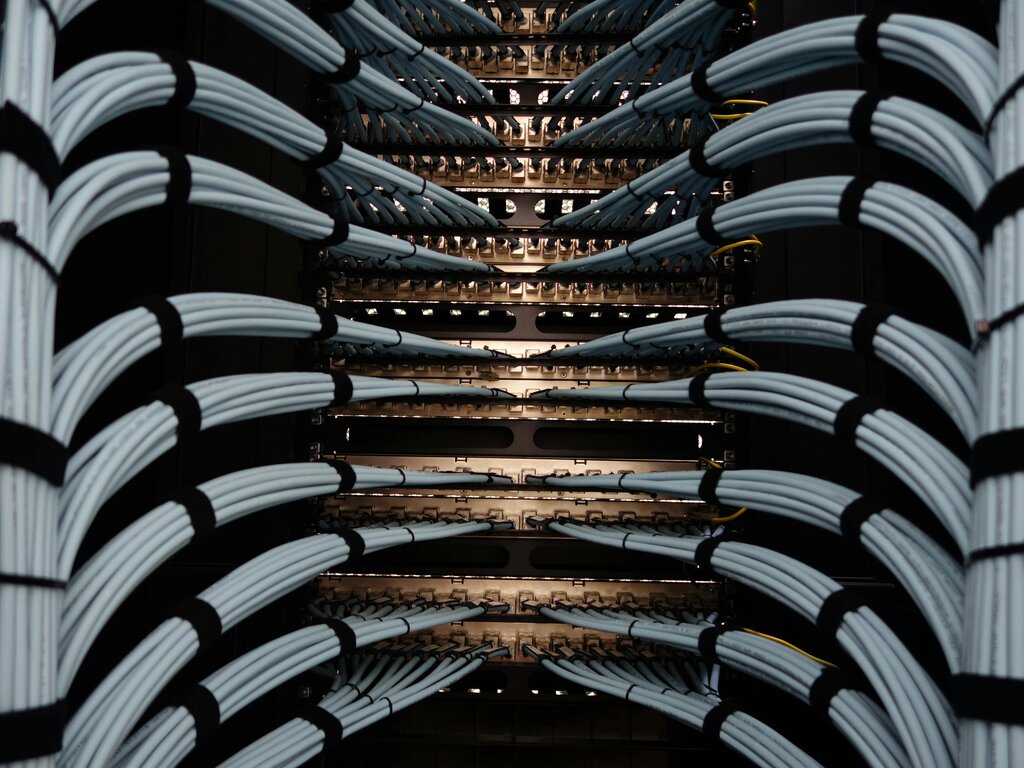
This physical separation is how networks used to be managed. If the Engineering department needed to be on a separate network from the Sales department for security reasons, they would need their own dedicated switch and wiring. This was expensive, inflexible, and difficult to manage. If an employee moved desks from the Sales area to the Engineering area, their computer's physical network connection would have to be rewired. There had to be a better way.
Creating Virtual Walls
This is where Virtual Local Area Networks (VLANs) come in. A VLAN allows you to group devices together into separate, logical networks, even if they're connected to the same physical switch. It’s like using movable partitions to create separate, soundproof offices within that same open-plan space. The Sales team can be in one virtual "room" and the Engineering team in another, completely isolated from each other, without building any physical walls.
VLAN
noun
A logical grouping of network devices that allows them to communicate as if they were on the same physical LAN, regardless of their physical location.
With VLANs, a network administrator can segment a network to improve security, manage traffic, and boost performance. Devices in one VLAN cannot directly communicate with devices in another VLAN unless a router is specifically configured to allow it. This segmentation is a fundamental principle of modern network design.
The magic behind this is a process that adds a "tag" to network traffic. The industry standard for this is called IEEE 802.1Q. This standard defines how to insert a small piece of information into a network frame that identifies which VLAN it belongs to. The network switches then read these tags to make sure traffic only goes to devices within the same VLAN. We'll explore the details of tagging later.
LANs vs VLANs
So how does a network with VLANs really differ from a traditional LAN setup? Let's break it down.
| Feature | Traditional LAN | Virtual LAN (VLAN) |
|---|---|---|
| Broadcast Domain | A single physical network is one large broadcast domain. | A single physical network can be split into multiple smaller broadcast domains. |
| Flexibility | Inflexible. Moving a device to a different network requires physical rewiring. | Flexible. A device can be moved to a different logical network via software configuration. |
| Security | Lower. All devices on the LAN can potentially see each other's traffic. | Higher. Traffic is isolated between VLANs, limiting access for unauthorized users. |
| Cost | Can be higher as more physical switches are needed for network segmentation. | Lower. Reduces the need for additional hardware by segmenting a single switch. |
| Management | Simple for small networks, but complex to scale and manage physical changes. | Centralized software-based management makes adding or moving devices easier. |
The key takeaway is that VLANs separate devices based on logic, not physical location. This provides immense flexibility and control for network administrators.
VLANs transformed network design by introducing a layer of abstraction over the physical hardware. This innovation made networks more scalable, secure, and easier to manage, laying the groundwork for the complex, high-speed networks we rely on today.
Time to check your understanding of these core concepts.
What is the primary purpose of a Virtual Local Area Network (VLAN)?
Which industry standard defines the process of adding a 'tag' to network frames to identify their VLAN membership?
Now that you have a foundational understanding of what VLANs are and why they're used, we'll dive deeper into how they are configured in the next section.