Vim Plugins for Enhanced Coding
Introduction to Vim Plugins
Extending Vim with Plugins
Vim is powerful on its own, but its true strength lies in its customizability. Think of your smartphone. The basic functions are great, but it’s the apps you install that tailor it to your specific needs. Vim plugins work the same way. They are scripts or pieces of code that add new features, change existing behavior, or integrate Vim with other tools.
Plugins transform Vim from a simple text editor into a personalized development environment, perfectly suited to your workflow.
By adding plugins, you can enhance everything from how you navigate files to how you write code. You might add support for a new programming language, get smarter code completion, or even check for spelling errors on the fly. This extensibility is what allows Vim to compete with modern, feature-packed code editors.
Vim and NeoVim are highly customizable, allowing users to tailor the editor to their specific needs and workflows.
What Can Plugins Do?
Plugins can do almost anything you can imagine. Let's look at a few popular examples to see how they solve common problems.
Plugin
noun
A self-contained set of code and/or data that adds new functionality to a software application.
One of the first things many users want is a better way to browse their project's files without leaving the editor. By default, you have to open files by typing their names. A file tree plugin like NERDTree changes that by adding a familiar sidebar that lists all the files and folders in your project. You can browse the tree, open files, and manage your project structure with just a few keystrokes.
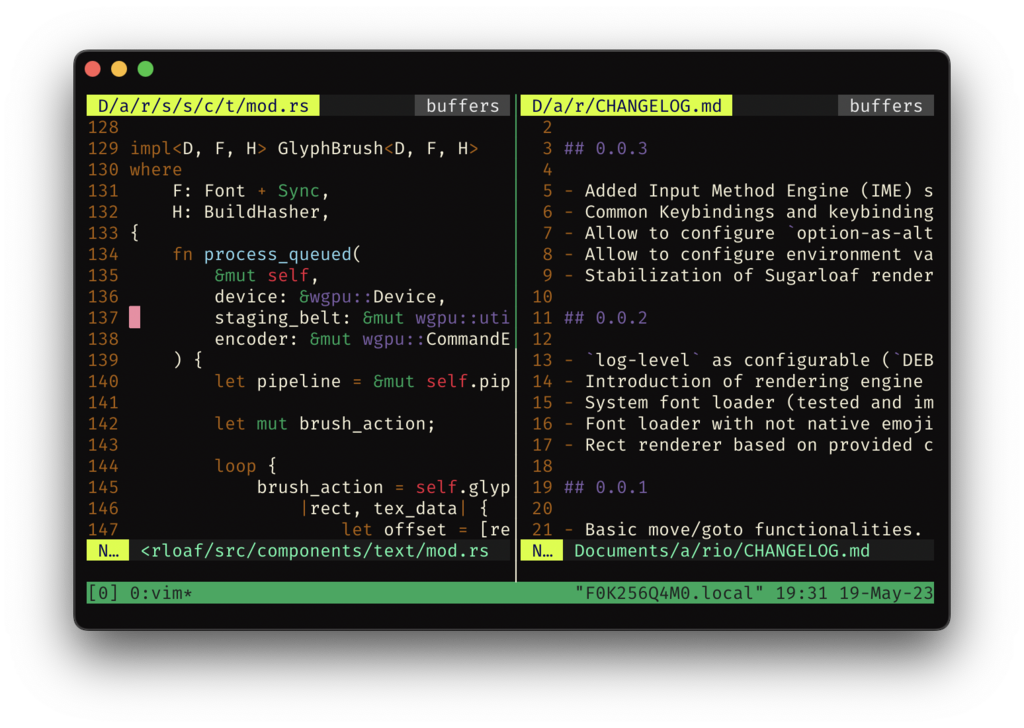
Another common task is searching for text across multiple files. Vim's built-in search is great for the current file, but what if you need to find a specific function name in a large project? A fuzzy finder plugin, such as FZF, makes this incredibly fast. You can type a few characters of a filename or a line of code, and the plugin will instantly show you all the matching results, letting you jump to the right place immediately.
For programmers, code completion is essential. While Vim offers some basic completion, plugins like YouCompleteMe or CoC (Conquer of Completion) take it to a whole new level. They provide intelligent, context-aware suggestions as you type, just like you'd find in a full-fledged IDE. They can even show you documentation for functions and flag errors in your code before you try to run it.
import os

# Without a plugin, you type everything manually.
def get_user_home():
    return os.path.expanduser('~')

# With a completion plugin, typing 'os.' brings up a menu:
# os.path
# os.system
# os.environ
# ...and so on. When you type 'os.path.exp', it might suggest:
# os.path.expanduser()
These examples are just the beginning. There are plugins for Git integration, syntax highlighting for hundreds of languages, color schemes, and tools that help you write prose. The plugin ecosystem is vast and allows you to build an editor that's uniquely yours.
Ready to test your understanding?
What is the primary role of plugins in Vim, according to the provided text's smartphone analogy?
A developer wants to quickly search for a specific function name across all files in a large project. Which type of plugin would be most effective for this?
Exploring and adding plugins is a key part of the Vim journey. They are what make it an endlessly adaptable tool for any text-editing task.