Video Editing for Social Media Growth
Introduction to Video Editing
Why Video Matters
In a world crowded with digital content, video is your best tool for standing out. Think about your own social media feeds. What catches your eye? It’s usually a moving image, a short clip that tells a story or makes you laugh. That's the power of video.
For any business or brand, video isn’t just a nice-to-have; it's essential. It allows you to show, not just tell. You can demonstrate a product, share a customer's success story, or give a behind-the-scenes look at your company. This kind of content builds trust and creates a personal connection with your audience in a way that text or static images can't.

Effective video doesn't have to be a Hollywood production. The magic happens in the editing room, which today can be an app on your phone. Good editing turns raw footage into a polished, engaging story that strengthens your brand and captivates your audience.
The Building Blocks of Editing
Video editing is like telling a story. You have all your raw footage—the different sentences and ideas—and your job is to arrange them into a clear and compelling narrative. It all comes down to a few fundamental actions: cutting, trimming, and sequencing.
Think of it like building with blocks. You pick the right pieces (clips), shape them to fit perfectly (trimming), and arrange them in the right order (sequencing) to create something new.
Cutting is the process of removing unwanted parts of a clip. Maybe you fumbled your words at the beginning or there was a long, awkward pause. A cut removes that section entirely.
Trimming is more precise. It involves shortening the beginning or end of a clip. This helps tighten the pacing and ensures smooth transitions between shots.
Sequencing is simply arranging your trimmed clips in the desired order on a timeline. The sequence determines the flow of your story and is crucial for making your video make sense.
Choosing Your Tools
You don't need expensive equipment to get started. Many powerful video editing tools are available right on your phone or laptop, often for free. The best tool for you depends on your project's complexity and where you prefer to work.
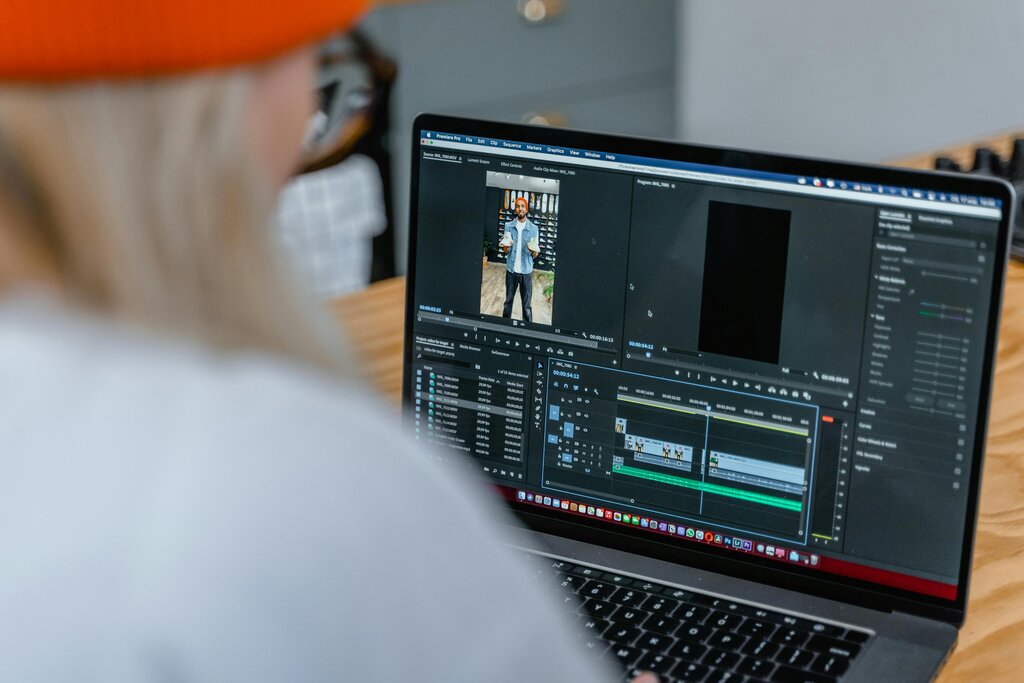
Mobile apps are perfect for quick edits and social media posts. They are designed for speed and simplicity. Laptop or desktop software offers more control, precision, and advanced features, making it ideal for more complex projects.
| Platform | Pros | Cons | Best For |
|---|---|---|---|
| Mobile Apps | Convenient, easy to learn, fast for social media | Fewer advanced features, less precise | Quick edits, TikToks, Instagram Reels |
| Laptop/Desktop Software | High precision, advanced features, handles large files | Steeper learning curve, requires more powerful hardware | YouTube videos, marketing content, detailed projects |
Popular mobile options include CapCut and InShot. For laptops, DaVinci Resolve offers a powerful free version, while Adobe Premiere Pro is an industry standard available through a subscription. Start with a free tool to learn the basics before committing to a paid one.
According to the text, why is video an essential tool for a modern brand?
You've filmed a product demonstration, but you fumbled your words at the very beginning of the clip. To create a clean start, you need to shorten the clip by removing the first few seconds. What is this specific action called?
With these fundamentals, you have everything you need to start turning your raw footage into engaging videos. The key is to practice, experiment, and find a workflow that feels right for you.