Video Editing for Social Media Growth
Introduction to Video Editing
Why Video Matters
Video isn't just another type of content on social media; it's often the most powerful. Think about how you scroll through your own feeds. What makes you stop? Chances are, it's a moving image. Video grabs attention, tells a story quickly, and builds a stronger connection with your audience than a simple photo or text post ever could.
For any brand or business, video is a direct line to its customers. It's a way to show personality, explain a product, or share a testimonial. An effective video doesn't just get views—it gets engagement. People comment, share, and remember what they saw. That's the goal: to create something memorable that stands out in a crowded digital world.
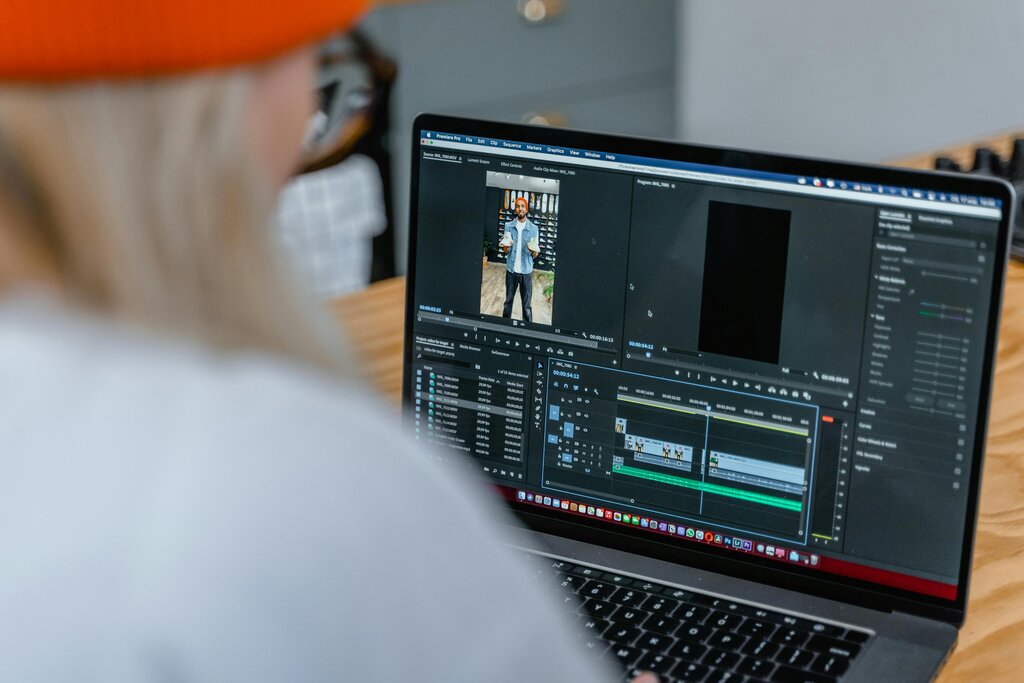
But just pointing and shooting isn't enough. The magic happens in the edit. Editing turns raw footage into a compelling story. It sets the pace, creates a mood, and makes sure your message is clear and impactful.
A well-edited video can draw your audience’s focus to the precise moments you want them to experience—be it a witty comedic beat, a heartfelt product endorsement, or a day-in-the-life glimpse that forges a deeper personal connection with your followers.
The Building Blocks of an Edit
At its core, video editing is about making choices. You decide what the viewer sees and when they see it. This is done using a few fundamental techniques.
Cutting
noun
The act of splitting a video clip into two or more segments, or removing a segment entirely.
Cutting is how you remove mistakes, long pauses, or anything that doesn't serve the story. If you filmed a five-minute clip but only need two specific moments from it, you'll use cuts to isolate them.
Trimming
noun
The process of shortening the beginning or end of a video clip.
Trimming is more about refinement. Think of it like snipping off the ragged edges. You might trim a few frames off the start of a clip so the action begins immediately, or trim the end to make the transition to the next shot feel smoother. It’s a subtle but crucial part of creating a professional pace.
Sequencing
noun
Arranging individual clips in a specific order on a timeline to construct a narrative.
This is where your story truly takes shape. The order in which you place your clips dictates the narrative. Do you start with a wide shot to establish the scene, then cut to a close-up for detail? Or do you start with the close-up to create mystery? Sequencing is storytelling, one clip at a time.
From Idea to Final Cut
The entire process of creating a video can be broken down into three main stages. Understanding this workflow helps you stay organized and ensures a better final product.
1. Planning: This is the most important step. Before you even touch a camera, you need a clear idea of what you want to achieve. What is the key message? Who are you trying to reach? A simple outline or script can save you hours of frustration later. A good plan is your roadmap.
2. Shooting: This is where you capture all your raw footage. You don't need a Hollywood budget; modern smartphones shoot incredible video. Focus on the fundamentals: good lighting (natural light is your best friend) and clear audio. It's always better to shoot more footage than you think you'll need. This gives you more options in the edit.
3. Post-Production: Now it's time to put it all together. This is where you'll import your footage into editing software and start cutting, trimming, and sequencing your clips. Post-production also includes adding music, text overlays, color correction, and other finishing touches that make your video look and sound great.
According to the text, what is the primary goal of creating video for social media?
Which editing technique is best described as refining the start and end points of a clip to make transitions smoother?