Video Editing for Social Media Growth
Introduction to Video Editing
Why Video Matters
In a sea of social media content, video is your strongest swimmer. It grabs attention better than almost anything else. Think about your own scrolling habits. A moving image is more likely to make you pause than static text or a simple photo. This is because video conveys emotion, tells stories, and shows personality in a way other formats can't.
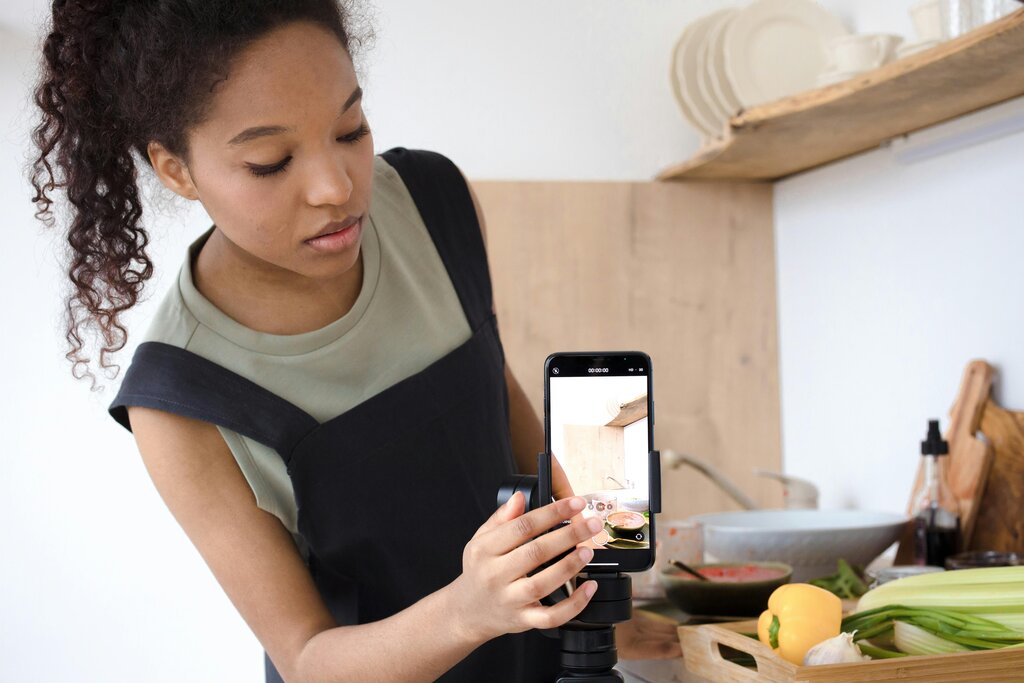
For a brand or business, video content builds a direct connection with your audience. It puts a face to a name, making your message feel more personal and trustworthy. Whether it's a quick behind-the-scenes look, a product demonstration, or a tutorial, video helps people understand who you are and what you offer.
A well-edited video can draw your audience’s focus to the precise moments you want them to experience—be it a witty comedic beat, a heartfelt product endorsement, or a day-in-the-life glimpse that forges a deeper personal connection with your followers.
The Magic of Editing
Raw video footage is just the starting point. The real storytelling happens during the editing process. Editing turns a collection of clips into a coherent and engaging narrative. It’s the difference between a home movie and a polished piece of content that people want to share.
Good editing is invisible. It guides the viewer's attention without them even noticing. It trims away the awkward pauses, highlights the most important moments, and sets the pace and mood of the story.
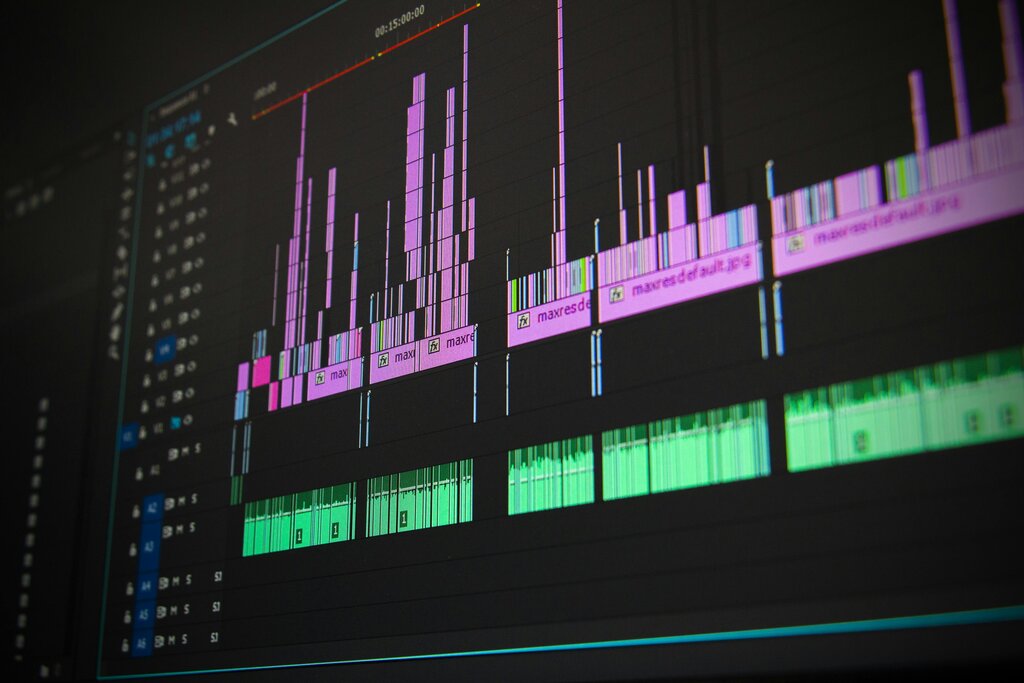
Basic editing—like splicing, adding subtitles, adjusting brightness, or overlaying music—often elevates your content from “rough clip” to “scroll-stopping gem.”
Through editing, you control the story. You can build suspense, create an emotional impact with music, or clarify a point with a text overlay. This polish is what separates content that gets ignored from content that gets results.
The Editing Workflow
The video editing process might seem complex, but it can be broken down into a few core stages. While the specifics vary, almost every project follows this general path.
Understanding this workflow helps you stay organized and efficient, whether you're creating a 15-second clip or a 10-minute tutorial.
Tools of the Trade
You don't need a Hollywood studio to create professional-looking videos. The tools available today are powerful, accessible, and often free. They fall into two main categories: mobile apps and desktop software.
| Category | Best For | Examples |
|---|---|---|
| Mobile Apps | Quick edits, on-the-go content creation, trending effects | CapCut, InShot, Videoleap |
| Desktop Software | More control, complex projects, higher quality output | DaVinci Resolve, Kdenlive, CapCut Desktop |
Many creators use both. They might shoot and do a quick assembly on their phone, then move to a laptop for finer adjustments. The best tool is the one that fits your workflow and helps you create content consistently.
Coupled with one of the highly powerful video editing apps available on iOS or Android, you can create polished, professional-level videos directly on a mobile device.
Now that you have an overview of the process and the tools, let's test your knowledge.
According to the text, why is video content so effective on social media?
What is the primary role of the editing process?
With a grasp of these fundamentals, you're ready to start turning your raw footage into engaging stories for social media.