Video Editing for Social Media Growth
Introduction to Video Editing
Why Edit Your Videos?
Think of video editing as the final, crucial step in telling a story. It’s how you transform raw footage from your camera or phone into a polished, engaging piece of content. For social media, where attention spans are short and competition is fierce, good editing isn't just a nice-to-have; it's essential.
A well-edited video can draw your audience’s focus to the precise moments you want them to experience—be it a witty comedic beat, a heartfelt product endorsement, or a day-in-the-life glimpse that forges a deeper personal connection with your followers.
Editing allows you to control the narrative. You can cut out mistakes, emphasize key moments, add music to set the mood, and include text to clarify your message. A well-edited video looks professional, holds a viewer's interest, and makes your content more shareable. It’s the difference between a random clip and a story that connects with people.
The Video Creation Process
Creating a great video involves more than just the editing itself. The entire process can be broken down into three main stages: planning, shooting, and post-production. Thinking about the final edit from the very beginning will save you a lot of headaches later on.
1. Planning (Pre-Production) Before you hit record, have a clear idea of what you want to achieve. What's the main message? Who is your audience? What do you want them to do after watching? Creating a simple outline or a shot list helps ensure you capture everything you need. A shot list is just a checklist of all the shots you want to get.
| Shot # | Description | Type |
|---|---|---|
| 1 | Close-up of coffee being poured | B-roll |
| 2 | Person speaking to the camera | A-roll (Main) |
| 3 | Wide shot of the room | B-roll |
2. Shooting (Production) When you're filming, think like an editor. Capture more footage than you think you'll need. This extra material, called B-roll, is supplementary footage that you can cut to while your main subject is talking. It makes your video more dynamic and helps hide cuts or mistakes.
Also, hold your shots for at least 10 seconds. This gives you flexibility when you're trimming clips. Pay attention to lighting and sound. A video with bad audio is almost unwatchable, no matter how great it looks.
B-roll
noun
Supplemental or alternative footage intercut with the main shot.
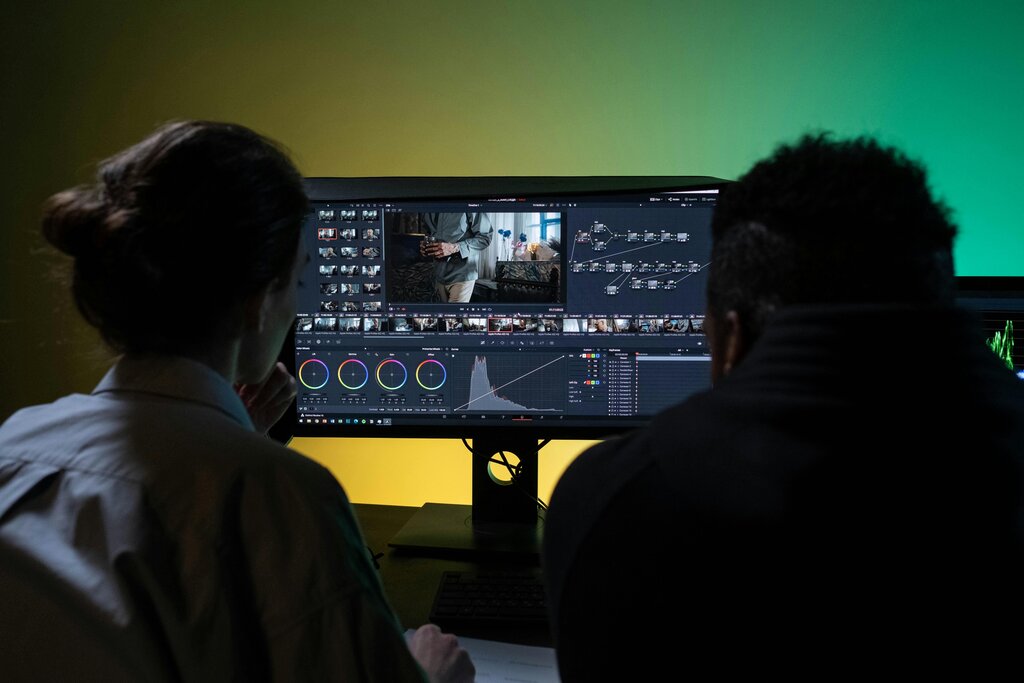
3. Editing (Post-Production) This is where the magic happens. You'll import your footage into an editing program, trim the unnecessary parts, and arrange the clips in a sequence that tells a compelling story. During this stage, you'll also add music, text, color correction, and any other effects that enhance your video.
Boosting Engagement Through Editing
Ultimately, the goal of editing for social media is to create content that people want to watch and share. Simple editing techniques can make a huge difference.
Quick cuts, engaging music, and clear on-screen text can stop someone from scrolling past your video. By trimming away any slow moments, you respect the viewer's time and keep them hooked until the end.
By polishing your content, you signal to your audience that you value their attention. This builds trust and encourages them to follow you for more. You don't need fancy software or years of experience to start. The key is to begin with a plan and focus on making your message as clear and concise as possible.

What is the primary role of video editing for social media content?
The three main stages of video creation, in order, are Planning, Shooting, and ______.
Now that you understand the basics of the video editing process, you're ready to dive deeper into the tools and techniques that will bring your stories to life.