Video Editing Essentials
Introduction to Video Editing
The Art of the Story
At its heart, video editing is the art of storytelling. It’s the process of selecting and arranging video clips, audio, and graphics to create a finished piece. Think of it like writing an essay. You start with a collection of notes and ideas—your raw footage. The editor then chooses the best parts, puts them in a logical order, and polishes them until the message is clear and compelling.
The goal isn't just to string shots together. It's to shape the narrative, control the pacing, and evoke emotion. A great edit can make you laugh, hold you in suspense, or teach you something new. It guides the viewer's eye and mind, making sure the story flows smoothly from one point to the next.
The Editing Workflow
While every project is different, the editing process generally follows a few key stages. It starts with a mountain of raw material and ends with a single, polished video file.
This workflow provides a clear structure. First, you get all your ingredients together. Next, you build the basic structure. Then, you refine and perfect it. Finally, you bake the cake—or in this case, export the video.
Key Terms to Know
As you start editing, you'll encounter some specific terminology. Understanding these core concepts is the first step to mastering the craft.
Timeline
noun
The visual interface in editing software where clips are arranged in chronological order.
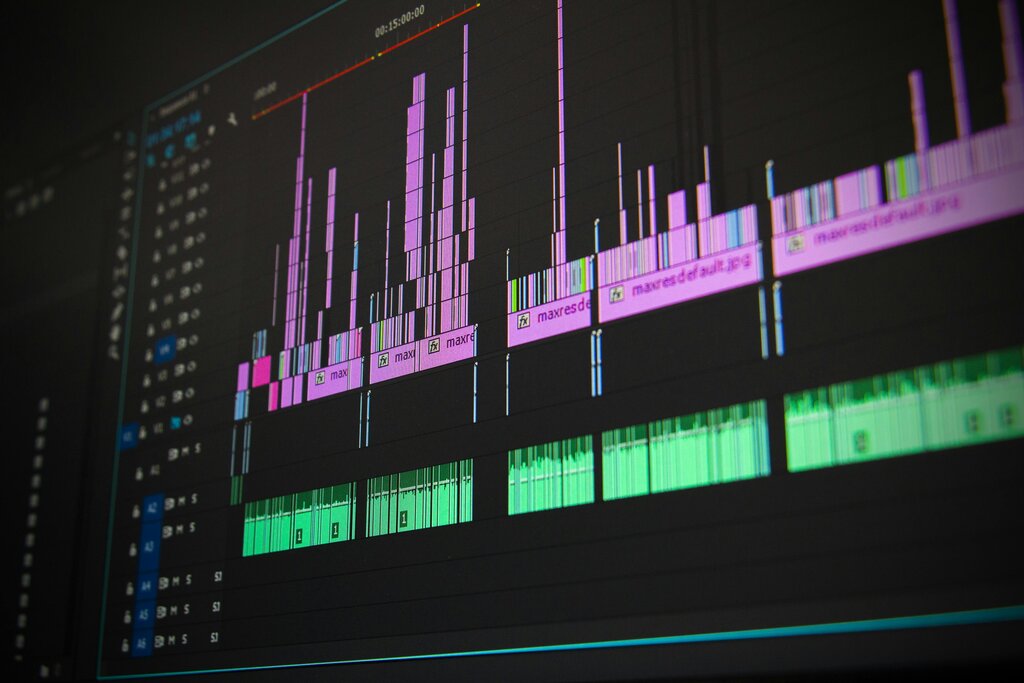
The timeline is your main workspace. It displays your video clips, audio tracks, titles, and effects from left to right, showing how they will play out over time.
Cut
noun
An abrupt transition from one shot to another. It's the most common and fundamental type of edit.
Most edits in any video are simple cuts. They move the story forward without drawing attention to the editing itself. When done well, they feel invisible.
Transition
noun
Any method used to move from one shot or scene to the next. A cut is one type, but others include fades and dissolves.
While a cut is instantaneous, other transitions can be more gradual. A fade might dissolve the image to or from a solid color (like black), while a dissolve blends one clip into the next. These are used more sparingly to create a specific mood or indicate a passage of time.
Rendering
noun
The process of the computer generating the final video file from the edited project on the timeline. Also known as exporting.
An editing project isn't a video file itself; it's just a set of instructions. Rendering is the final step where the software follows those instructions to combine all your clips, audio, and effects into a single, playable video file like an MP4.
The Editor's Role
So what does a video editor actually do? They are much more than just a technician who knows how to use software. They are a creative partner in the filmmaking process.
A good editor is an invisible storyteller. Their job is to find the best version of the story within the footage and present it in the most effective way.
The editor makes critical decisions that shape the final product. They decide which take of a scene has the best performance, how long to hold on a shot to build tension, and which sound effect will make a moment land perfectly. They control the rhythm and pace of the story, ensuring the audience stays engaged from beginning to end.
Now that you know the basics, you're ready to see how these concepts apply in practice. Let's test your knowledge.
What is the primary goal of video editing?
In video editing software, what is the 'timeline'?