Unqork No-Code Platform Explained
Introduction to No-Code Development
Building Without Code
Imagine building a house. In traditional construction, you'd need to know how to mix concrete, frame walls, and run electrical wiring. It requires deep, specialized skills. Now, imagine building with a set of advanced, prefabricated modules. You have walls, windows, and roof sections that you can simply snap together. You're still the architect, making all the design decisions, but the construction process is faster and doesn't require you to be a master carpenter.
This is the core idea behind no-code development. It’s a way to build software applications using visual tools instead of writing traditional programming code. Instead of typing out lines of commands in a language like Python or JavaScript, you use a graphical user interface with drag-and-drop components to assemble your app.
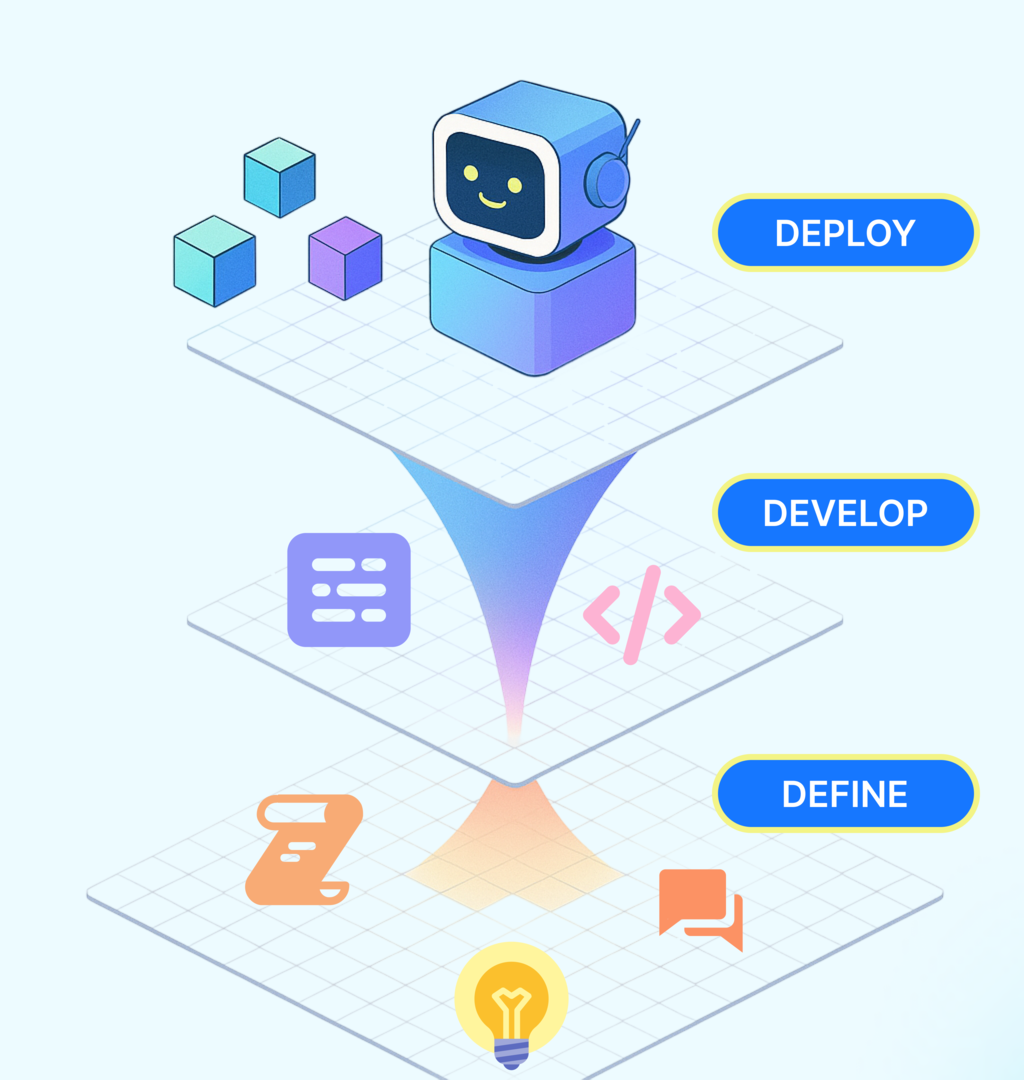
No-code platforms translate your visual instructions into code behind the scenes, letting you focus on what your app does, not how it's built.
Key Advantages
The shift to no-code opens up software development to a much wider audience. The primary benefit is speed. Projects that would take months of traditional development can be prototyped and launched in days or weeks. This allows teams to test ideas and respond to market changes much more quickly.
Cost is another major factor. By reducing the need for large teams of specialized developers, companies can build custom software for a fraction of the typical budget. This makes powerful, tailored solutions accessible to small businesses and startups, not just large corporations.
Perhaps the most significant advantage is accessibility. No-code empowers the people who best understand a business problem—marketers, operations managers, HR professionals—to build their own solutions. These “citizen developers” can create tools to automate their workflows and improve their processes without needing to join an engineering queue.
No-code platforms eliminate the need for programming skills, making software development accessible to entrepreneurs, business professionals, and small teams.
The No-Code Ecosystem
The no-code landscape is vast and growing. It's not a single tool, but an entire ecosystem of platforms designed for different purposes. Understanding the categories can help you find the right tool for the job.
| Category | Description | Example Use Cases |
|---|---|---|
| Website Builders | Create complex, interactive websites and web apps. | Marketing sites, e-commerce stores, membership portals. |
| App Builders | Develop mobile apps for iOS and Android or internal business tools. | Customer relationship managers (CRMs), project trackers, inventory apps. |
| Automation Platforms | Connect different apps and automate repetitive workflows. | Automatically saving email attachments to cloud storage, creating social media posts from a spreadsheet. |
| Databases & Spreadsheets | Build powerful, database-driven applications with a spreadsheet-like interface. | Content calendars, event planning trackers, simple CRMs. |
These tools are being used across nearly every industry. Retail companies build custom inventory management systems. Marketing agencies create interactive landing pages for clients. Non-profits design apps to manage volunteers. The common thread is the need for a custom software solution without the time and expense of traditional development.
With a solid grasp of what no-code is and why it's so powerful, you're ready to explore how these tools are put into action.