Unity Shader Fundamentals
Introduction to Shaders
What is a Shader?
Think of a 3D model as a blank sculpture. It has shape and form, but no color, texture, or material. A shader is a set of instructions that tells the computer how to 'paint' that sculpture. It's a small program that runs on your graphics card (GPU) and determines the final look of every pixel on an object's surface.
Shaders control everything from a character's skin tone to the metallic glint of a sword, the transparency of glass, or the ripple of water. Without shaders, every object in your game would be a flat, single-colored shape. They are the artists that bring your 3D world to life.
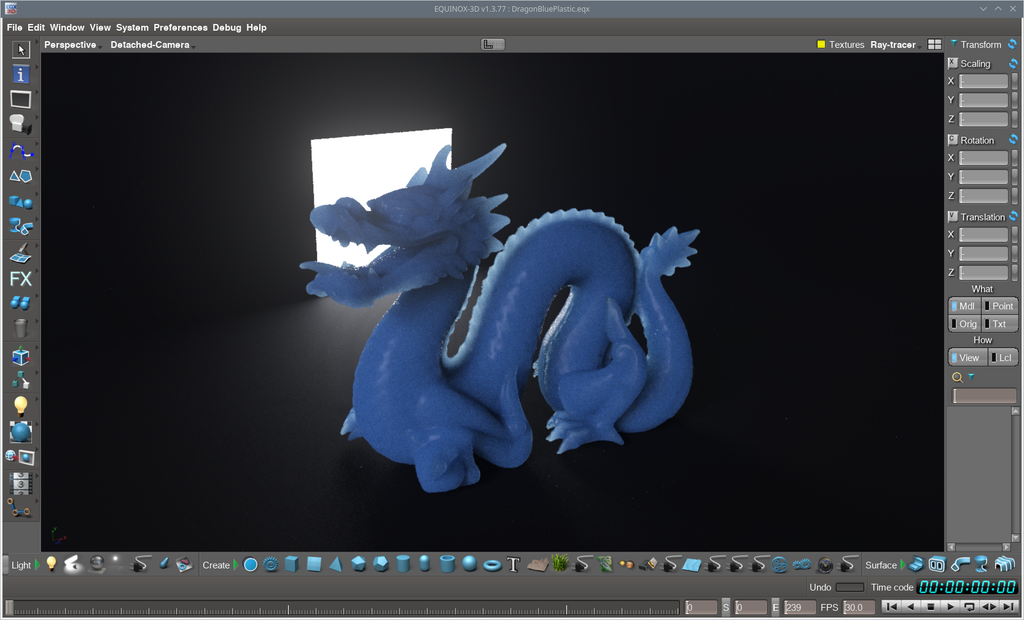
The Rendering Pipeline
To understand how shaders work, you need to know where they fit into the rendering pipeline. This pipeline is the step-by-step process your GPU follows to turn 3D scene data into the 2D image you see on your screen. It's like an assembly line for creating images.
The two most important stages for us are the Vertex Shader and the Fragment Shader.
-
Vertex Shader: This stage works with the vertices (the corners) of your 3D models. Its job is to figure out where these vertices should be in 2D screen space. It can move vertices around to create effects like waving flags or water ripples.
-
Fragment Shader (or Pixel Shader): After the model's triangles are broken down into pixels (a process called rasterization), the fragment shader runs for each pixel. It calculates the final color of that individual pixel based on lighting, textures, and other material properties.
Anatomy of a Unity Shader
When you open a shader file in Unity, it might look intimidating, but its structure is quite logical. It's written in a language called HLSL (High-Level Shading Language) or ShaderLab, Unity's own language for structuring shaders.
Shader "MyShaders/SimpleColor" {
    Properties {
        _Color ("Main Color", Color) = (1, 1, 1, 1) // White
    }
    SubShader {
        Pass {
            CGPROGRAM
            // Vertex and fragment shader code goes here
            ENDCG
        }
    }
}
Let's break down the main parts:
-
Properties: This block defines variables you can adjust in Unity's Inspector window, like colors, textures, or numeric sliders. This makes your shader customizable without needing to edit the code directly.
-
SubShader: A shader can contain multiple SubShaders. Unity will try to use the first one that the user's graphics card can handle. This is a way to provide fallbacks for older hardware.
-
Pass: Inside a SubShader, you have one or more Passes. Each Pass is a complete rendering of the object. Some effects, like object outlines, require multiple passes.
Types of Shaders in Unity
Unity offers a few different ways to write shaders, each suited for different needs and skill levels.
| Shader Type | Description | Best For |
|---|---|---|
| Surface Shaders | An abstraction that auto-handles lighting calculations. You just describe surface properties. | Beginners, realistic lighting, rapid prototyping. |
| Vertex/Fragment | Gives you direct control over the vertex and fragment shader stages. More complex but powerful. | Custom lighting models, special effects, optimization. |
| Fixed-Function | An older, legacy type that uses predefined functions instead of custom programs. Very limited. | Very old hardware. Generally avoided now. |
For most of your journey, you'll likely start with Surface Shaders because they get great-looking results quickly. As you need more specific or unusual effects, you'll move into writing custom Vertex and Fragment shaders.
What is the primary function of a shader in 3D graphics?
An animator wants to create an effect where a flat, cloth-like object appears to wave in the wind. Which shader stage would be most directly responsible for manipulating the object's vertices to create this motion?
That's the basic landscape of shaders. They are the bridge between your 3D models and the final, vibrant pixels on the screen.