Unity AI for Simulated Life
Unity Agent Movement
Setting the Stage for Movement
Getting an AI agent to move around a game world seems simple, but it involves solving a complex problem: how does the agent know where it can and can't go? Instead of manually coding pathfinding algorithms like A*, which can be slow and complex, Unity provides a powerful, built-in solution called the Navigation Mesh, or NavMesh.
A NavMesh is essentially a map of all the walkable surfaces in your game world, simplified into a set of connected polygons. Agents use this map to find the most efficient path from point A to point B.
This system is highly optimized. It handles the heavy lifting of pathfinding, allowing your agents to navigate complex environments and avoid obstacles with minimal performance cost. The first step is to generate this navigation map from your scene's geometry.
Baking the Environment
To create the NavMesh, you first define which parts of your world are navigable. You do this using the NavMesh Surface component, which you add to any static objects you want the agent to walk on, like floors, ramps, and terrain.
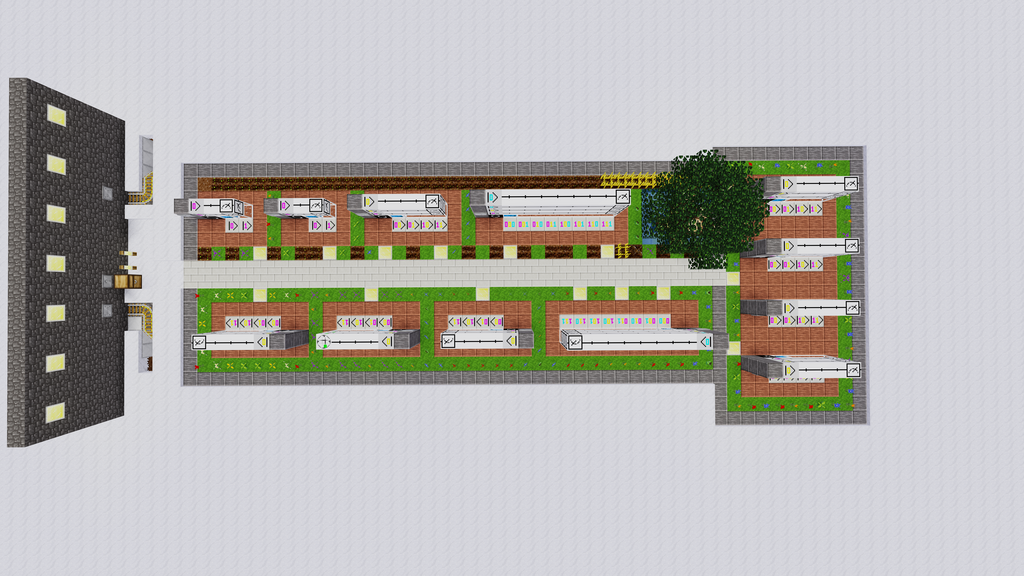
Once your surfaces are marked, you tell Unity to process them. This is called the NavMesh. Unity analyzes the geometry of all NavMesh Surfaces, figures out which areas are reachable, and generates the final navigation data. The resulting blue overlay in the editor shows you exactly where your agents can travel.
Creating the Agent
With a baked NavMesh, you now need an agent to traverse it. This is handled by the component, which you add to your AI character's GameObject. This component acts as the bridge between your character and the NavMesh, controlling its movement along the generated paths.
The NavMesh Agent has several properties that let you fine-tune its movement behavior. Adjusting these values is key to making your agent feel responsive and believable.
| Property | Description |
|---|---|
Speed | The maximum movement speed of the agent. |
Angular Speed | How fast the agent can turn, in degrees per second. |
Acceleration | How quickly the agent reaches its maximum speed. |
Stopping Distance | How far from the destination the agent will begin to slow down. |
Radius & Height | Defines the agent's size for pathfinding and avoidance. |
To actually make the agent move, you only need a single line of code in a script. This tells the agent where to go, and the NavMesh system handles the rest.
// C# Example
using UnityEngine;
using UnityEngine.AI; // Important!

public class AgentController : MonoBehaviour
{
    public Transform targetDestination;
    private NavMeshAgent agent;

    void Start()
    {
        // Get the NavMeshAgent component attached to this GameObject
        agent = GetComponent<NavMeshAgent>();
    }

    void Update()
    {
        // Tell the agent to move to the target's position
        if (targetDestination != null)
        {
            agent.SetDestination(targetDestination.position);
        }
    }
}
Advanced Navigation
Real game worlds are more than just flat planes. They have doors, gaps, and ledges. The NavMesh system provides tools to handle these scenarios. For moving obstacles like doors or barrels, you can use the NavMesh Obstacle component. This component carves out a space in the NavMesh in real-time, forcing agents to navigate around it.
For gaps or vertical transitions, like jumping across a ravine or climbing a ladder, you use s. An Off-Mesh Link manually connects two separate NavMesh surfaces, telling agents that it's possible to travel between them. You can define these links to trigger specific animations, like a jump or a climb, making navigation more dynamic.
By combining baked surfaces, dynamic obstacles, and off-mesh links, you can build sophisticated and robust navigation systems for your AI agents, forming the foundation for all their future behaviors.
Let's check your understanding of these core Unity navigation concepts.
What is the process of generating the navigation data from your scene's geometry called in Unity?
Which component must be added to an AI character to allow it to follow paths on a baked NavMesh?
With these fundamentals, you're ready to bring your AI agents to life and have them navigate the worlds you create.