UniFi Network Setup Essentials
UniFi Hardware Overview
The Core Components
A UniFi network is built from a few key pieces of hardware working together. Think of it like a team where each player has a specific job. The main players are the router, the switch, and the access point. Let's break down what each one does.
The Router: Your Gateway
The router is the brain of your network and its gateway to the outside world. It connects your local network—all the devices in your home or office—to the internet. It's the device that gets an internet connection from your Internet Service Provider (ISP) and manages all the traffic flowing in and out.
router
noun
A networking device that forwards data packets between computer networks. A router performs the traffic directing functions on the internet.
Every device on your network, whether it's a laptop, phone, or smart TV, gets its marching orders from the router. It assigns a unique local address (an IP address) to each one, ensuring that data sent from the internet reaches the correct device, and vice versa. It’s the single point of entry and exit for all your internet activity.
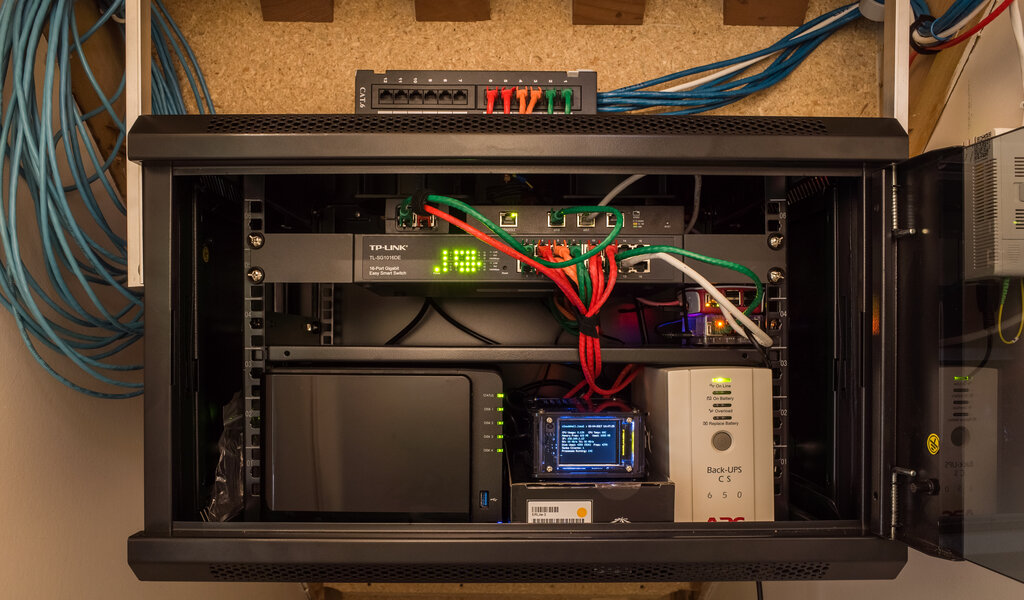
The Switch: The Network Expander
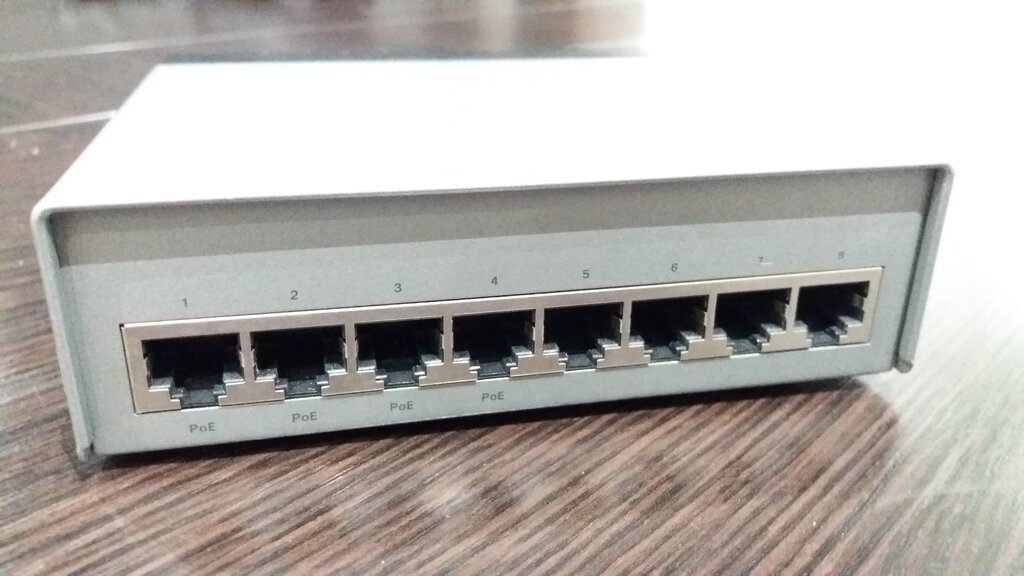
What if you have more wired devices than your router has ports? That's where a switch comes in. A network switch is like a smart power strip for your internet connection. You plug one cable from your router into the switch, and instantly you have many more ports to connect other wired devices like desktop computers, printers, or gaming consoles.
switch
noun
A device that connects devices together on a computer network by using packet switching to receive and forward data to the destination device.
Unlike a simple hub that just repeats all traffic to every port, a switch is intelligent. It knows which device is connected to which port and sends data only to the intended recipient. This makes communication within your local network fast and efficient. UniFi switches often come with a feature called Power over Ethernet (PoE), which can power other devices like access points through the network cable itself, eliminating the need for a separate power adapter.
The Access Point: Your Wi-Fi Hub
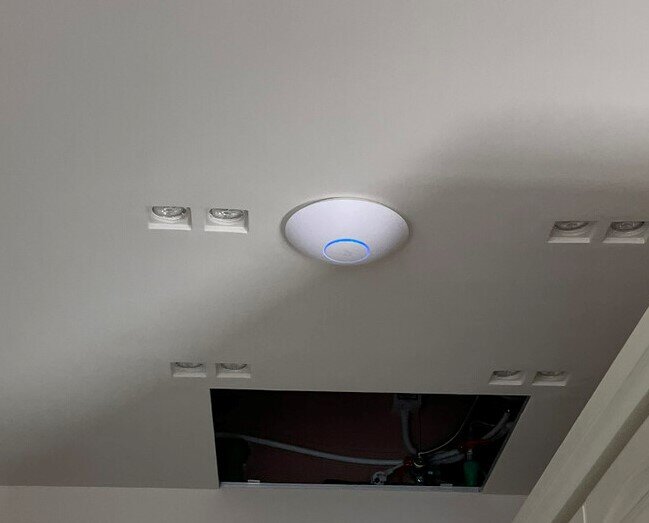
While routers and switches handle the wired side of things, the access point (AP) is what creates your wireless network, or Wi-Fi. Many consumer-grade routers have a built-in access point, but in a UniFi system, the AP is often a separate, dedicated device. This separation allows for better performance and flexibility.
access point
noun
A networking hardware device that allows other Wi-Fi devices to connect to a wired network. The AP usually connects to a router as a standalone device.
An access point connects to your router or switch with an Ethernet cable and then broadcasts a Wi-Fi signal. You can place multiple APs around a building to eliminate dead spots and ensure strong, consistent coverage everywhere. This is a huge advantage of the UniFi system, as all the APs work together to create a single, seamless network.
Together, these three components form the foundation of a powerful and scalable network. The router connects you to the internet, the switch expands your wired connections, and the access point provides wireless coverage.
Now that you're familiar with the key players in a UniFi network, let's review with some flashcards.
Ready to test your knowledge? Take this short quiz to see how well you understand the role of each device.
Which UniFi device is responsible for connecting your local network to the internet and assigning IP addresses?
You want to improve Wi-Fi coverage in a part of your building where the signal is weak. What is the best UniFi component to add?
Understanding these core components is the first step toward building a reliable and high-performing network tailored to your needs.