Understanding the Computing Cursor
Introduction to Cursors
What Is a Cursor?
In the world of computers, a cursor is a small, movable indicator on your screen. Think of it as your digital fingertip. It shows you exactly where your next action will take place, whether that's typing a letter, clicking a button, or selecting a file.
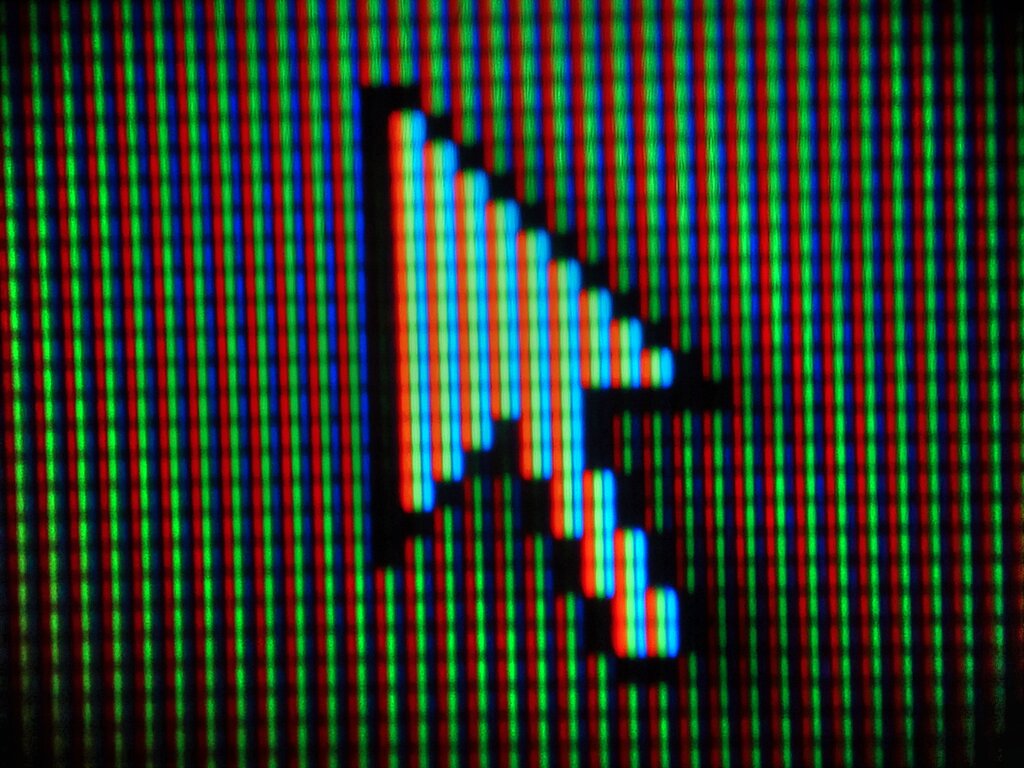
This indicator comes in two main flavors. The first is the text cursor, often a blinking vertical line () in a document or text field. It marks your precise insertion point for typing. The second is the pointer, usually an arrow, which you move around the screen using a mouse or trackpad to interact with icons, menus, and links.
A cursor can be a blinking line in a document or an arrow you move with a mouse. It always answers the question: 'Where will my next action happen?'
Why Is It Called a Cursor?
The name isn't random. It has roots in a time long before graphical interfaces.
Cursor
noun
A movable indicator on a computer screen identifying the point that will be affected by input from the user.
The word "cursor" comes from the Latin word cursor, which means "runner" or "messenger." Early cursors on mechanical slide rules were physical markers that you would slide—or "run"—along the rule to mark a position. When computers adopted the term, it kept this idea of a marker running across the screen to show a specific location.
The Cursor's Basic Job
At its core, the cursor is the bridge between you and the software you're using. It translates your physical movements—like sliding a mouse or tapping a screen—into actions within the digital environment. Without it, navigating a graphical user interface (GUI) would be nearly impossible.
While the arrow is the most common cursor shape, you've likely seen it change. It might become an I-beam when you hover over text, or a pointing hand when you're over a clickable link. These changes provide helpful visual cues about what you can do in a particular area of the screen.
Understanding this simple tool is the first step in mastering how we interact with computers.