Understanding Digital Files
File Types
Beyond the Icon
Every file on your computer, from a simple note to a complex application, has a specific type. This type, often indicated by its extension (like .txt or .jpg), tells the operating system what kind of data is inside and which program to use to open it. Understanding these types is key to managing your digital world effectively.
Text and Documents
Text files are the simplest form of data storage. At their core, they contain sequences of characters. The most basic is the plain text file (.txt), which holds nothing but letters, numbers, and symbols. You can open it with any text editor, like Notepad or TextEdit, and it will look the same everywhere.
Rich text files are more complex. Formats like Microsoft Word's .docx or the open-standard .odt can store not only text but also formatting information. This includes details like font styles, colors, page layouts, and embedded images. This extra information is why a .docx file is much larger than a .txt file with the same words.
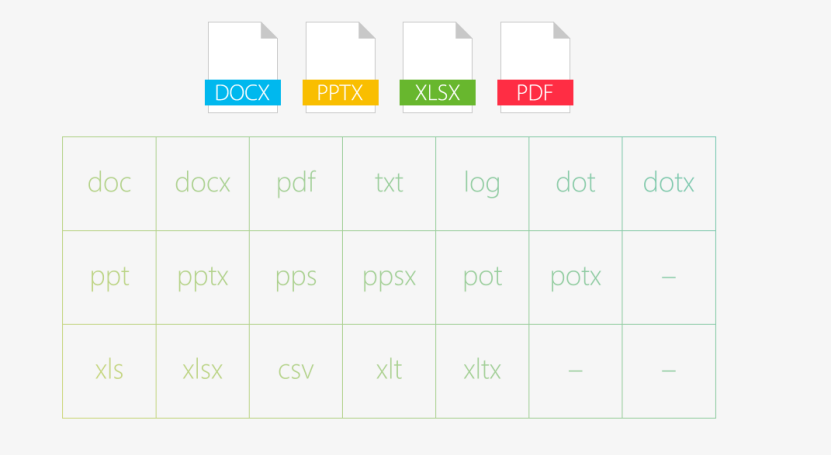
Another common type is the Portable Document Format (.pdf). PDFs are designed to be a final, read-only format. They preserve the exact layout of a document, including fonts and images, ensuring it looks identical on any device or operating system. This makes them ideal for sharing official documents, forms, and manuals.
Images, Sound, and Motion
Visual and audio data are stored in media files. Image files come in two main flavors: raster and vector.
Raster images, like .jpg, .png, and .gif, are made of a grid of tiny squares called pixels. They are perfect for detailed photographs. However, if you enlarge a raster image too much, it becomes blurry or "pixelated."
Vector images, like .svg (Scalable Vector Graphics), are different. They store images as a set of mathematical instructions that define points, lines, and curves. Because of this, you can scale a vector image to any size without losing quality. This makes them ideal for logos and illustrations.
| Type | Structure | Best For | Common Extensions |
|---|---|---|---|
| Raster | Pixel grid | Photographs, detailed images | .jpg, .png, .gif, .bmp |
| Vector | Mathematical paths | Logos, illustrations, diagrams | .svg, .ai, .eps |
Audio and video files work by encoding sound and visual information into a digital format. Audio files like .mp3 and .wav store sound waves, while video files like .mp4 and .mov store a sequence of image frames combined with an audio track.
The structure of these files often involves a container and a codec. The container (like .mp4) bundles the video, audio, and metadata together. The codec (short for coder-decoder) is the algorithm used to compress the data to a manageable size. This is why you can have two .mp4 files with very different file sizes and quality levels, they might be using different codecs.
Executable Files
Executable files are the programs themselves. Unlike data files that you open to view or edit, you run an executable file to perform a task. On Windows, these files typically have a .exe extension. On macOS, they're often found inside application bundles with a .app extension.
These files contain machine code, which are instructions written in a language that the computer's processor can understand and execute directly. Double-clicking an executable file tells the operating system to load the program into memory and start running it.
Be cautious with executable files from unknown sources. Since they can run any code on your computer, they are a common way to distribute malware.
Now let's check your understanding of these different file types.
What is the primary purpose of a file extension like .txt or .jpg?
You need to create a company logo that can be resized for a small business card or a large billboard without losing quality. Which file format is the best choice?
Each file type has a specific job. By recognizing them, you can choose the right tools and manage your digital life more efficiently.