UI UX Design Fundamentals
Introduction to UI/UX Design
UI, UX, and You
Every day, you interact with countless digital products. Think about the app you use to check the weather, the website where you buy movie tickets, or the kiosk at the grocery store. Someone designed every single one of those experiences. The quality of that design determines whether using the product is a breeze or a frustration.
This is where User Interface (UI) and User Experience (UX) design come in. They are two of the most critical parts of creating any digital product, but they're often confused with each other. Let's break them down.
User Interface (UI)
noun
The visual elements of a digital product that a user interacts with. This includes everything from screens and buttons to icons and typography.
UI design is all about the look and feel. It's the craft of making a product visually appealing and easy to navigate. A UI designer chooses the color schemes, decides on the shape of buttons, selects the fonts for text, and arranges all these elements on the screen. Their goal is to create a clear, consistent, and aesthetically pleasing interface.
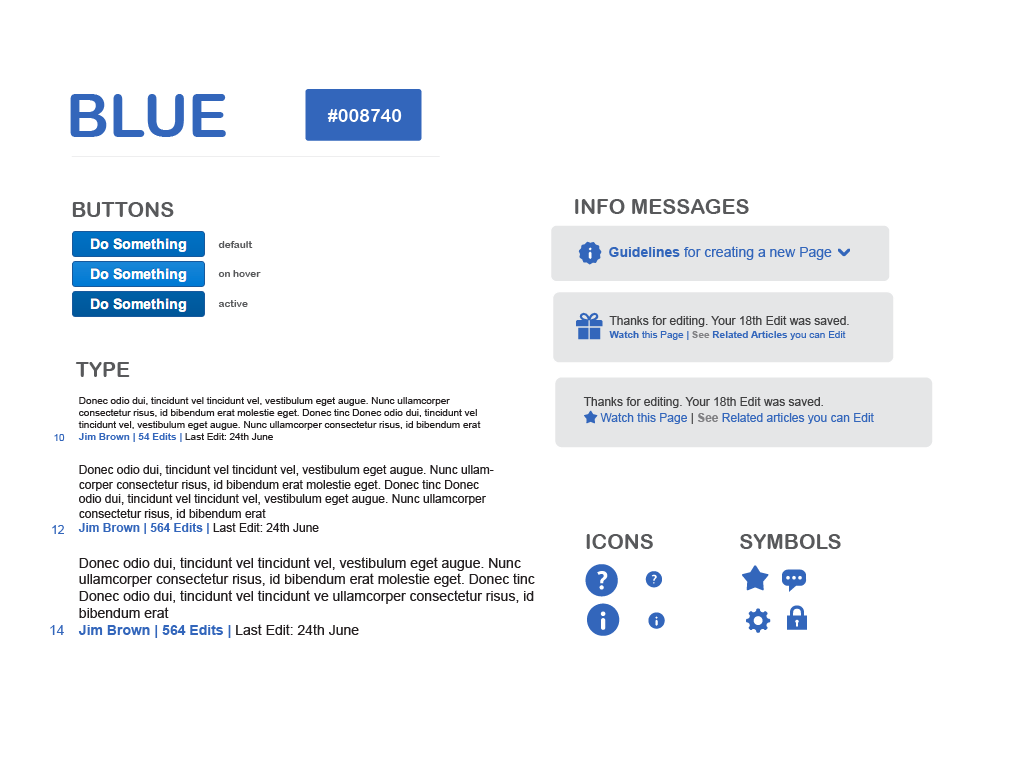
While UI is about what you see, User Experience is about what you feel.
User Experience (UX)
noun
A user's overall feeling and satisfaction when interacting with a product or service. It encompasses the entire journey, from first discovering the product to completing a task.
UX design is the invisible process of making a product useful, usable, and enjoyable. A UX designer thinks about the user's journey. How does someone find what they're looking for? Is the process logical? Does it solve their problem efficiently? It’s less about pixels and more about psychology and structure.
What's the Difference?
Think of building a house. The UX designer is the architect. They create the blueprint, ensuring the house has a solid foundation, a logical flow between rooms, and meets the family's needs. Is the kitchen close to the dining room? Are there enough bathrooms?
The UI designer is the interior designer. They choose the paint colors, the furniture, the light fixtures, and the cabinet handles. They make the house look and feel like a home.
You need both to create a great house. A beautiful home with a confusing layout is frustrating. A logically laid-out house that's ugly isn't pleasant to live in.
| Aspect | UI Design (Interior Designer) | UX Design (Architect) |
|---|---|---|
| Focus | Visuals, look and feel | Logic, structure, user journey |
| Goal | Create a beautiful, intuitive interface | Create a useful, seamless experience |
| Questions | What color should this button be? | What is the most important button on this screen? |
| Components | Colors, fonts, layouts, icons | User research, information architecture, flow |
UI is a part of UX, but UX is much broader. A great user experience depends on a great user interface, but it also depends on everything that happens behind the scenes.
Putting the User First
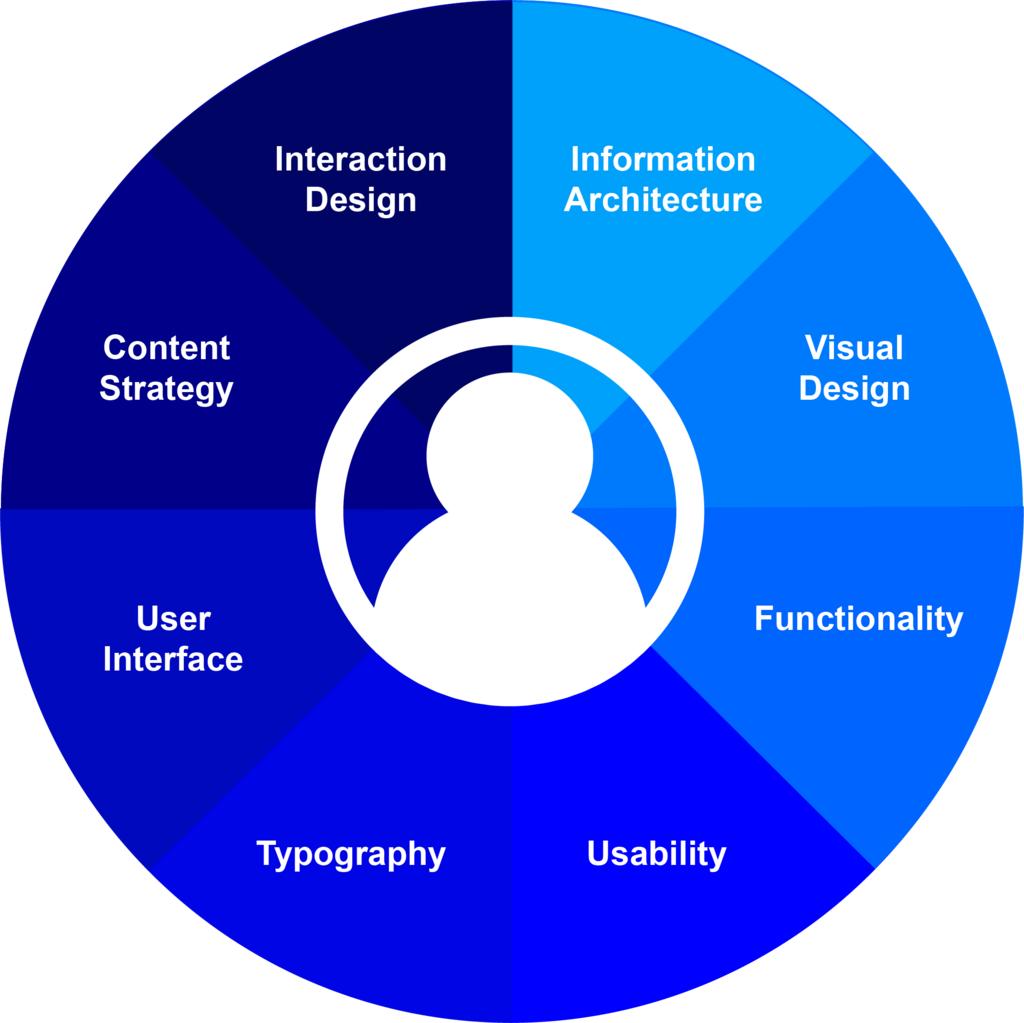
Both UI and UX design share a core philosophy: user-centered design. This means that every decision, from the overall structure to the color of a single button, should be made with the end user in mind.
It's easy for companies to build products based on their own assumptions or what they think is cool. User-centered design forces them to step outside their own perspective. It asks questions like:
- Who are our users?
- What problems are they trying to solve?
- What are their frustrations with current solutions?
- In what context will they use this product?
By focusing on the user, designers create products that people actually want and need to use. This approach isn't just nice to have; it's essential for success.
User-centric design (UCD) puts the needs, desires, and limitations of the user at the forefront of the design process.
This leads us to the design process itself. While every project is different, the journey from an idea to a finished product generally follows a similar path.
Here's a quick look at what happens in each phase:
- Research: This is the discovery phase. Designers learn everything they can about the user, their needs, and the problem they're trying to solve.
- Define: Based on the research, the team defines the core problem they are going to solve. They create clear objectives for the project.
- Ideate: This is the brainstorming phase. The team comes up with a wide range of creative ideas to solve the problem defined in the previous step.
- Prototype: The best ideas are turned into tangible mockups, or prototypes. These can range from simple paper sketches to interactive digital models.
- Test: Real users interact with the prototypes. Designers watch, listen, and gather feedback to see what works and what doesn't. Based on this feedback, they often return to the ideation phase to refine their designs. This cycle of testing and improving is called iteration.
This process ensures that the final product isn't just a guess—it's a well-researched solution designed specifically for the people who will use it.
Time to check what you've learned.
Which of the following best describes the primary focus of User Interface (UI) design?
Using the analogy of building a house, if the UX designer is the architect who creates the blueprint, what is the role of the UI designer?
Understanding these core concepts is the first step toward creating digital experiences that are not only functional but also delightful to use.