UI Header Design Essentials
Introduction to UI Design
What Is UI Design?
User Interface (UI) design is about crafting the look, feel, and interactivity of a digital product. Think of it as the visual part of a website or app you interact with—the buttons you click, the text you read, the images you see, and the way sliders and menus work. The goal is to make using technology feel intuitive and effortless.
A good UI is like a well-designed car dashboard. The speedometer, fuel gauge, and steering wheel are all placed where you expect them to be. You don't need a manual to figure out how to turn on the headlights. The car's interface is clear, predictable, and lets you focus on driving. UI design does the same thing for digital products, allowing users to focus on their tasks, not on figuring out the application.
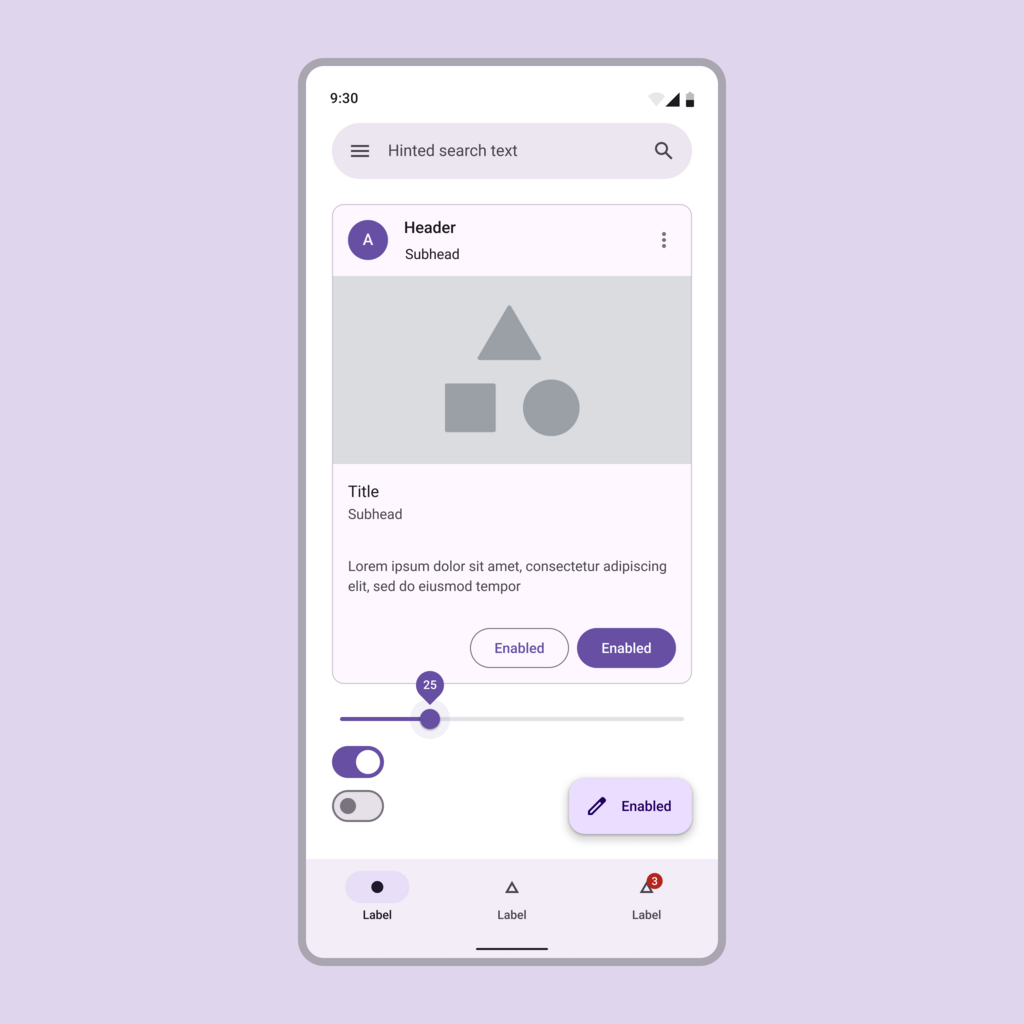
When done well, UI design guides the user smoothly. It anticipates what they might want to do next and makes it easy for them to do it. This isn't just about making things look pretty; it's about creating a clear and efficient path for the user to follow.
Core Principles of Good UI
Great user interfaces don't happen by accident. They are built on a foundation of established principles that help designers create experiences that are both beautiful and functional. Let's look at three of the most important ones: simplicity, consistency, and user-centered design.
Simplicity is about making the user's journey as straightforward as possible. Every extra button, image, or piece of text makes the screen more complicated. The best UIs are clear and uncluttered, showing users only what they need, right when they need it. The goal is to remove distractions so the user can achieve their goal quickly.

Consistency is what makes a product feel reliable and predictable. Imagine if the color red meant 'stop' at one traffic light and 'go' at the next. It would be chaos. In UI design, consistency means that similar elements look and behave in similar ways throughout the application. A 'submit' button should always look like a submit button. The navigation menu should always be in the same place. This consistency helps users learn the interface quickly and feel confident using it.
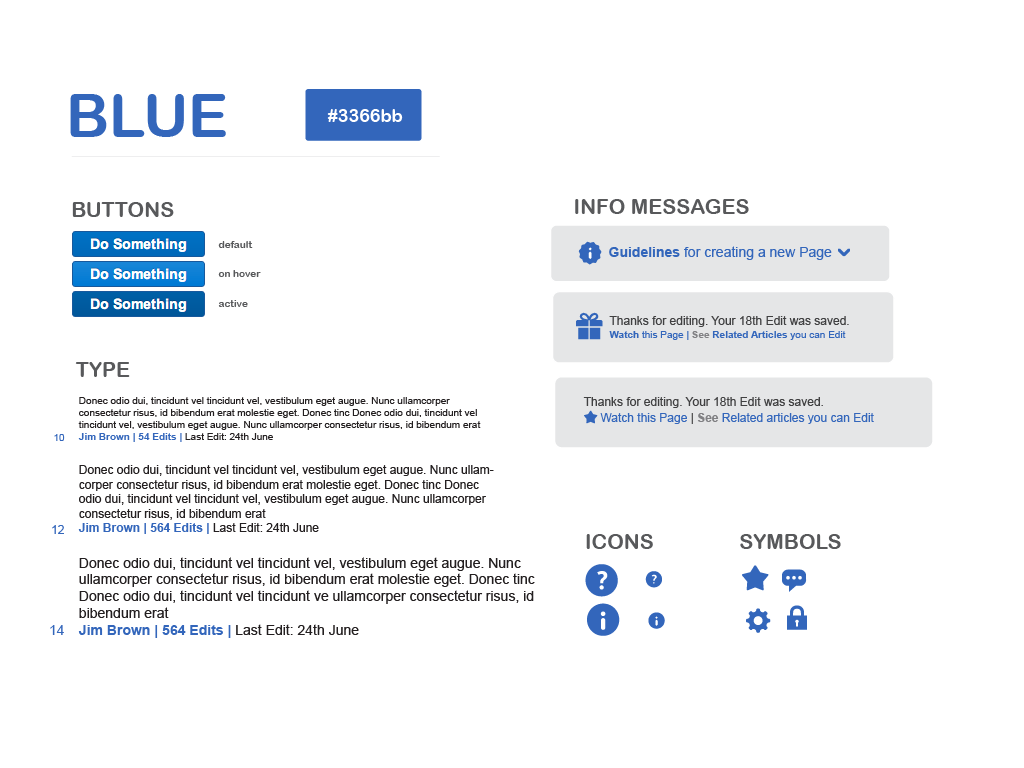
Finally, user-centered design is the principle of putting the user first. It's about designing with empathy, always considering the user's needs, goals, and limitations. Designers aren't creating a product for themselves; they're creating it for a specific audience. This means they need to understand that audience. What are their technical skills? What devices do they use? What are they trying to accomplish? Answering these questions is key to creating an interface that truly works for its intended users.
UI's Role in User Experience
You might hear the terms UI and User Experience (UX) used together. While they are closely related, they aren't the same thing. UX is the overall feeling a person has while using a product, from start to finish. It includes everything from how easy it was to find the product to how helpful customer support was.
UI is a critical part of UX. It's the visual component—the point of interaction. A product can't have a good user experience with a bad user interface.
Think of it like building a house. UX is the entire structure—the solid foundation, the logical floor plan, the functional plumbing. UI is the interior design—the paint colors, the furniture, the light fixtures. Both are essential. A house with a brilliant floor plan but no doors is useless. Likewise, a house that looks beautiful but has a confusing layout is frustrating to live in. Good UI and good UX must work together to create a product that is both easy to use and enjoyable.
Understanding these basic UI principles is the first step toward creating effective and user-friendly digital products. By focusing on simplicity, consistency, and the needs of the user, you can design interfaces that not only look good but also provide a seamless and positive experience.
What is the primary goal of User Interface (UI) design?
The principle that similar elements should look and behave in similar ways throughout an application is known as _________.