UI Design Fundamentals
Introduction to UI Design
What Is User Interface Design?
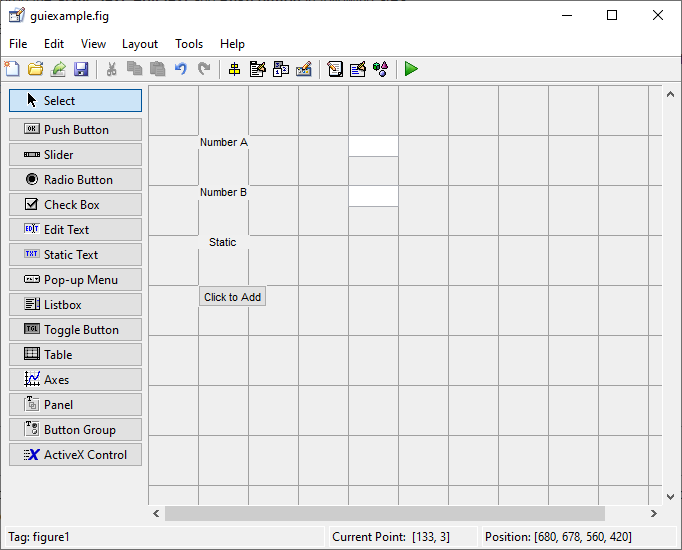
User Interface (UI) design is the process of creating the visual and interactive parts of a digital product. Think about the app you use to check the weather or the website where you buy movie tickets. Every button you tap, every menu you open, and every color scheme you see is part of the UI. The goal is to make the user's interaction with the product as simple and efficient as possible.
An interface is the space where interactions between humans and machines occur. For a digital product, this is the screen. A UI designer's job is to craft that screen so that it's not only beautiful but also intuitive. A user shouldn't have to think hard about how to navigate from one point to another. It should feel natural, almost invisible.
Good UI design guides the user effortlessly. It anticipates what the user needs to do and makes sure the path to do it is clear and obvious.
UI vs. UX Design
People often use the terms UI and User Experience (UX) interchangeably, but they refer to different things. They are closely related, but their focus is distinct.
User Experience (UX) design is about the user's overall journey with a product. It answers the question: Was the experience easy, logical, and pleasant? UX designers focus on the big picture, like the user's goals, pain points, and the overall flow of tasks. They conduct research, create user personas, and map out how a user will navigate through the product.
User Interface (UI) design is a subset of UX. It focuses specifically on the look and feel of the product. While UX is the entire journey, UI is the appearance of the car you're driving, the layout of its dashboard, and the feel of the steering wheel. UI design translates the product's structure and flow into an attractive, guiding, and responsive visual experience.
In short, a product that looks beautiful but is difficult to use has good UI but bad UX. A product that is easy to use but looks dated and unappealing has good UX but bad UI. The best products excel at both.
The Role of a UI Designer
A UI designer is responsible for the product's visual language. They are the artists and architects of the digital screen, ensuring that the interface is not just functional but also visually appealing and consistent. Their day-to-day responsibilities often include:
- Visual Design: Choosing a color palette, selecting fonts, and designing icons that align with the product's brand and purpose.
- Layout: Deciding how elements are arranged on the screen to create a clear hierarchy and guide the user's attention.
- Interactivity: Designing how components respond to user actions. For example, what does a button look like when you press it? How does a menu slide into view?
- Consistency: Creating a design system or style guide to ensure that buttons, fonts, and other elements look and behave the same way across the entire product. This makes the product feel cohesive and predictable for the user.
By taking the time to understand the users they are designing for, UI designers will create interfaces that are more likely to suit users’ needs, both visually and functionally.
UI designers work closely with UX designers to understand the user flow and with developers to ensure their visual designs can be translated perfectly into code.
Why Good UI Matters
A great UI has a direct impact on how users perceive a product and, ultimately, on its success. When an interface is clean, intuitive, and enjoyable to use, people are more likely to stick around.
Effective UI design builds trust. A professional and polished interface signals that the product is reliable and high-quality. On the other hand, a clunky or confusing interface can frustrate users, causing them to abandon the product and seek out a competitor. In a crowded digital marketplace, a superior user interface can be the key differentiator that captures and retains a loyal user base.
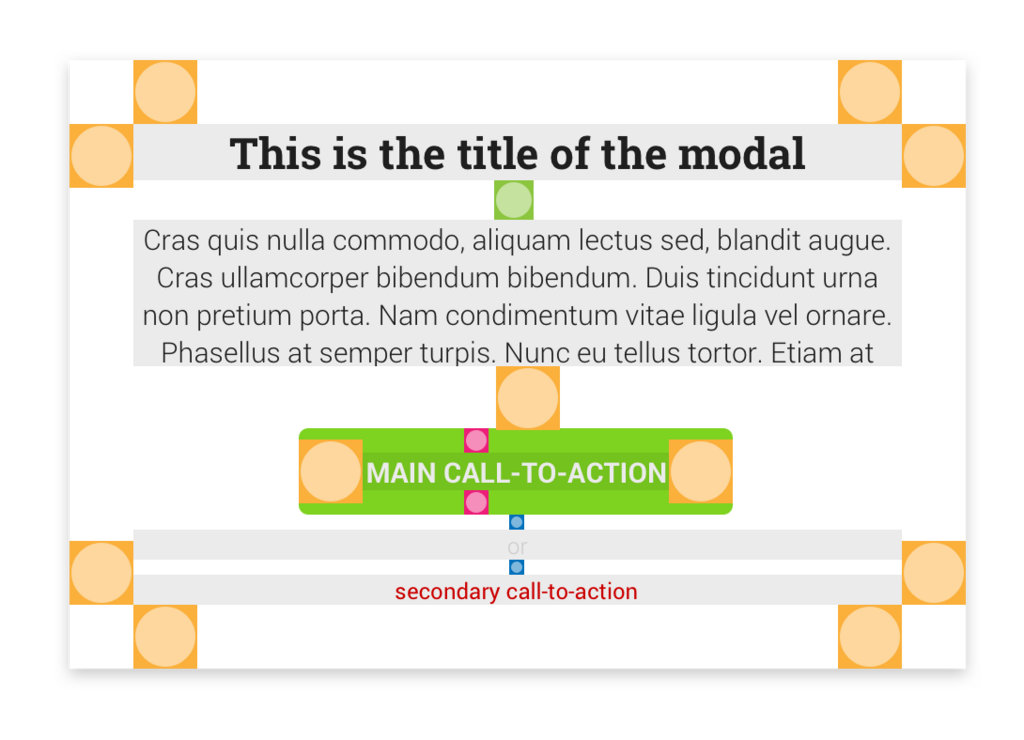
First impressions are powerful. Good UI makes a strong first impression, inviting users in and encouraging them to explore. It reduces friction, making it easy for users to accomplish their goals, which leads to higher satisfaction and engagement.
What is the primary goal of User Interface (UI) design?
A new app is praised for being incredibly easy to navigate and logical to use, but users complain that its color scheme is jarring and the fonts are difficult to read. This product has...
Understanding these core concepts is the first step in learning about the world of digital design. UI is the critical bridge between a user and a product's functionality, making it a vital field for creating technology that works for people.