UI Design Fundamentals
Introduction to UI Design
What Is User Interface Design?
User Interface (UI) design is the process of creating the look, feel, and interactivity of a digital product. Think of it as the visual bridge between a user and the technology they're using. The interface is everything you see and touch on a screen, from the buttons you tap to the way menus slide out.
Good UI design isn’t just about making things pretty. It’s about making them functional and intuitive. A great interface guides the user naturally, making complex tasks feel simple. When done well, you barely notice it; the app or website just works exactly how you expect it to. But when it's done poorly, you notice immediately. It’s the digital equivalent of a door that looks like it should be pushed but actually needs to be pulled.
The goal of UI design is to create an interface that is not only visually appealing but also easy to use, efficient, and enjoyable for the user.
The UI Designer's Role
So, what does a UI designer actually do? They are the visual architects of a digital product. They decide how the product will look and feel, ensuring every screen and element is clear and consistent. A UI designer's work directly shapes the user's experience and their overall impression of the product.
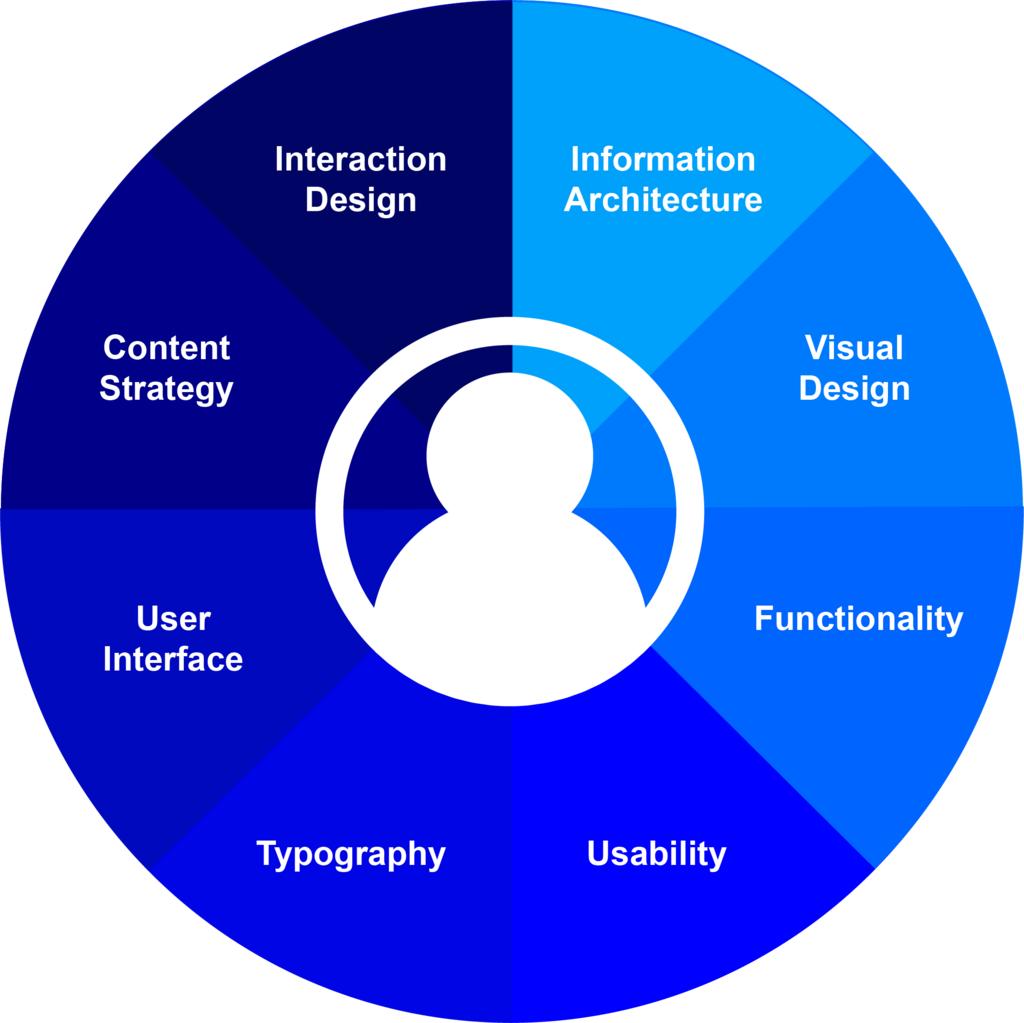
Their responsibilities include:
- Visual Design: Creating the visual language of the product. This involves choosing color palettes, fonts, and icon styles that align with the brand's identity.
- Screen Layout: Designing individual screens and arranging elements in a way that is logical and easy to navigate.
- Interactive Elements: Designing buttons, forms, menus, and other components that users interact with.
- Creating Style Guides: Documenting design standards to ensure consistency across the entire product.
UI designers work closely with User Experience (UX) designers, who focus on the overall flow and user journey, and developers, who bring the visual designs to life with code.
A Glimpse at the Process
The UI design process is iterative, meaning it involves cycles of creation, testing, and refinement. It isn't a straight line from A to B. While every project is different, the process generally moves from simple sketches to detailed, interactive designs.
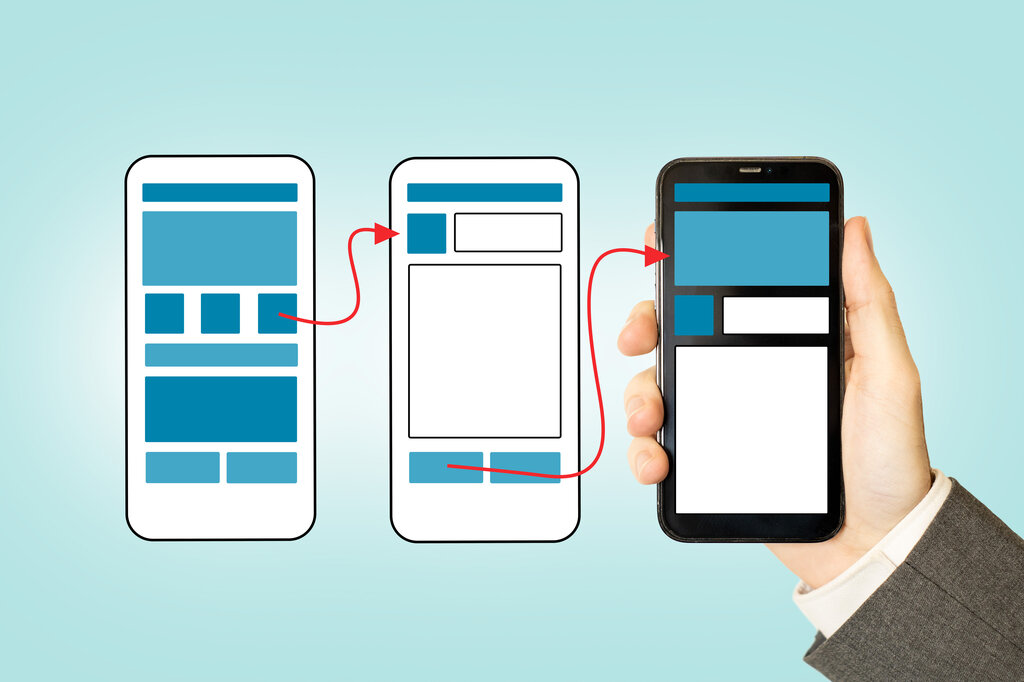
A typical workflow starts with wireframes. These are basic, black-and-white blueprints that focus solely on structure and layout. Next come mockups, which are high-fidelity designs that show what the final product will look like, complete with colors, fonts, and images. Finally, designers may create prototypes, which are interactive mockups that allow users to click through the interface and simulate the actual user experience before any code is written.
Usability and Accessibility
Two core principles guide all good UI design: usability and accessibility.
Usability
noun
The ease with which a user can interact with a product or service to achieve their goals effectively, efficiently, and with satisfaction.
Usability is all about creating a smooth, frustration-free experience. A usable interface feels intuitive. Users don't have to hunt for features or wonder what a button does. It reduces the mental effort required to use a product, which leads to happier, more engaged users.
Accessibility
noun
The practice of designing products, devices, services, or environments for people with disabilities or special needs.
Accessibility, often abbreviated as a11y, ensures that everyone can use a product, regardless of their abilities. This includes designing for people with visual, motor, auditory, or cognitive impairments. Simple things like providing sufficient color contrast for visually impaired users or ensuring an interface can be navigated with a keyboard are fundamental to accessible design. It’s not just a legal requirement in many places; it's the right thing to do.
To put these concepts into practice, here is a quick overview of what good UI design focuses on:
| Principle | Focus | Example |
|---|---|---|
| Clarity | The interface is easy to understand. | Icons are recognizable and labels are clear. |
| Consistency | Similar elements look and behave the same way. | All 'Submit' buttons are green and in the same location. |
| Feedback | The system tells the user what's happening. | A loading spinner appears after clicking a button. |
| Efficiency | Users can perform tasks quickly. | Important actions require fewer clicks. |
| Forgiveness | It's easy to undo mistakes. | A confirmation message appears before deleting something. |
Now, let's test your understanding of these foundational ideas.
What is the primary focus of User Interface (UI) design?
In the UI design process, which of these is a high-fidelity design that shows what the final product will look like, complete with colors, fonts, and images?
A strong foundation in these principles is the first step toward creating interfaces that people love to use. By focusing on the user, designers can craft experiences that are both beautiful and effective.