UI Design Fundamentals
Introduction to UI Design
What Is UI Design?
User Interface (UI) design is the process of creating the visual and interactive parts of a digital product. It’s everything you see and touch on a screen: the buttons you click, the text you read, the images, sliders, and entry fields. The goal of UI design is to make a user's interaction with a product as simple, efficient, and enjoyable as possible.
Think of a car's dashboard. The speedometer, fuel gauge, and various buttons are the UI. A good design means you can understand them at a glance without getting distracted from driving.
Good UI isn't just about looking pretty. It's about guiding the user. A well-designed interface feels intuitive. It communicates what the product does and helps users achieve their goals without confusion. This visual clarity and ease of use are what make a product feel professional and trustworthy.
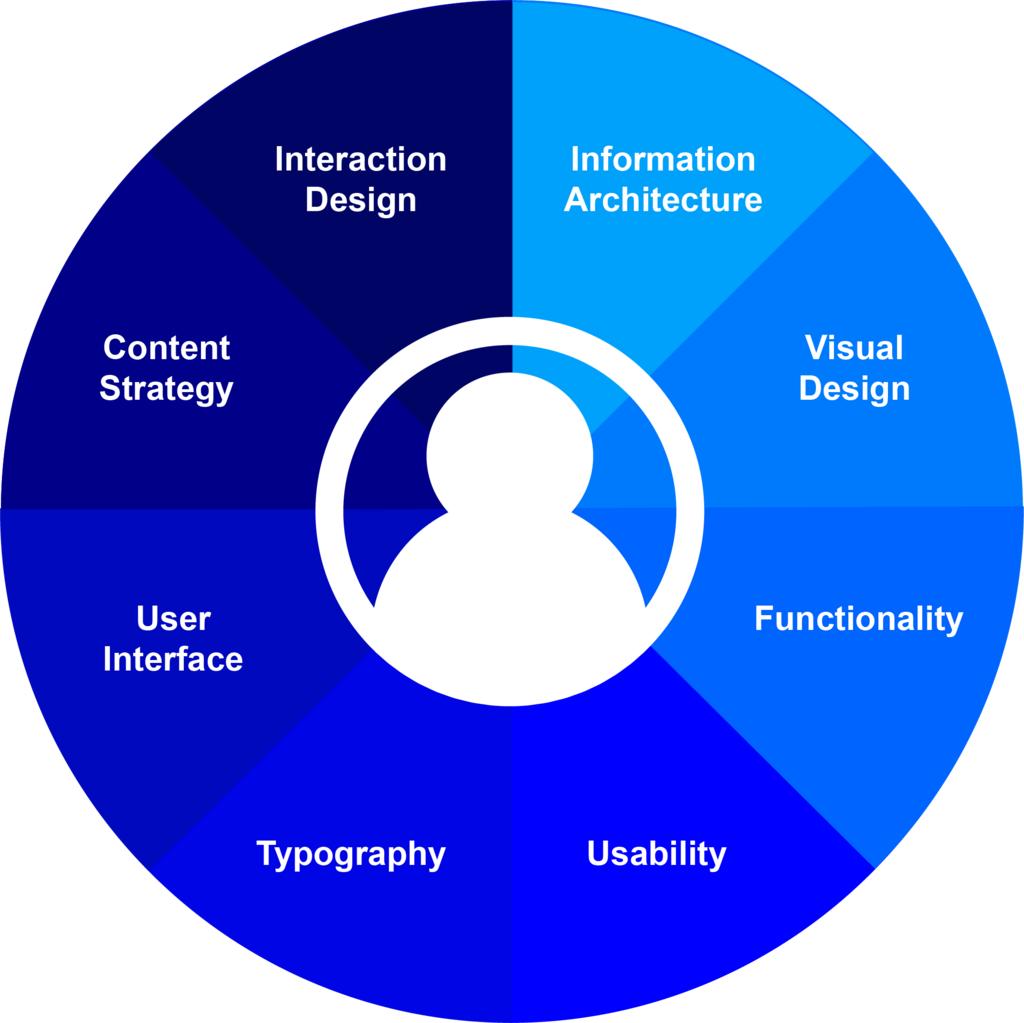
UI vs UX
People often use UI and User Experience (UX) design interchangeably, but they are two different things. While they are closely related, they have distinct roles.
UI Design is focused on the look and feel, the presentation, and the interactivity of a product. It’s the visual design of the interface.
UX Design, on the other hand, is about the user's entire journey with the product. It covers how a product feels to use, from the moment they first hear about it to the final interaction. UX is concerned with the user's overall satisfaction and whether the product solves their problem effectively.
If a product is a restaurant, UX is the entire dining experience: the service, the ambiance, the menu, and the food. UI is the table setting: the plates, the glasses, and the cutlery. They both need to be good for a great meal.
A beautiful app (great UI) that is confusing to navigate (poor UX) will ultimately fail. Likewise, an app that is easy to use (great UX) but looks ugly and unprofessional (poor UI) might struggle to gain users' trust. They need each other to succeed.
A Quick History of Interfaces
The way we interact with computers has changed dramatically over the decades. This evolution has been driven by the need to make technology more accessible to everyone, not just experts.
Initially, we had the Command-Line Interface (CLI). This was a purely text-based system. Users had to type specific, memorized commands to get the computer to do anything. It was powerful but had a steep learning curve.
Then came the breakthrough: the Graphical User Interface (GUI). Pioneered by researchers at Xerox PARC and popularized by Apple and Microsoft, the GUI introduced visual metaphors. Instead of typing delete file.txt, you could drag a file icon to a trash can icon. This shift made computers dramatically more intuitive for the average person.

The rise of the internet and mobile devices brought the next major shift. Smaller touchscreens required new thinking. Buttons had to be big enough to tap with a finger, and layouts needed to be flexible to work on different screen sizes. This led to a focus on responsive design and touch-friendly interactions.
Today, we're seeing the growth of even more natural interfaces, like voice commands (think Alexa or Siri) and gesture controls. The history of UI is a continuous journey toward making technology feel less like a machine and more like a natural extension of ourselves.
One of the key objectives of a user interface with the aim of providing a good experience is to make the lives of users easy, less frustrating, and simple.
That's a great place to stop and check your understanding.