UI Design and Design Systems
Introduction to UI Design
What is UI Design?
User Interface (UI) design is about creating the look and feel of a digital product. Think of it as the dashboard of a car. The buttons, dials, and screens are all part of the UI. Their job is to let you, the driver, control the car effectively and understand what's happening. A good car dashboard is clear, intuitive, and doesn't distract you from the road.
In the digital world, UI design does the same thing for websites and apps. It's the collection of all the visual elements a person interacts with—buttons, text, images, sliders, and entry fields. The goal is to make the user's interaction as simple and efficient as possible.
Good UI acts as an invisible guide, helping users navigate a product without even thinking about it.
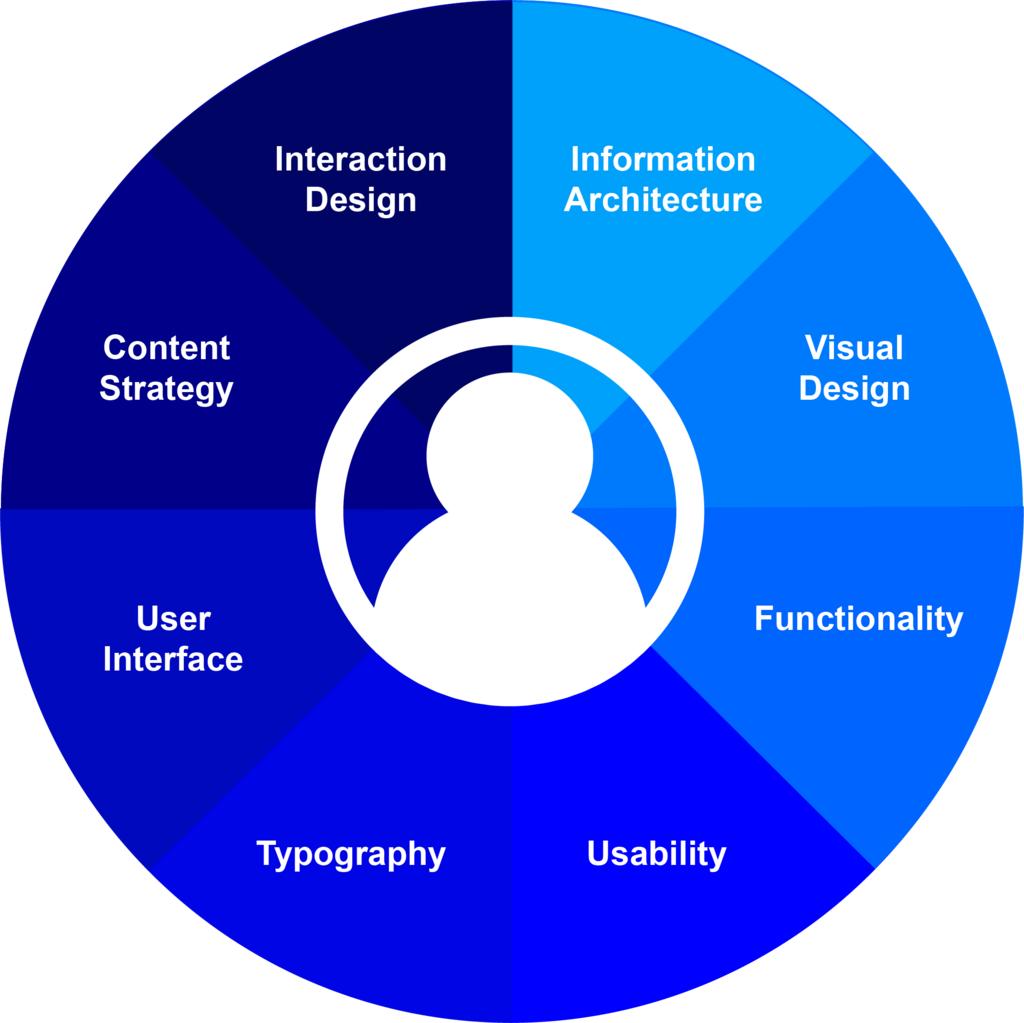
It’s important to understand that UI is a part of a larger concept: User Experience (UX). UX is the user's entire journey with a product, from their first impression to their final interaction. UI design focuses specifically on the visual and interactive touchpoints of that journey. A great UI is a critical component of a great UX.
Core Principles of Good UI
Effective UI design isn't just about making things look pretty. It follows a set of core principles that ensure an interface is functional, predictable, and easy for people to use. Let's walk through the most important ones.
Clarity is King
The most important job of any interface is to be clear. Users should be able to understand what they're looking at and predict what will happen when they click a button or follow a link. Ambiguity is the enemy of good UI.
Clarity means using plain language for labels, choosing icons that are universally understood, and creating a clear visual hierarchy. Important elements should stand out, while less critical ones recede. If a user has to stop and wonder what something does, the clarity of the design has failed.

Consistency Creates Confidence
Consistency means that similar elements should look and behave in similar ways. This helps users learn an interface quickly because they can transfer knowledge from one part of the product to another.
Imagine an app where the “Save” button is green and rectangular on one screen, but blue and circular on another. This would be confusing. Consistency applies to everything: colors, typography, spacing, and the behavior of interactive elements. When an interface is consistent, it feels familiar and trustworthy, allowing users to navigate with confidence.
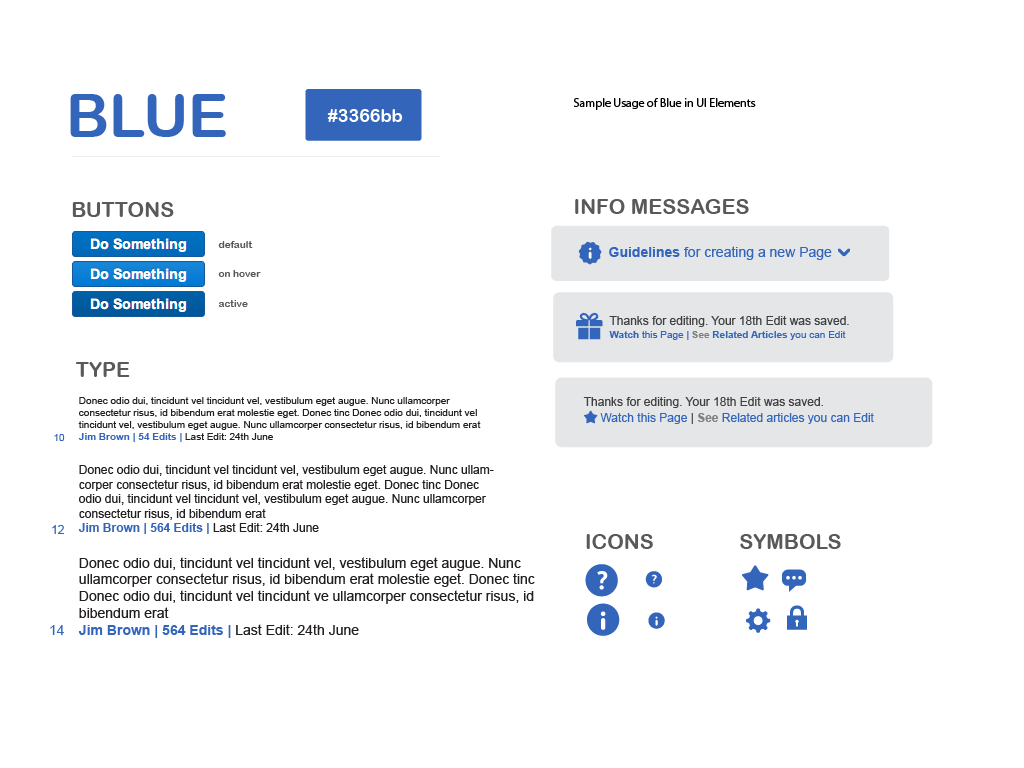
Design principles that contribute to an intuitive interface include simplicity, consistency, feedback, and user control.
Simplicity and Focus
A simple interface is one that doesn't overwhelm the user with too much information or too many choices at once. Every element on the screen should have a clear purpose. If it doesn't, it might be clutter.
Good UI designers are ruthless about removing the unnecessary. They prioritize what's most important for the user in any given context and hide secondary options until they're needed. This approach, often called “progressive disclosure,” helps reduce cognitive load, making the product easier and more pleasant to use.

Accessibility for All
Accessibility is the practice of designing products so they can be used by everyone, regardless of their abilities. This includes people with visual, motor, auditory, or cognitive impairments.
Designing for accessibility isn't just a compliance issue; it improves the experience for all users. Simple accessibility practices include:
- High Contrast: Ensuring text is readable against its background.
- Clear Labels: Providing descriptive text for form fields and buttons that can be read by screen readers.
- Keyboard Navigation: Making sure the entire interface can be operated without a mouse.
An accessible interface is a more robust and user-friendly interface for every single person.

These principles—clarity, consistency, simplicity, and accessibility—are the foundation of effective UI design. By keeping them in mind, you can create interfaces that not only look good but also empower users to achieve their goals with ease and satisfaction.
Ready to test your knowledge? Let's see what you've learned about the fundamentals of UI design.
What is the primary focus of User Interface (UI) design?
If a designer ensures that all buttons in an application look and behave the same way, which core UI principle are they applying?