UDP Protocol Essentials
Introduction to Transport Layer Protocols
The Transport Layer
Imagine the internet as a massive postal service. The Internet Layer, with its IP addresses, acts like the part of the service that gets a package to the correct street address. But what happens once the package arrives at a large apartment building? How does it get to the right person in the right apartment? That's the job of the Transport Layer.
The Transport Layer provides a channel for communication between specific applications running on different computers. It takes data from an application, like your web browser, and prepares it for the journey across the network. On the receiving end, it ensures the data is delivered to the correct application, like the web server hosting the website you're visiting. This is often done using port numbers, which act like apartment numbers for applications.
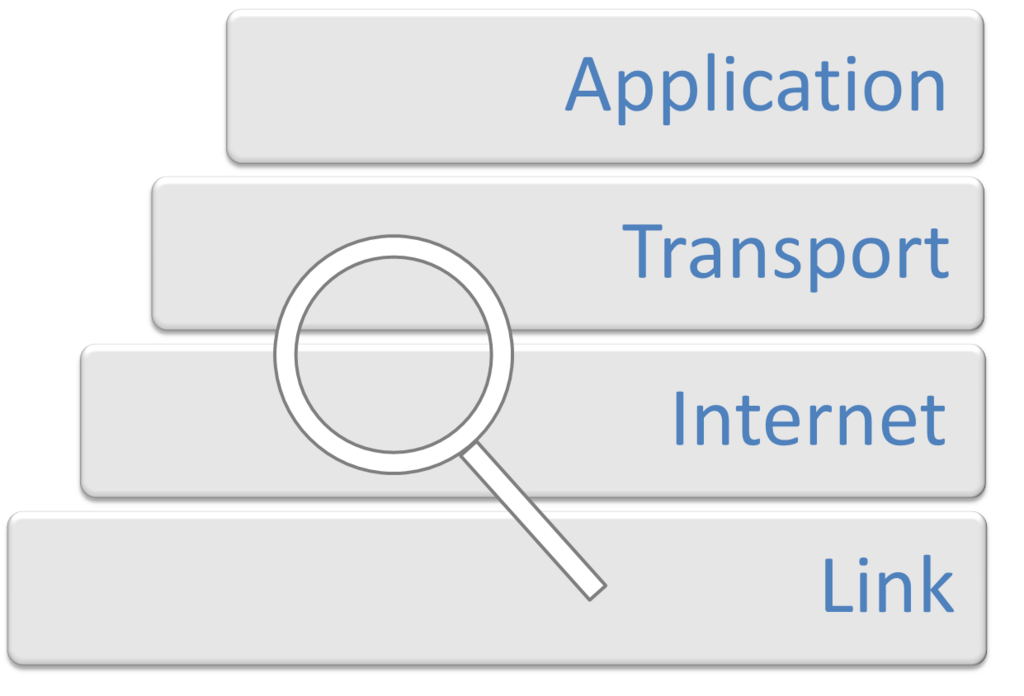
This layer offers two main 'delivery services,' each with a different philosophy on how to get the job done. They are the Transmission Control Protocol (TCP) and the User Datagram Protocol (UDP).
TCP The Reliable Messenger
Transmission Control Protocol, or TCP, is like a dedicated phone call. Before any data is exchanged, TCP establishes a connection between the sender and receiver in a process called a 'three-way handshake.' This ensures both ends are ready to communicate.
Once the call is connected, TCP manages the flow of data to make sure it's reliable. It breaks large chunks of data into smaller packets, numbers them, and sends them off. On the other end, it waits for acknowledgements that the packets have been received. If a packet gets lost or arrives corrupted, TCP re-sends it. It also reassembles the packets in the correct order, guaranteeing that the file you download or the email you receive is exactly as it was sent.
TCP is all about reliability. It prioritizes getting all the data there correctly over speed.
UDP The Speedy Courier
User Datagram Protocol, or UDP, takes a different approach. It’s more like sending a postcard. You just write your message, put an address on it, and drop it in the mailbox. There’s no prior connection established. You send the data and hope it gets there.
UDP is a 'connectionless' protocol. It doesn't number packets, check for errors, or wait for acknowledgements. It simply fires off the data as quickly as possible. This lack of overhead makes it very fast and efficient, but it comes at the cost of reliability. Packets can get lost, arrive out of order, or be duplicated, and UDP won't do anything to fix it. The application itself is responsible for handling any errors.
Choosing Your Protocol
So, when would you choose the speedy but unreliable courier over the careful, reliable messenger? It all depends on the application's needs.
| Feature | TCP (Transmission Control Protocol) | UDP (User Datagram Protocol) |
|---|---|---|
| Connection | Connection-oriented (establishes a session) | Connectionless (no session needed) |
| Reliability | High (guarantees delivery and order) | Low (no guarantees) |
| Speed | Slower (due to acknowledgements) | Faster (less overhead) |
| Use Cases | Web browsing, email, file transfers | Video streaming, online gaming, DNS |
For activities like loading a webpage (HTTP), sending an email (SMTP), or downloading a file (FTP), every single bit of data must be present and in the correct order. A corrupted file or a garbled email is useless. For these tasks, TCP's reliability is essential.
For real-time applications like video streaming or online gaming, speed is critical. A slight glitch or a dropped frame in a video is often preferable to the entire stream pausing to wait for a lost packet to be re-sent. UDP's low-latency, 'fire-and-forget' nature makes it the perfect choice here.
Ready to check your understanding of these core transport protocols?
What is the primary role of the Transport Layer?
Which of the following applications is most likely to use UDP?
Understanding the trade-offs between TCP and UDP is fundamental to networking. Now you know the two main ways applications communicate across the internet.