TypeScript Fundamentals
Introduction to TypeScript
JavaScript with Superpowers
JavaScript is flexible, which is both a strength and a weakness. You can write code that runs, but it might have hidden bugs that only show up when a user clicks a button and things break. TypeScript is a layer on top of JavaScript that helps prevent these kinds of surprises.
Think of it like a smart assistant that reads your code as you write it. Before you even run the program, TypeScript checks for common mistakes, like trying to add a number to a piece of text by accident. It's still JavaScript at its core, but with a powerful safety net.
The only job of TypeScript is static checking—a fancy way of saying it catches errors while you're typing, before your code even runs.
This early error detection makes your code more reliable and easier to maintain. When you come back to a project months later, or when a teammate needs to understand your work, the types serve as documentation, making everything clearer.
Setting Up Your Workspace
To get started, you'll need Node.js and its package manager, npm, installed on your machine. Once you have them, you can install TypeScript globally using a single command in your terminal.
npm install -g typescript
Next, navigate to your project folder and create a configuration file. This file, called tsconfig.json, tells the TypeScript compiler how to behave. You can generate a default one with the following command.
tsc --init
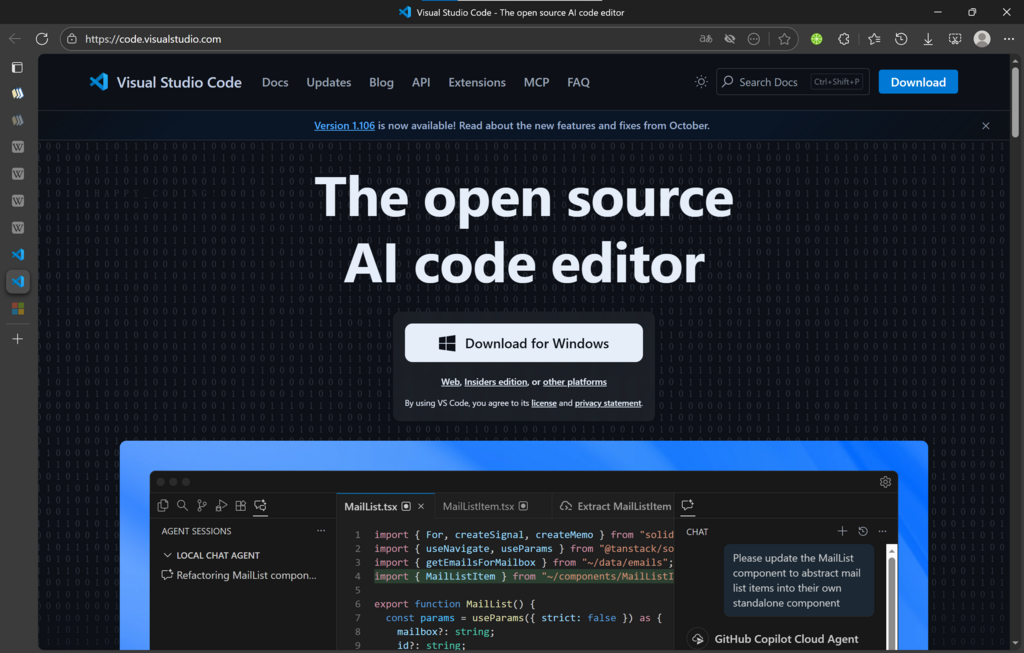
This creates a tsconfig.json file filled with many options and comments explaining what they do. For now, the default settings are perfect. Most modern code editors, like Visual Studio Code, automatically detect this file and provide excellent support for TypeScript right out of the box.
From TypeScript to JavaScript
Browsers and Node.js don't understand TypeScript directly. They only understand JavaScript. This means we need a step to translate our TypeScript code into regular JavaScript. This process is called compiling or transpiling.
Let's try it. Create a new file named hello.ts. Notice the .ts extension instead of .js.
// hello.ts
const message: string = "Hello, World!";
console.log(message);
Now, open your terminal in the same folder and run the TypeScript compiler.
tsc hello.ts
You'll see a new file appear: hello.js. If you look inside, you'll find the compiled JavaScript code, which looks very similar but without the type information.
// hello.js
var message = "Hello, World!";
console.log(message);
This hello.js file is what you would run in Node.js or include in an HTML file for a browser. You can run it directly from your terminal to see the output.
node hello.js
You write code in
.tsfiles, compile it into.jsfiles, and then run the JavaScript.
What is the primary benefit of using TypeScript over plain JavaScript?
True or False: Browsers can execute .ts files directly without any extra steps.
That's the basic workflow. You've now seen what TypeScript is, why it's useful, and how to turn it into runnable JavaScript.