Two-Factor Authentication Explained
Understanding Two-Factor Authentication
More Than Just a Password
Think of your online accounts like a house. A password is the key to the front door. For a long time, that was enough. But what if someone steals your key? With just the key, they can walk right in.
This is where two-factor authentication, or 2FA, comes in. It’s like adding a second, different kind of lock to your door. Even if someone steals your key (your password), they still can't get inside without also having, say, a special code that only you can access. It requires two separate pieces of proof to verify it's really you.
Two-factor authentication (2FA) adds an extra layer of security by requiring not only a password and username but also something that only the user has on them, such as a physical token.
This simple step makes it much harder for unauthorized people to access your accounts. It's one of the most effective ways to protect your digital life, from your email to your bank account.
The Three Factors of Security
Authentication factors are grouped into three categories. 2FA works by combining two of them. It's never two of the same type, like two different passwords.
- Something you know: This is the most familiar factor. It's a piece of secret information, like a password, a PIN, or the answer to a security question.
- Something you have: This is a physical item in your possession. Examples include your smartphone, a special USB security key, or your bank card.
- Something you are: This factor uses your unique biological traits. Think of your fingerprint, your face, or the iris of your eye. This is also known as biometrics.
A common 2FA combination is a password (something you know) plus a one-time code sent to your phone (something you have).
Common 2FA Methods
When a service offers 2FA, it usually gives you a few options for your second factor. They vary in convenience and security level.
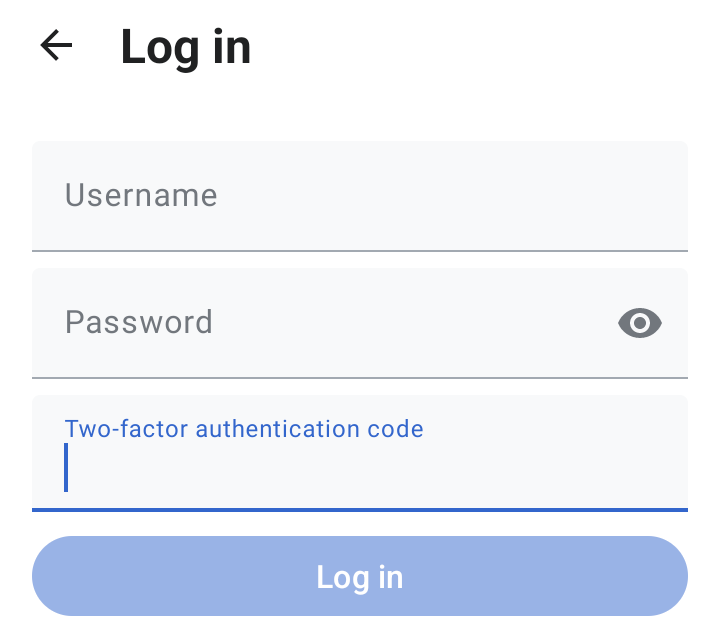
Here are the most common methods:
| Method | How It Works | Security Level |
|---|---|---|
| SMS Codes | A unique, temporary code is sent to your phone via text message. | Good. It's much better than nothing, but vulnerable to SIM-swapping attacks where a thief steals your phone number. |
| Authenticator Apps | An app on your phone (like Google Authenticator or Authy) generates a new code every 30-60 seconds. | Better. It's not tied to your phone number, making it safer than SMS. The codes are generated right on your device. |
| Hardware Keys | A physical device (like a YubiKey) that you plug into your computer or tap on your phone to approve a login. | Best. This is the most secure method, as it's nearly impossible to phish. The key must be physically present. |
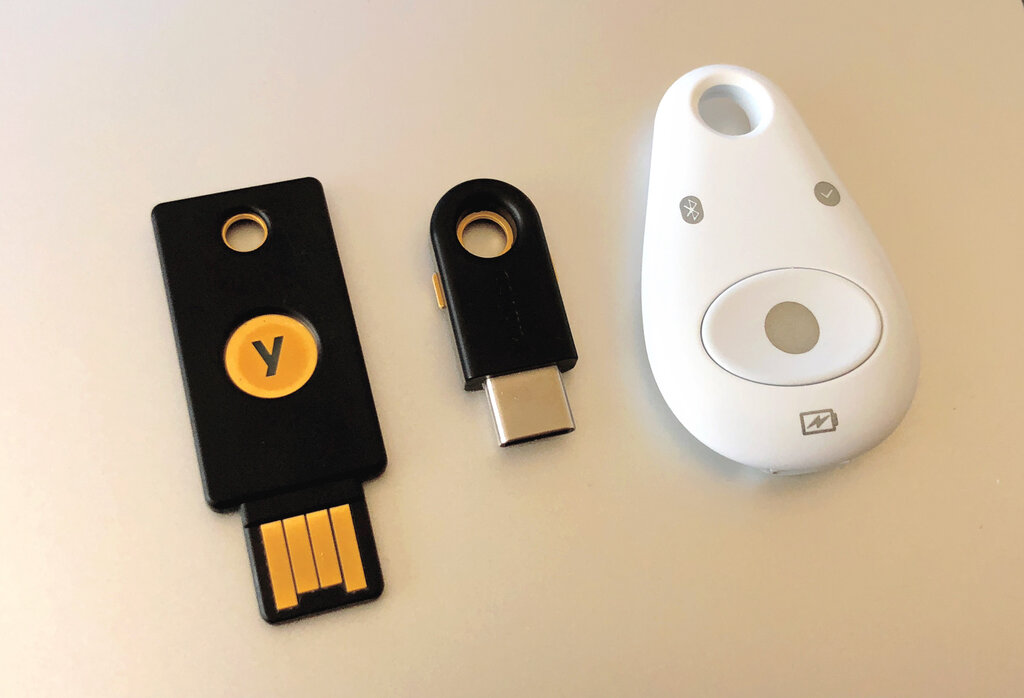
While any 2FA is a huge improvement over just a password, using an authenticator app or a hardware key provides the strongest protection. The key takeaway is that by adding a second layer of defense, you make it exponentially harder for anyone but you to access your information.