Two-Factor Authentication Explained
Understanding Two-Factor Authentication
More Than Just a Password
Think of your password as the first lock on your digital door. It’s a good start, but what if someone steals your key? That's where two-factor authentication, or 2FA, comes in. It’s like adding a second, different kind of lock that only you can open.
2FA adds an extra layer of security by requiring two separate pieces of evidence to prove your identity. The first is typically your password, and the second is a piece of information that only you should have.
This second piece of evidence usually falls into one of two categories: something you have (like your phone or a physical key) or something you are (like your fingerprint).
By combining your password (something you know) with one of these other factors, 2FA makes it much harder for someone to gain unauthorized access to your accounts. Even if they manage to steal your password, they'll still be stuck at that second lock without your phone or fingerprint.
Common 2FA Methods
Not all 2FA methods are created equal. They vary in convenience and security level. Let's look at the most common types.
SMS Codes The most familiar form of 2FA involves receiving a short code via text message. When you try to log in, the service sends a unique, temporary code to your phone. You then enter this code to complete the login.
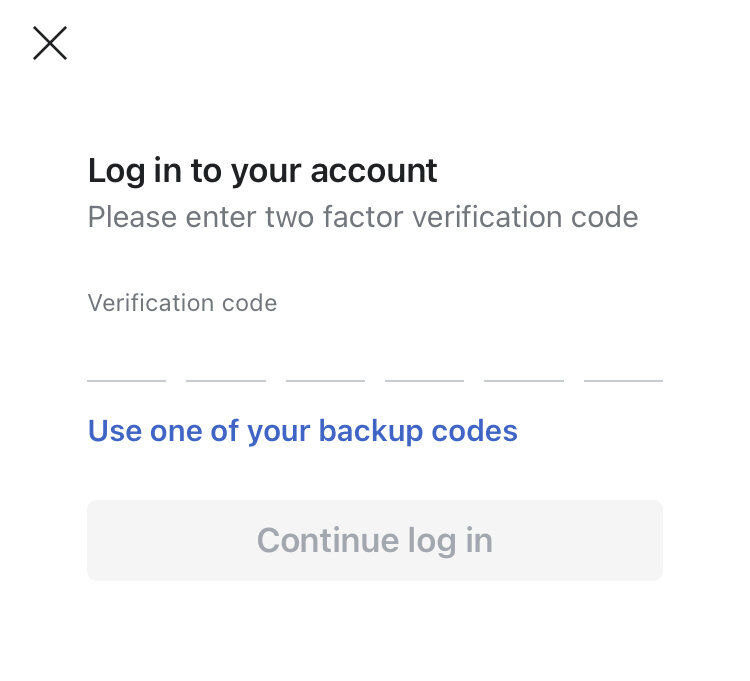
The biggest advantage of SMS-based 2FA is its simplicity. Nearly everyone has a phone that can receive texts, so there's no need for special apps or hardware. However, it's also the least secure method. Hackers can sometimes trick mobile carriers into transferring your phone number to a new SIM card they control, an attack known as "SIM swapping." If they do this, they'll receive your 2FA codes instead of you.
Authenticator Apps A more secure option is to use an authenticator app, like Google Authenticator, Microsoft Authenticator, or Authy. After linking an account to the app (usually by scanning a QR code), the app generates a new, time-sensitive code every 30-60 seconds.
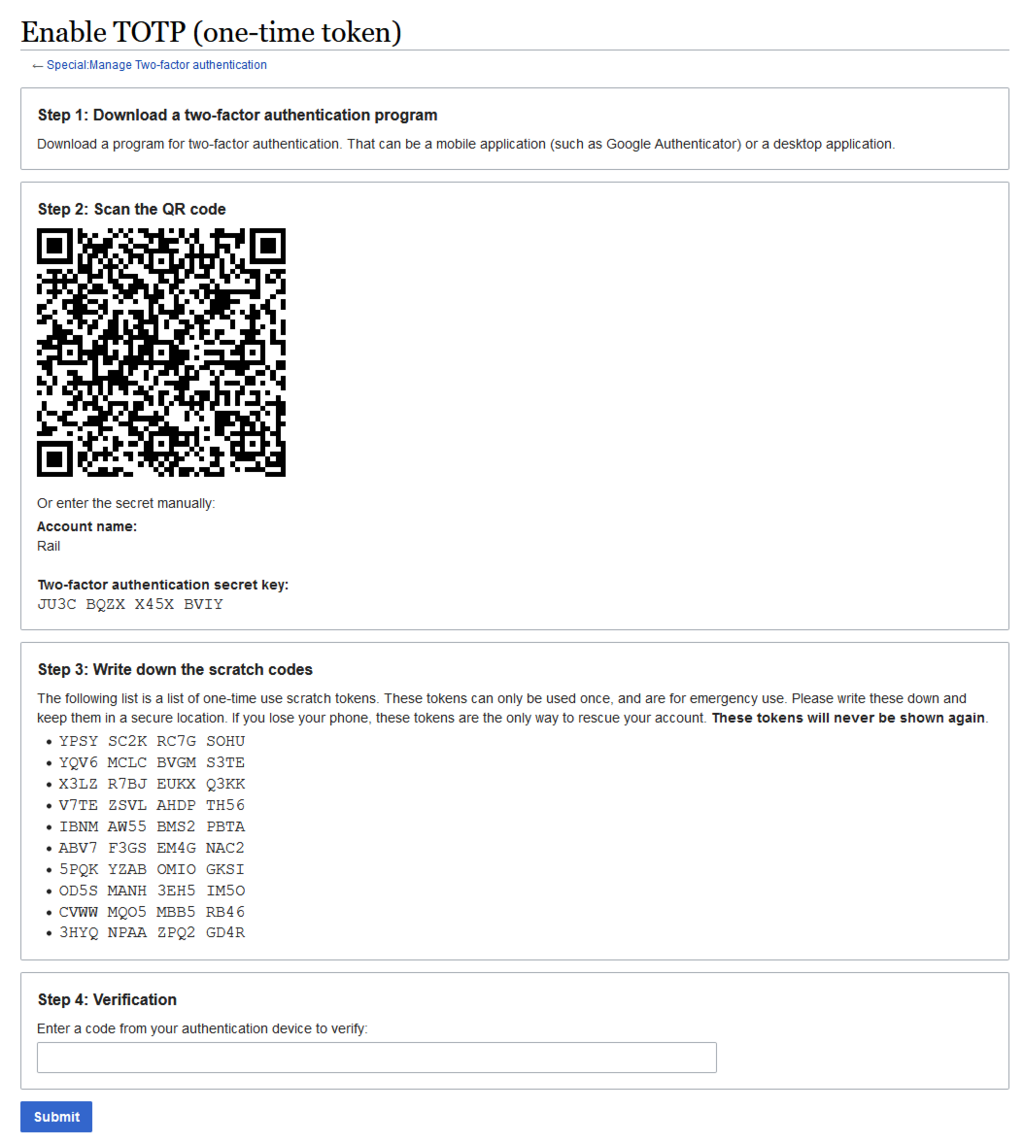
Because the codes are generated directly on your device and are not sent over the phone network, they aren't vulnerable to SIM swapping. The main drawback is that you need to install a separate app. If you lose your phone and haven't backed up your authenticator app's keys, you could be locked out of your accounts.
Hardware Tokens For the highest level of security, there are physical hardware tokens. These are small devices, often resembling a USB drive or a key fob, that you use to verify your identity. Some require you to plug them into your computer and press a button, while others display a code on a small screen.
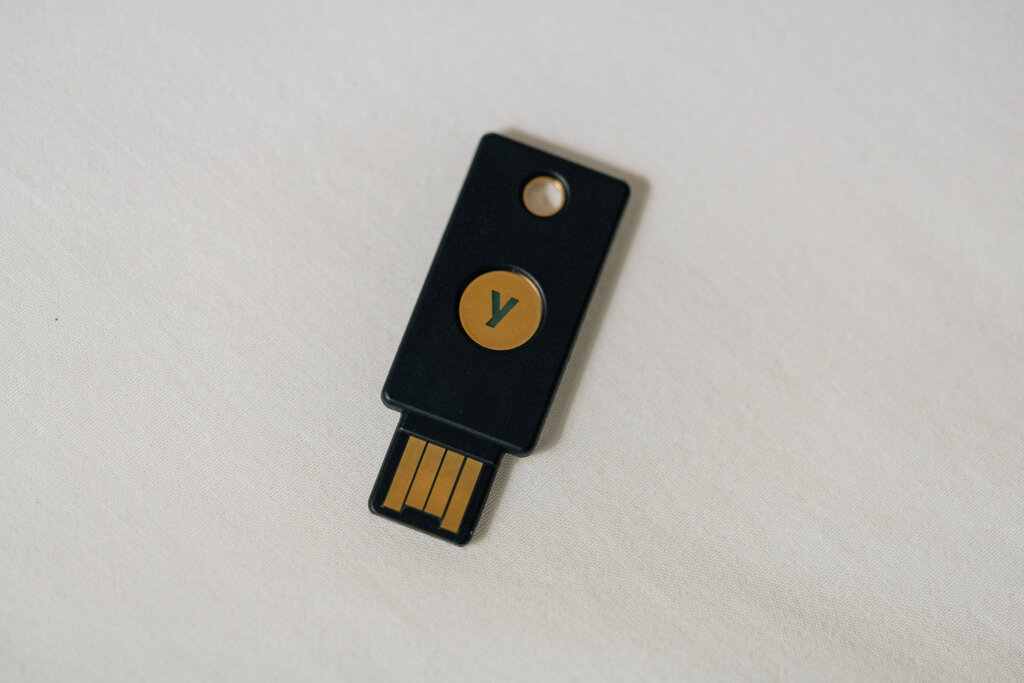
Hardware tokens are extremely secure because they are completely separate from your phone and computer, making them resistant to online attacks like phishing. The trade-offs are cost and convenience. You have to purchase the device, and you need to have it with you whenever you want to log in.
Choosing Your Method
Each method offers a different balance of security and convenience. Here’s a quick comparison:
| Method | Advantages | Disadvantages |
|---|---|---|
| SMS Codes | Very easy to use; no extra apps needed. | Vulnerable to SIM swapping. |
| Authenticator Apps | More secure than SMS; works offline. | Requires a separate app; recovery can be tricky. |
| Hardware Tokens | Highest level of security; phishing-resistant. | Costs money; must be carried with you. |
Any form of 2FA is better than none. While SMS is the weakest, it still provides a significant security boost over just a password. For your most important accounts, like your primary email or financial services, using an authenticator app or a hardware token is highly recommended.
What is the primary purpose of two-factor authentication (2FA)?
A password is 'something you know.' 2FA typically adds a factor from which other category?