TubeBuddy Optimization Refresher
Keyword Explorer Mastery
Finding Your Opening
Simply choosing popular keywords for your videos is like trying to open a store on the busiest street in the biggest city. The competition is fierce, and it's hard to get noticed. To grow a channel, you need to find keywords where you have a real chance of ranking on the first page of search results. This is where strategic tools like TubeBuddy's Keyword Explorer come in, helping you find the perfect opening for your content.
Weighted vs. Unweighted Scores
When you search for a keyword in TubeBuddy, you'll see two scores: Unweighted and Weighted. It's crucial to know the difference.
The Unweighted score tells you how good a keyword is in general, for any channel on YouTube. Think of it like a national weather forecast. It's useful, but it might not be accurate for your specific neighborhood.
The Weighted score is the one that matters most. This score is personalized for your channel. It analyzes your past videos, your audience, and your channel's authority to predict how well you would likely perform for that specific keyword. For a new or small channel, this is your secret weapon. A keyword might look terrible on the Unweighted score but be a golden opportunity on your Weighted score.
Always focus on the 'Weighted' score. It’s tailored to your channel and gives you a realistic picture of your chances to rank.
Why does this personalization matter? It's all about something called topical authority.
Topical Authority
noun
The level of expertise and trust your channel has built on a specific subject, as recognized by YouTube's algorithm.
When you create many videos about a single topic, like 'gardening,' YouTube starts to see you as an expert. This gives you an advantage. When you then target a related keyword like 'how to grow tomatoes,' your Weighted score will be higher because you have that established authority. A channel that normally makes videos about video games would have a very low Weighted score for the same term.
Analyzing the Search Results
TubeBuddy doesn't just work inside its own tool. When you search for something on YouTube, it adds a 'Search Explorer' sidebar directly next to the results. This is like getting an x-ray view of the competition.
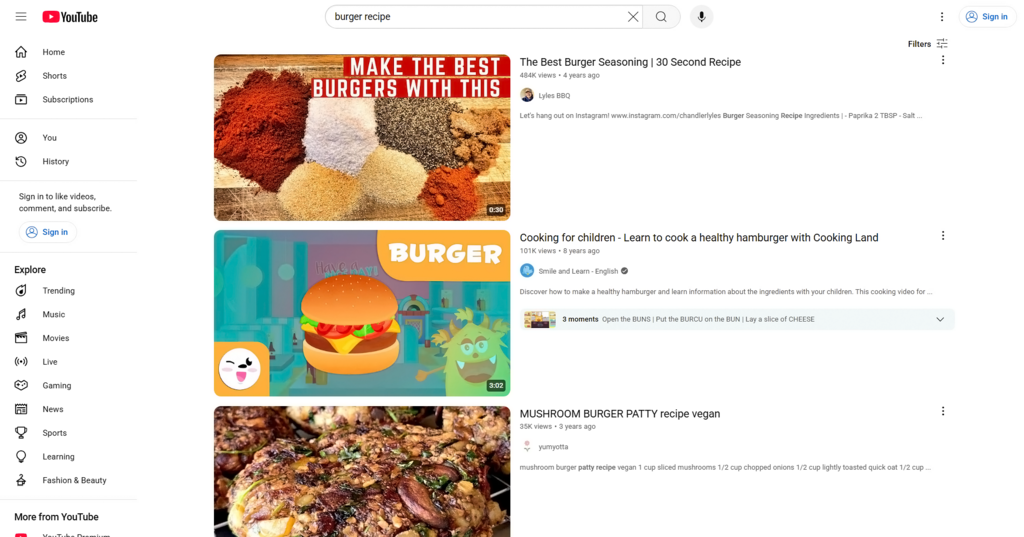
This sidebar gives you valuable data at a glance. You can see the most used tags from the top-ranking videos, which can give you ideas for your own. More importantly, it shows you the overall 'Optimization Strength' for that keyword. If you see a lot of top videos with poor optimization, that's a sign of an opportunity. It means the current top videos aren't perfectly targeting the keyword, creating an opening for a well-optimized video to sneak in.
By combining the Weighted score with an analysis of the search results, you can stop guessing. You're no longer just picking keywords that feel right. Instead, you're finding keywords where your channel has a high mathematical probability of ranking. You're looking for the sweet spot: a great Weighted score and visible optimization gaps in the current top videos.
When using TubeBuddy's Keyword Explorer, which score is personalized for your specific channel's authority and content history?
According to the text, a channel that consistently creates videos about a single topic, like 'classic car restoration,' builds what?
This targeted approach is how small channels can strategically find their audience and begin to grow, even in crowded topics.