Thick vs. Thin Provisioned Storage
Storage Provisioning Basics
What Is Storage Provisioning?
Think of storage provisioning like claiming a plot of land before you build a house. You decide how much space you need and formally reserve it. In the world of computing, storage provisioning is the process of assigning or allocating storage capacity to a server, application, or user.
It’s a fundamental task for anyone managing IT systems. Before a new virtual machine can be created, a database can expand, or a user can save their files, a system administrator has to provision the necessary storage space. This process ensures that data has a place to live and can be accessed when needed.
Essentially, provisioning is the bridge between the available storage resources in a data center and the applications that need to use them.
Physical vs. Virtual Storage
Storage starts with physical hardware. These are the tangible devices that hold data, such as traditional hard disk drives (HDDs) with spinning platters or faster solid-state drives (SSDs) that use flash memory. These drives are typically housed in servers or larger, dedicated units called storage arrays.
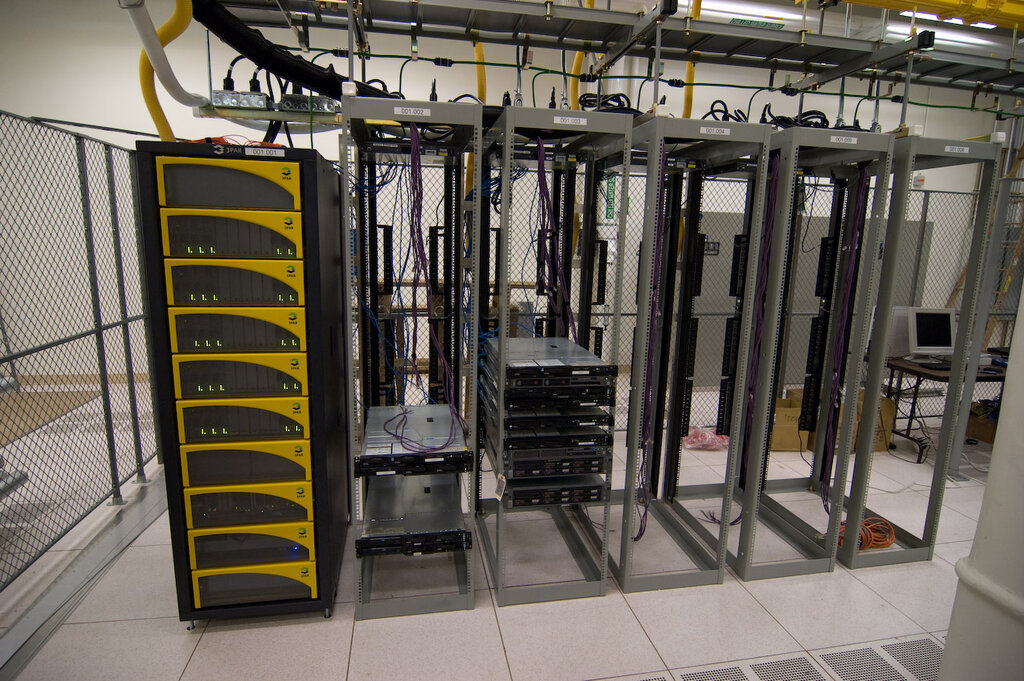
While physical storage is the foundation, most modern environments use virtual storage. Virtualization software pools the capacity from many physical drives into a single, large resource. From this pool, administrators can create virtual disks of any size and assign them to different systems.
This approach abstracts the underlying hardware. An application doesn't need to know which specific physical disk its data is on. It just sees the virtual disk it was assigned, making management much more flexible.
Why Efficient Management Matters
How storage is provisioned has a major impact on cost, performance, and reliability. Inefficient management leads to several problems.
One common issue is overprovisioning, where far more storage is allocated than is actually needed. This results in "stranded capacity"—expensive disk space that sits empty and unused. The opposite problem, underprovisioning, is just as bad. If an application runs out of space, it can crash, leading to downtime and data loss.
Poor management drives up costs. Wasted space means buying more hardware than necessary, which in turn consumes more power, requires more cooling, and takes up more physical space in the data center. Careful planning ensures resources are used wisely.
Efficiently allocating servers, storage, and network resources helps you meet workload demands without overcommitting infrastructure.
To address these challenges, administrators use different provisioning strategies. The two main methods, thick and thin provisioning, offer different trade-offs between guaranteeing capacity and maximizing efficiency.