The AI Native Full Stack Engineer 2026
AI Agent Orchestration
Beyond Chat: AI in Your Terminal
The way developers interact with AI is changing. We're moving beyond simple question-and-answer sessions in a web browser to a more integrated workflow. The new standard is treating AI as an agentic, autonomous teammate that lives and works where you do: in the command line.
This approach transforms the AI from a passive assistant into an active participant in your development process. It can read your repository, edit files, run tests, and execute complex, multi-step tasks based on your high-level direction. You become the architect, and the AI agent handles the implementation.
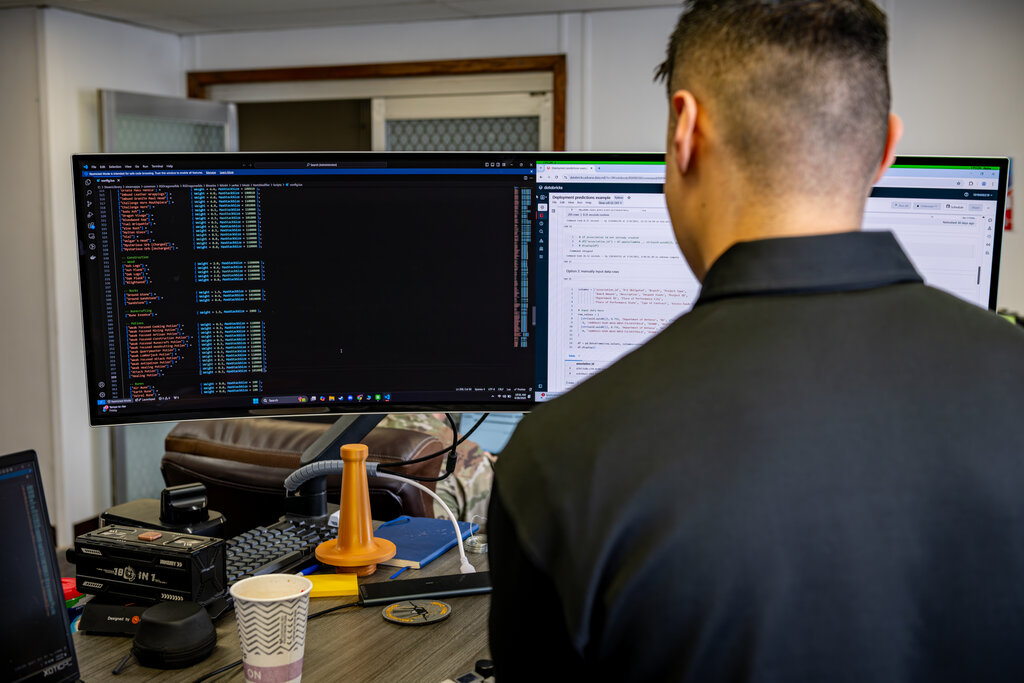
We'll be using Claude Code, a command-line interface (CLI) tool designed for this agent-first workflow. It allows you to direct Claude models to perform real engineering work safely on your local machine.
Installation and Setup
Getting started involves installing the Claude Code CLI through npm, the package manager for Node.js. Make sure you have a recent version of Node.js installed on your system.
# Install the CLI tool globally
npm install -g @anthropic/claude-code-cli
Once installed, you need to authenticate the CLI with your Anthropic account. This command will open a browser window for you to log in and grant the necessary permissions.
# Authenticate your installation
claude-code login
With the tool installed and authenticated, you're ready to connect it to your local environment. This is where the real power of agentic AI comes into play.
Connecting Your Agent to Your World
An AI agent is only as good as the context it has. For an agent to perform meaningful development tasks, it needs controlled access to your local filesystem and tools. This is managed through the Model Context Protocol (MCP).
MCP is a standardized framework that acts as a secure bridge between the AI model and your local machine. It allows the agent to see your project structure, read and write files, and execute commands, but only in the ways you permit. Think of it as the agent's five senses for interacting with your code.
MCP allows the agent to operate effectively without needing to send your entire codebase to a remote server. It intelligently provides only the necessary context for the task at hand.
Creating Project Memory
While MCP provides the connection, you still need to give the agent a map of the territory. You accomplish this by creating special markdown files in the root of your project repository. These files establish a persistent 'memory' for the agent, guiding its understanding and actions.
The primary file is CLAUDE.md.
CLAUDE.mdacts as a project README specifically for the AI agent. It defines the project's purpose, key technologies, coding style, and rules of engagement.
Think of it as onboarding a new team member. You wouldn't just give them access to the code; you'd explain the goals and conventions. A good CLAUDE.md file ensures the agent operates within the established architectural boundaries.
# CLAUDE.md

This is a Flask-based web service for managing user profiles.

## Key Technologies
- Python 3.11
- Flask
- SQLAlchemy with PostgreSQL
- Pytest for testing

## Coding Style
- Follow PEP 8 standards.
- Use type hints for all function signatures.
- Keep functions under 50 lines.

## Rules
- **DO NOT** commit directly to the `main` branch.
- All new features must have corresponding tests in the `/tests` directory.
- Database models are defined in `models.py` and should not be modified without adding a migration.
This file is automatically ingested by Claude Code at the start of a session, framing all subsequent interactions. It dramatically improves the quality and relevance of the agent's work.
Delegating Autonomous Tasks
With the environment set up and the context defined, you can start delegating. Instead of asking how to do something, you tell the agent what to do. The agent will formulate a plan, show it to you for approval, and then execute it.
The core loop is: you provide a high-level goal, the agent proposes a step-by-step plan, you approve or modify it, and the agent executes.
Let's say you want to add a new API endpoint. You can start a session with a simple prompt.
claude-code "Add a new GET endpoint at /api/users/{id}/profile that retrieves a user's profile information. Create the necessary function in routes.py and add a basic unit test for it."
The agent, using the context from CLAUDE.md, will first explore the codebase to understand the existing patterns for routes and tests. It will then present a plan, which might look like this:
- Read
routes.pyto understand current route definitions. - Modify
routes.pyto add the new/api/users/{id}/profileendpoint. - Read files in the
/testsdirectory to understand the testing structure. - Create a new test file
tests/test_profile_endpoint.pywith a test for the new endpoint. - Run pytest to ensure all tests pass.
You can then approve this plan, and the agent will perform each step, editing your local files directly. You are no longer the one typing the code; you are the one directing the work.
You’re orchestrating AI agents - coding assistants that can execute, test, and refine code - while you act as architect, reviewer, and decision-maker.
This workflow scales to much more complex tasks. A single prompt can lead to the agent exploring the repository, identifying multiple files for modification, writing code, creating tests, and even staging the changes in git for your review. This is the essence of an agent-first workflow: leveraging fleets of specialized sub-agents to handle implementation details, freeing you to focus on architecture and strategy.
Let's check your understanding of these new concepts.
What is the primary shift in the developer-AI interaction described in the text?
What is the main purpose of the CLAUDE.md file in a project repository when using Claude Code?
By adopting an agent-first workflow in your terminal, you fundamentally change your role from a hands-on coder to a system architect, multiplying your effectiveness.