System vs Application Software
Introduction to Software
What is Software?
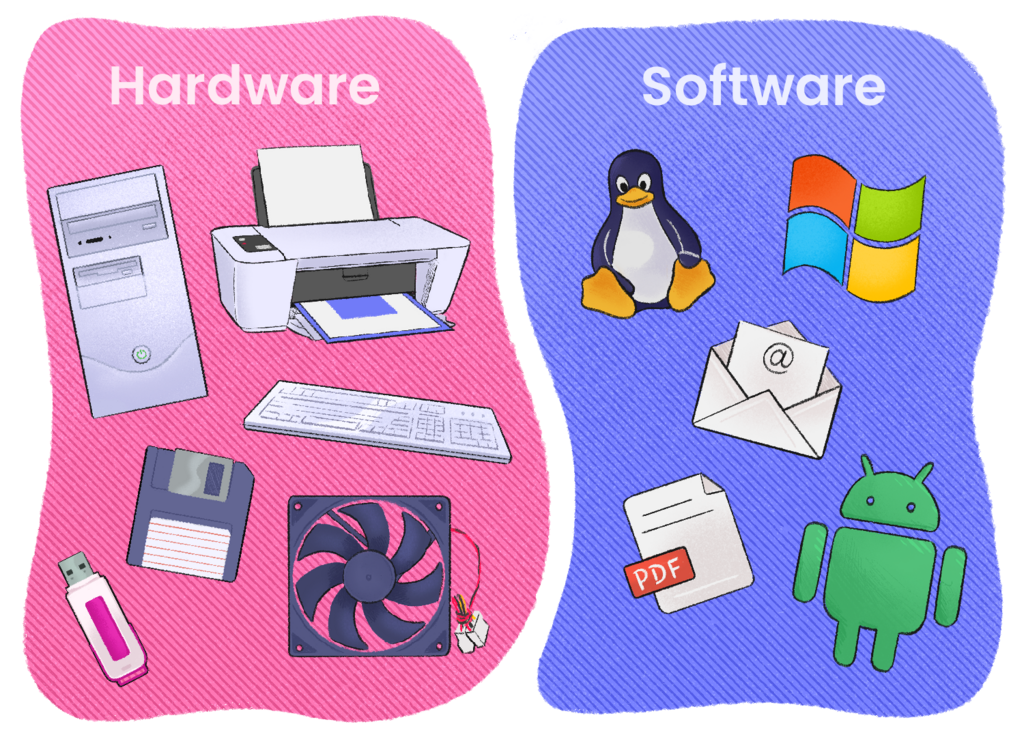
Think of a computer's physical parts—the screen, keyboard, and chips—as a powerful but empty stage. This is the hardware. By itself, it can't do anything. It needs a director and a script to tell the actors what to do. That's where software comes in.
Software is the set of instructions that tells the computer hardware how to perform tasks. It's the intangible part of your computer that brings the physical components to life, allowing you to write an email, play a game, or browse the internet.
Software is an ordered sequence of instructions that change the state of a computer’s hardware.
Every action you take on a digital device, from tapping an icon on your phone to clicking a button with your mouse, is powered by software working in the background.
Two Main Categories
While there are millions of different programs, they all fall into one of two main categories: system software and application software. Understanding the difference is like knowing the distinction between the crew that runs a theater and the actors who perform in a play.
-
System Software: This is the stage crew. System software works in the background, managing the computer's basic functions. The most important piece of system software is the operating system (OS), like Windows, macOS, or Android. It acts as the intermediary between the hardware and all other software, ensuring everything runs smoothly. You don't usually interact with it directly, but it's always there, managing memory, processing tasks, and controlling peripherals like printers.
-
Application Software: These are the actors on the stage, performing specific tasks for you, the audience. Application software, or "apps," are the programs you use to get things done. This includes everything from web browsers and word processors to video games and photo editors. Each application is designed for a particular purpose.
In short: system software runs the computer, while application software runs on the computer to perform user-focused tasks.
Let's check your understanding of these core concepts.
In the analogy of a computer as a theater, what does the application software, like a word processor or a game, represent?
Which category of software is responsible for managing a computer's basic functions and acts as an intermediary between the hardware and other programs?
With this foundation, you can better understand how different programs and devices work together.