SwiftUI Essentials
Introduction to SwiftUI
Meet SwiftUI
SwiftUI is Apple’s modern framework for building user interfaces. It lets you design apps for all Apple platforms—iOS, iPadOS, macOS, watchOS, and tvOS—using a single, unified approach.
The big idea behind SwiftUI is that it’s declarative. Instead of writing step-by-step instructions to create an interface, you simply describe what you want the UI to look like for any given state. When the state of your app changes (like a user tapping a button or receiving a notification), SwiftUI automatically updates the UI to match. This approach simplifies your code and makes it easier to manage.
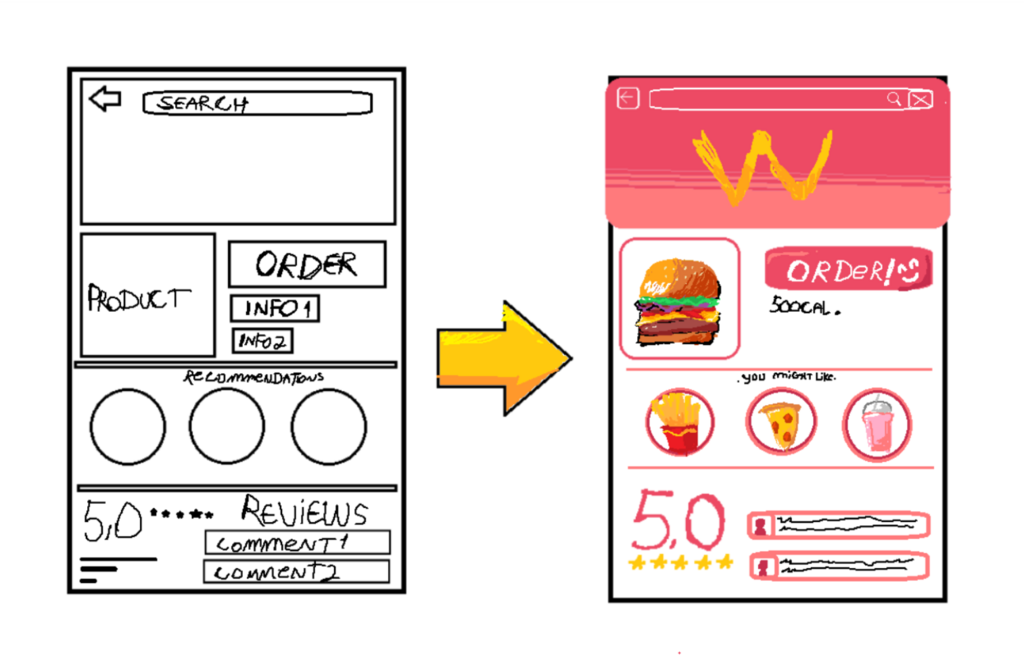
Declarative vs. Imperative
To understand SwiftUI, it helps to compare the declarative approach with the older, imperative style used by frameworks like UIKit and AppKit. Think of it like ordering a pizza.
An imperative approach is like giving the chef a detailed recipe: "Preheat the oven to 425°F. Roll out the dough. Spread one cup of sauce. Add 8 ounces of cheese..." You manage every single step.
A declarative approach is much simpler: "I'd like a large pepperoni pizza." You describe the final result you want, and the chef handles the details.
Traditional UI frameworks are imperative. You write code to create a button, set its color, position it on the screen, and then write more code to change its appearance later. You're responsible for managing the UI's state and manually updating it piece by piece.
SwiftUI is declarative. You describe your UI in terms of its state. For example, you might say, "Show a loading spinner if data is fetching, otherwise show a list of items." You don't write the code to add or remove the spinner. You just describe the different possible looks, and SwiftUI takes care of switching between them.
Built for Swift
SwiftUI isn't just a new framework; it's deeply integrated with the Swift programming language. It takes advantage of modern Swift features to provide a syntax that is clean, readable, and concise.
You'll find that writing SwiftUI code feels natural if you're familiar with Swift. There's no need for interface builder files or managing complex connections between code and visual design. Your code is your design. This makes development faster and less error-prone.
// A simple view in SwiftUI
import SwiftUI

struct GreetingView: View {
    var body: some View {
        Text("Hello, SwiftUI!")
            .font(.largeTitle)
            .foregroundColor(.blue)
    }
}
Look at how the code above clearly describes the UI. It’s a piece of text that says "Hello, SwiftUI!" with a large title font and a blue color. It's easy to read and understand what's happening at a glance.
This simplicity is a major advantage. It allows for live previews in Xcode, where you can see your UI change in real-time as you type. This tight feedback loop between your code and the visual output makes building interfaces more intuitive and enjoyable.
What is the fundamental programming paradigm that SwiftUI is built on?
Which of the following best describes the relationship between your code and your design in SwiftUI?