Swift Programming Fundamentals
Introduction to Swift
Meet Swift
If you've ever used an app on an iPhone, iPad, or Mac, you've likely interacted with something built using Swift. It's the modern programming language created by Apple for building applications across all of its platforms, from your watch to your TV.
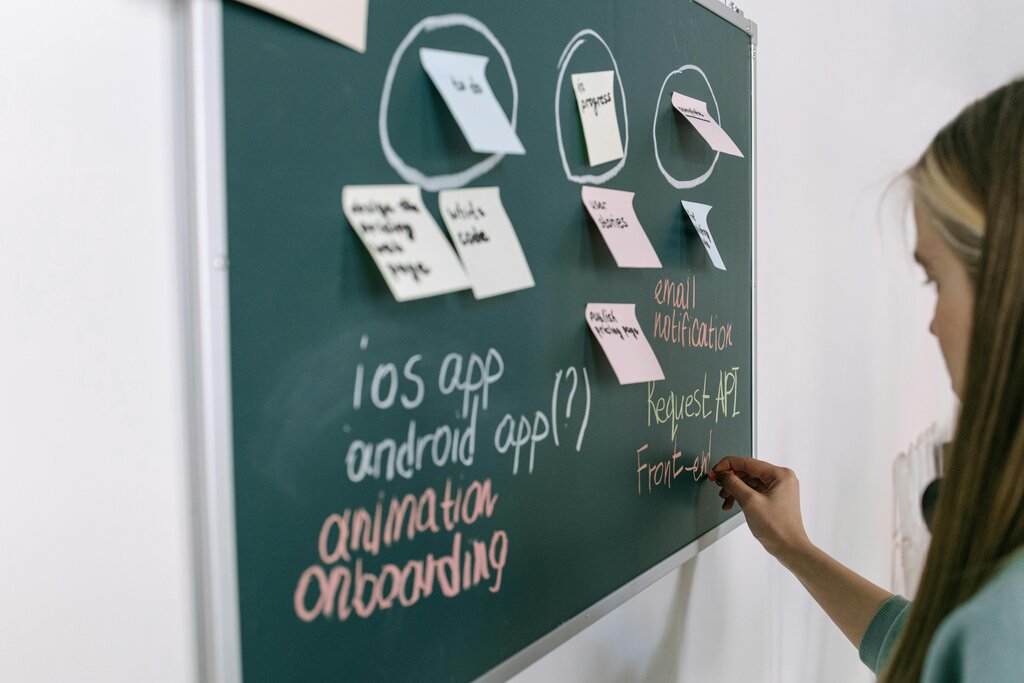
Introduced in 2014, Swift is relatively young in the world of programming. Before Swift, Apple's main language was Objective-C, which had been around since the 1980s. While powerful, Objective-C could be complex and prone to certain types of errors. Apple wanted a language that was easier to learn, safer to use, and faster in performance. The result was Swift.
If you want to launch an Apple app or tap into the iOS app development industry, Swift is the first and foremost component to get familiar with.
Why Swift?
Every programming language has a philosophy, and Swift was built around three core principles: safety, performance, and expressiveness.
Safe: Swift is designed to prevent entire categories of common programming mistakes. It has strict rules that catch errors early, before an app ever reaches users. This focus on safety helps developers write more stable and reliable code.
Fast: Performance is critical, especially on mobile devices. Swift was engineered to be speedy, with performance comparable to low-level languages like C++. It optimizes code to get the most out of modern hardware.
Expressive: Swift's syntax is clean, concise, and easy to read. It lets developers write code that clearly expresses their intent, making it simpler to write and easier to maintain over time. The goal is a language that is as fun to write as it is powerful.
A Few Key Features
Let's look at a few features that make Swift special. One of the biggest is type safety. This means every variable must have a specific data type, like a string of text or a number. You can't accidentally put text where a number should be. This prevents a lot of unexpected crashes.
// This variable must always hold a whole number (an Int).
var userAge: Int = 25

// If you try to assign text to it, Xcode will show an error.
// userAge = "twenty-five"  // <-- This causes an error!
Another powerful feature is optionals. In programming, you often deal with values that might be missing. For example, a user might not have a middle name. Swift handles this with optionals, a feature that makes it explicit when a value might be absent (nil). This forces the developer to safely handle the "no value" case, which prevents a common source of bugs.
// This variable might have a middle name, or it might be nil.
var middleName: String? = nil

// We can safely check if it exists before using it.
if middleName != nil {
    print("User has a middle name.")
} else {
    print("No middle name provided.")
}
Finally, Swift simplifies memory management. In older languages, developers had to manually keep track of how their app was using memory. Forgetting to release memory could lead to a 'memory leak,' where the app uses more and more memory until it crashes. Swift automates this process using a system called Automatic Reference Counting (ARC), letting developers focus on building features instead of managing memory.
Your Development Environment
To start writing Swift, you'll need Xcode, which is Apple's official Integrated Development Environment (IDE). An IDE is an all-in-one application that includes a code editor, a debugger for finding and fixing errors, and tools for designing an app's user interface. You can download Xcode for free from the Mac App Store.

Xcode also includes a fantastic tool for learning called Swift Playgrounds. A playground is an interactive coding environment where you can write Swift code and see the results instantly, without needing to build a full application. It's a great way to experiment with the language, test out ideas, and learn the fundamentals in a hands-on way.
Using a playground feels less like compiling code and more like having a conversation with your computer, making it perfect for beginners.
Now, let's test your understanding of these introductory concepts.
What are the three core principles that Swift was built around?
Before Swift, Apple's main language for development was Objective-C.
With a grasp of what Swift is and the tools you'll use, you're ready to start exploring the language itself.