Swift Programming Fundamentals
Introduction to Swift
Meet Swift
Swift is a modern programming language created by Apple. It's the primary language for building apps across all Apple platforms, including iOS for iPhones, macOS for computers, watchOS for the Apple Watch, and tvOS for Apple TV. Swift was designed to be powerful, yet easy for beginners to read and write.
Think of it as a friendly and efficient tool. It's built with safety in mind, which helps prevent common programming errors, and it's optimized for performance, making your apps run fast.
Your Development Toolkit
To start writing Swift code, you need a place to do it. Apple provides two main tools for this: Xcode and Swift Playgrounds.
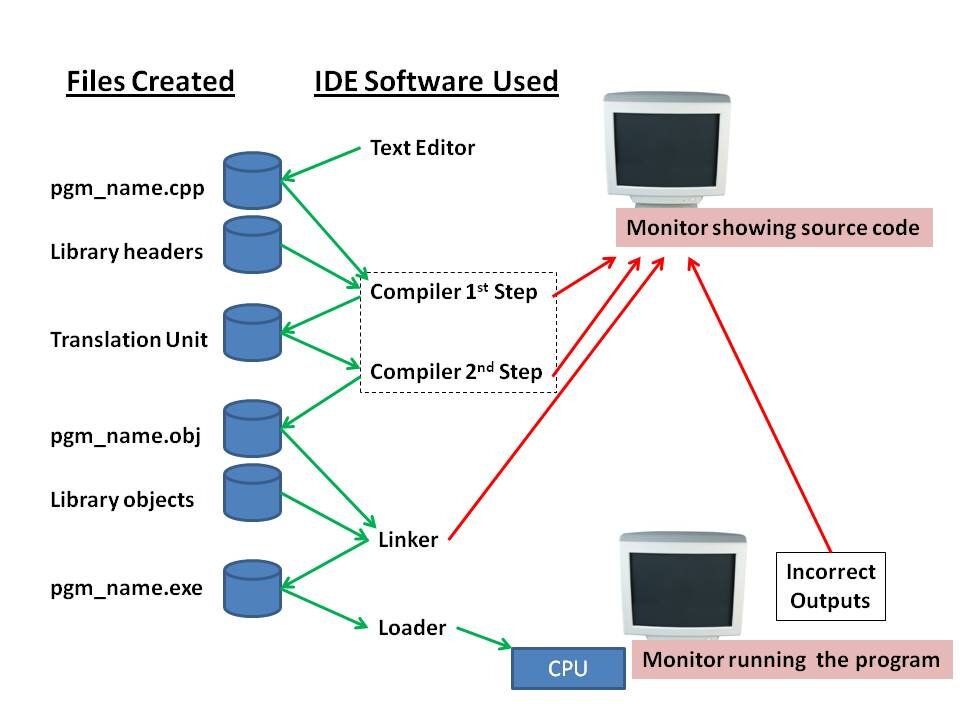
Xcode is the complete workshop. It's a professional-grade Integrated Development Environment (IDE) that contains everything you need to build, test, and submit a full application to the App Store. It includes a code editor, a visual interface builder, debugging tools, and much more.
Swift Playgrounds is a lighter, more approachable app for Mac and iPad. It's designed specifically for learning and experimenting with Swift. You can write code and see the results instantly, making it a perfect starting point. You don't have to worry about complex project setups; you can just start coding.
First Steps with Swift Syntax
Swift's syntax is designed to be clean and readable. Let's look at a few core concepts you'll use all the time: constants and variables.
Use a constant for a value that won't change, and a variable for a value that might. It’s like writing a name in pen versus pencil.
// Use 'let' to make a constant
let pi = 3.14159

// Use 'var' to make a variable
var currentScore = 0
currentScore = 10 // This is okay, because it's a variable

// pi = 3 // This would cause an error, because pi is a constant
Swift can usually figure out what kind of data you're using. This is called type inference. When you write let name = "Alice", Swift knows name is text, or a String. If you write var age = 25, Swift knows age is a whole number, or an Int.
Here are some of the most common data types:
| Type | Description | Example |
|---|---|---|
String | A piece of text | "Hello, Swift!" |
Int | A whole number (no decimals) | 42 |
Double | A number with a decimal point | 3.14 |
Bool | A true or false value | true |
The classic first program for any language is to print "Hello, World!". In Swift, it's just one simple line using the print() function.
print("Hello, World!")
You can also leave notes in your code called comments. The computer ignores them, but they're helpful for humans reading the code.
// This is a single-line comment.

/*
 This is a comment
 that spans multiple lines.
*/
Now that you've seen the basics, let's test your understanding.
What is the primary purpose of the Swift programming language?
A beginner wants to start learning Swift on their iPad and see the results of their code instantly without a complex setup. Which Apple tool should they use?
These building blocks are the foundation for everything you'll do in Swift. Getting comfortable with them is the first step toward building amazing apps.